 Firefox

 1 / 3
Loading font…
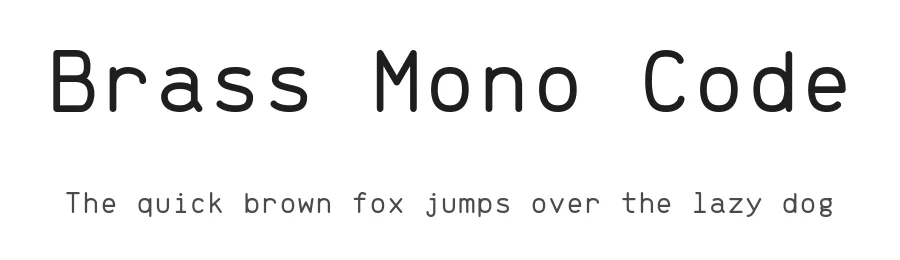
About Brass Mono Code Font
Three hours into a refactor, with the terminal split four ways and a diff open in the next pane, the typeface you are staring at matters more than it did at the start of the day. Brass Mono Code is fonsecapeter's answer to that, a monospace family posted on GitHub for people who spend more time reading code than writing it. The download here includes 4 family files, so the Regular you reach for by default has siblings waiting when a comment or a header needs a different weight.
Fixed-width type does its best work where alignment carries meaning. Good fits include code blocks in developer documentation, API reference tables where the column edges have to line up, terminal and editor color schemes, and README screenshots for an open source project. Language coverage runs to 104+ Latin-based languages, which starts to matter once contributors commit comments in Polish or Turkish and you would rather not stare at fallback boxes in the middle of a line.
Sizing is where fixed-width faces need a little attention. Monospaced letterforms look loose when they get big, so if you set a section header or a talk title at 48px and up, tighten the tracking a little and check it against whatever body face sits underneath. At editor sizes, roughly 13 to 15px, leave the spacing where the designer set it and adjust line height instead. Open Font License, commercial use allowed, download below.
Brass Mono Code Specifications
| Font Family | Brass Mono Code |
| Style | Regular |
| Full Name | Brass Mono Code Regular |
| Version | 1.101 |
| Weight | 400 (Regular) |
| Glyph Count | 182 glyphs |
| PostScript Name | BrassMonoCode-Regular |
| Format | TTF (TrueType) |
| File Size | 43.8 KB |
OpenType Features
Brass Mono Code ships with 1 OpenType feature you can switch on in apps that support them (Illustrator, InDesign, Affinity, Figma, CSS font-feature-settings).
- Standard ligatures
Languages Supported
Brass Mono Code supports 104 languages.
How to Install Brass Mono Code Font
Step-by-step instructions for every platform
- 1Download the Brass Mono Code font file (.ttf or .otf).
- 2Locate the downloaded file in your Downloads folder.
- 3Right-click the font file.
- 4Select "Install" to install for the current user, or "Install for all users" to make it available system-wide.
- 5Brass Mono Code is now available in Word, Photoshop, Illustrator, and all other apps.
Browse fonts by theme
Curated collections →Saw a font in a picture? Identify any font from an image with our free Font Finder.
More Monospace Fonts
Browse all →
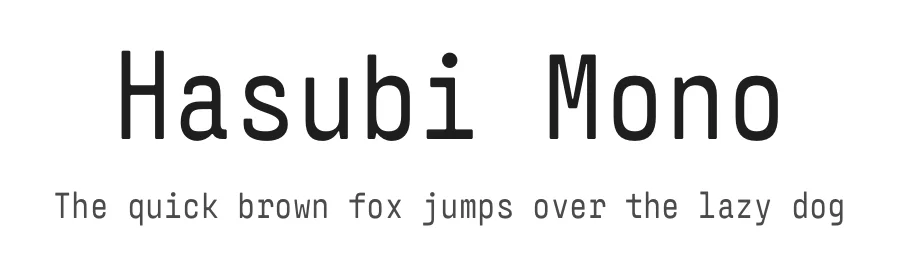
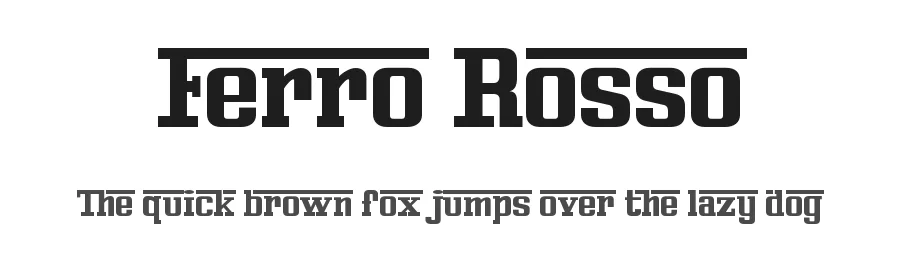
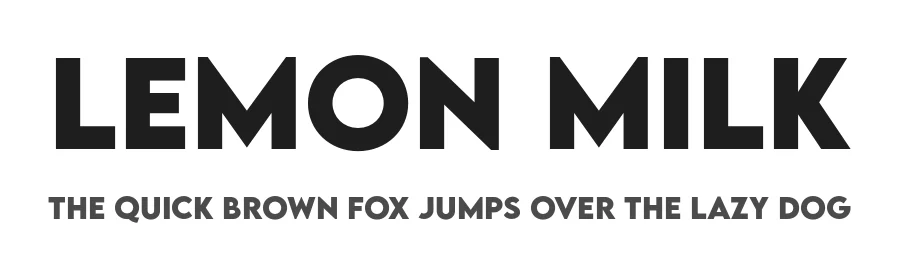
What pairs well with Brass Mono Code Font?
Brass Mono Code Font is a versatile monospace font that works for both headings and body text. Pair it with a contrasting sans-serif or serif font to add visual interest and a clear distinction between titles and body copy.


Brass Mono Code Font
by fonsecapeter
Reviewed by the FontBoxDL team · Updated November 2026