 Firefox
 1 / 8
1 / 8About Blank Face Font
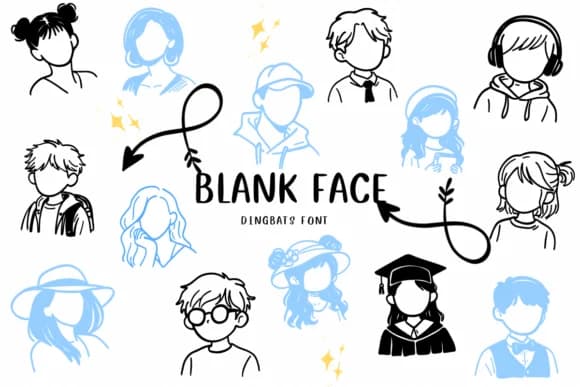
This typeface channels a quirky, expressive energy that brings personality to playful design work. Blank Face, designed by CHANOK, swaps out conventional characters for minimalist avatar illustrations, each with distinctive silhouettes but intentionally blank facial expressions. The cast ranges from casual figures with headphones to academics in graduation caps, giving you an entire cast of simplified human characters ready to use out of the box.
The real draw here is how these glyphs serve specific creative needs across different projects. Design profile avatar libraries for social media platforms where anonymity or simplicity matters, build character-driven educational materials like emotion identification charts and personality development worksheets, or assemble custom sticker sets with a cohesive cast. The clean vector construction holds up at any scale, from large printed materials down to tiny web graphics. Community mapping projects, interactive activity books designed for children, minimalist website headers, and DIY craft label projects all benefit from this spare, geometric approach to representing people without facial detail.
Pair Blank Face with a clean geometric sans-serif to let both designs breathe and complement each other's visual rhythm and balance. Get it on Creative Fabrica and start working these expressive, faceless characters into your next design project.
Style & Use Cases
- Overall Style
- Iconographic, Texture
- Use Case
- Icons, Accents
- Ideal For
- ornaments, bullets, and decorative flourishes
- Pairs With
- any text font
How to Install Blank Face Font
Step-by-step instructions for every platform
- 1Download the Blank Face font file (.ttf or .otf).
- 2Locate the downloaded file in your Downloads folder.
- 3Right-click the font file.
- 4Select "Install" to install for the current user, or "Install for all users" to make it available system-wide.
- 5Blank Face is now available in Word, Photoshop, Illustrator, and all other apps.
More by CHANOK
View all →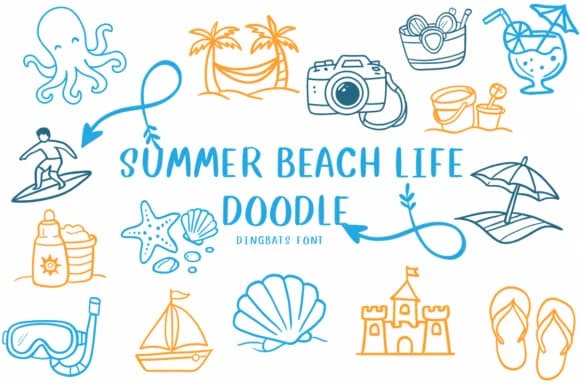
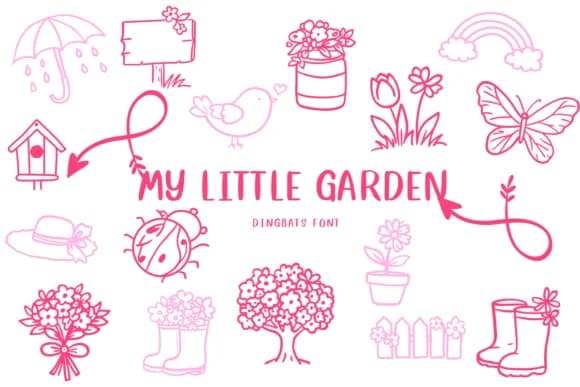
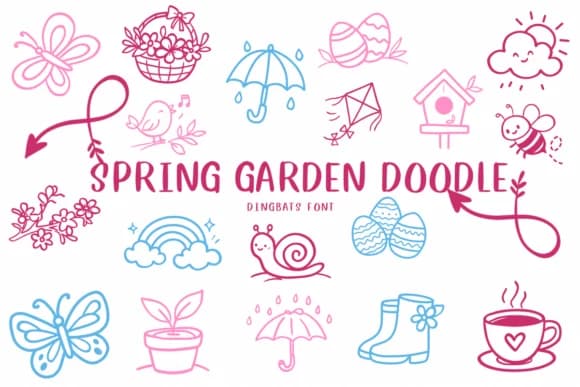

Browse fonts by theme
Curated collections →Saw a font in a picture? Identify any font from an image with our free Font Finder.
More Dingbats Fonts
Browse all →







What pairs well with Blank Face Font?
Blank Face Font is a versatile dingbats font that works for both headings and body text. Pair it with a contrasting sans-serif or serif font to add visual interest and a clear distinction between titles and body copy.



Blank Face Font
by CHANOK
Reviewed by the FontBoxDL team · Updated July 2026