
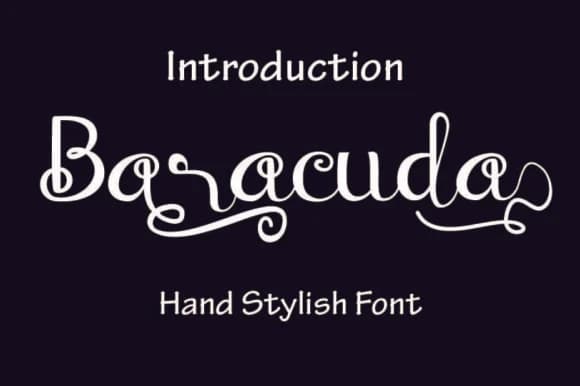
 1 / 5
1 / 5About Baraccuda Font
Baraccuda by Amanda_Design is a flowing script typeface that brings contemporary elegance to handwritten lettering projects. The font features rhythmic, connected strokes that create natural movement across letterforms, making it ideal for designs that need personality and character without sacrificing readability or professional polish.
This script works exceptionally well for wedding invitation suites, where its fluid letterforms lend formal sophistication to save-the-dates, thank-you cards, and ceremony programs. Beyond celebrations, Baraccuda excels in creating boutique skincare and cosmetics packaging labels, where handwritten aesthetics convey artisanal quality and craftsmanship. It's equally effective for Etsy shop branding and product tags, helping small creative businesses establish a distinctive, handcrafted voice in competitive online marketplaces. Whether you're designing DIY craft signs for home décor, creating monogrammed stationery sets, or developing brand identities for independent businesses, the font maintains clarity while delivering that sought-after personal, human touch.
The typeface transitions seamlessly between digital and print applications, making it versatile for social media graphics, website headers, invitation designs, and professionally printed collateral. Its balanced swirl elements add visual interest without overwhelming page layouts, allowing it to serve as a strong focal point or complementary accent text depending on your creative direction.
Bring Baraccuda's distinctive character to your next project by downloading it on Creative Fabrica.
Style & Use Cases
- Overall Style
- Elegant, Flowing, Baraccuda
- Use Case
- Invitations, Branding
- Ideal For
- wedding stationery, greeting cards, and signatures
- Pairs With
- a simple uppercase sans
How to Install Baraccuda Font Font
Step-by-step instructions for every platform
- 1Download the Baraccuda Font font file (.ttf or .otf).
- 2Locate the downloaded file in your Downloads folder.
- 3Right-click the font file.
- 4Select "Install" to install for the current user, or "Install for all users" to make it available system-wide.
- 5Baraccuda Font is now available in Word, Photoshop, Illustrator, and all other apps.
More by Amanda_Design
View all →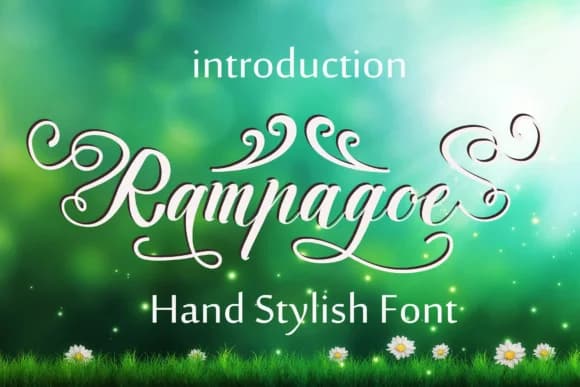
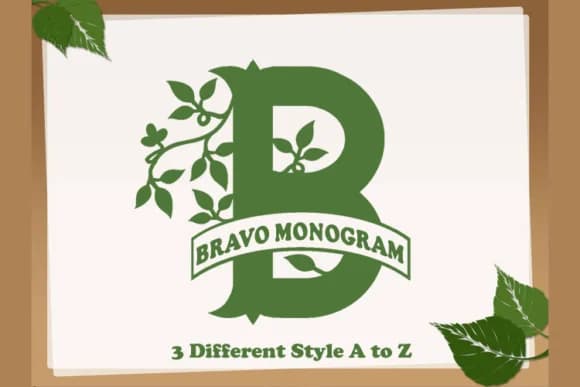
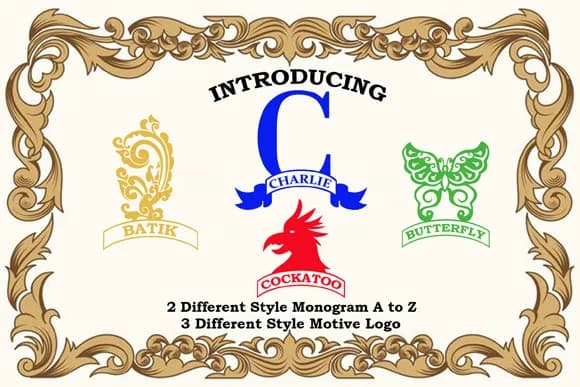

More Script Handwritten Fonts
Browse all →







What pairs well with Baraccuda Font?
Baraccuda Font is a script font that shines as a display or heading face. Pair it with a clean sans-serif or serif font for body text — the contrast creates a clear hierarchy while the two styles stay balanced and easy to read.



Baraccuda Font
Reviewed by the FontBoxDL team · Updated May 2026