 Firefox
 1 / 8
1 / 8About Arrow Elements Font
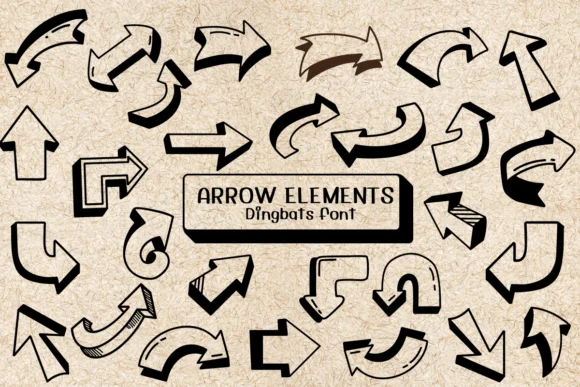
Playful and hand-drawn, these arrows feel more like art than symbols. Arrow Elements from Ketsarin brings a doodle-style collection of directional icons and decorative marks that work across any number of creative contexts. The set includes curved pointers, outlined varieties, and isolated elements you can layer, arrange, or colorize freely depending on your design app.
Where does this font shine? Think custom wedding invitation suites with whimsical directional cues, DIY greeting card designs where arrows guide the eye between type and imagery, or boutique product labels that need visual personality without looking generic. Sticker designs for digital products work well here, and craft signage benefits from the loose, sketchy character too. The font ships in both OTF and TTF formats, so you can use it across different design software. The outlined stroke variants give you real flexibility for layering effects and custom coloring in Procreate, Affinity Designer, and other vector tools.
Pair Arrow Elements with a clean, neutral serif or sans-serif to handle body text and captions, letting the dingbats take the visual lead. Grab it from Creative Fabrica and start adding movement and character to your next project.
Style & Use Cases
- Overall Style
- Iconographic, Fonts
- Use Case
- Icons, Accents
- Ideal For
- ornaments, bullets, and decorative flourishes
- Pairs With
- any text font
How to Install Arrow Elements Font
Step-by-step instructions for every platform
- 1Download the Arrow Elements font file (.ttf or .otf).
- 2Locate the downloaded file in your Downloads folder.
- 3Right-click the font file.
- 4Select "Install" to install for the current user, or "Install for all users" to make it available system-wide.
- 5Arrow Elements is now available in Word, Photoshop, Illustrator, and all other apps.
More by Ketsarin
View all →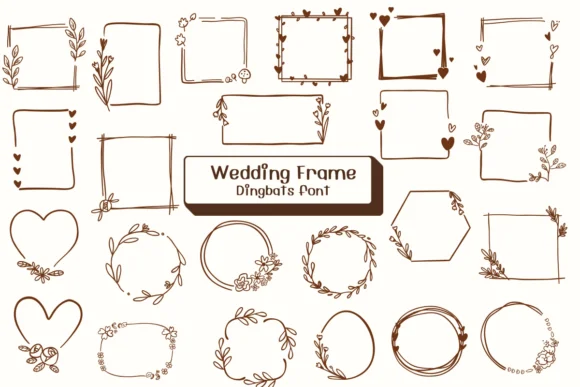
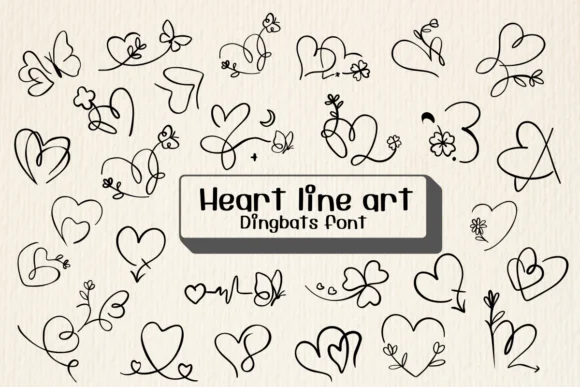
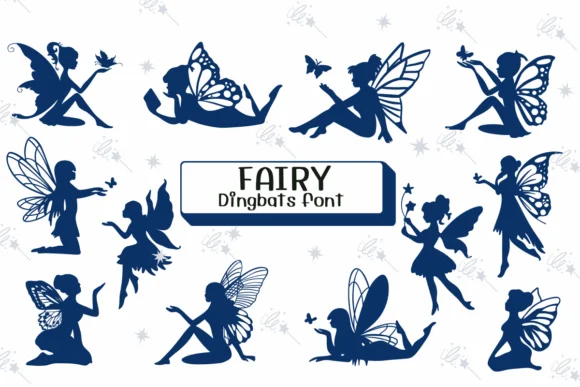
Browse fonts by theme
Curated collections →Saw a font in a picture? Identify any font from an image with our free Font Finder.
More Dingbats Fonts
Browse all →







What pairs well with Arrow Elements Font?
Arrow Elements Font is a versatile dingbats font that works for both headings and body text. Pair it with a contrasting sans-serif or serif font to add visual interest and a clear distinction between titles and body copy.




Arrow Elements Font
by Ketsarin
Reviewed by the FontBoxDL team · Updated July 2026