 Firefox

 1 / 3
Loading font…
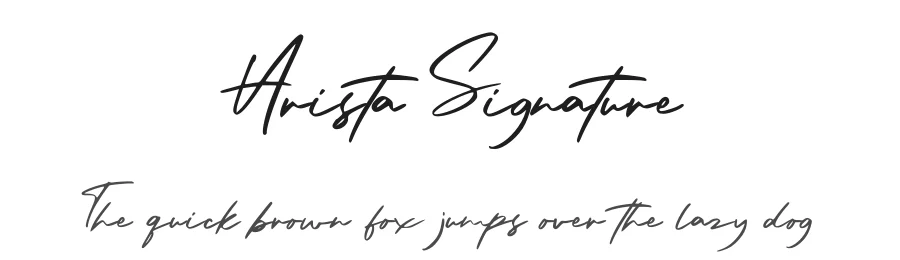
About Arista Signature Font
NOTE: This demo font is for PERSONAL USE ONLY! But any donation are very appreciated.
Donate Paypal :
https://paypal.me/letterenastudios
Commercial license font is available there :
[email protected]
My Contact :
Gmail :
[email protected]
Whatsapp : 082217984536
Facebook :
https://www.facebook.com/letterenastudios
Facebook :
https://www.facebook.com/letterena.marliana
Portofolio :
https://www.behance.net/letterenastudios
https://dribbble.com/letterenastudios
Instagram :
https://www.instagram.com/letterenastudios
More...
My Store
etsy :
https://www.etsy.com/shop/letterenastudios
deeezy :
https://deeezy.com/user/106283/letterena-studios
fontbundles :
https://fontbundles.net/letterenastudios
creativefabrica :
creativemarket :
graphicriver :
https://graphicriver.net/user/letterenastudios
gumroad :
https://gumroad.com/letterenastudios
DOWNLOAD FULL VERSION:
https://fontbundles.net/letterenastudios
INDONESIA MOHON DIBACA:
Halo, buat agency, designer, youtuber, atau siapa saja yang akan menggunakan font ini untuk kebutuhan KOMERSIL, seperti poster film, pamphlet, promo, logo perusahaan, kaos, dan sejenisnya bisa langsung membeli licensinya disaya. Silahkan menghubungi Instagram saya/ email
Tenang, harga bersahabat kok.
terimakasih
Menggunakan Font ini dengan lisensi "Personal Use" untuk kepentingan komersial apapun bentuknya TANPA IZIN dari kami, akan dikenakan biaya COROPORATE LICENSE.
Are You still confuse?
Any question please contact me at :
[email protected]
Thank You in advance and nice to keep Collaborate with us.
Highly Appreciate,
Letterena Studios
Style & Use Cases
- Overall Style
- Elegant, Flowing, Script
- Use Case
- Invitations, Branding
- Ideal For
- wedding stationery, greeting cards, and signatures
- Pairs With
- a simple uppercase sans
OpenType Features
Arista Signature ships with 1 OpenType feature you can switch on in apps that support them (Illustrator, InDesign, Affinity, Figma, CSS font-feature-settings).
- Stylistic alternates
How to Install Arista Signature Font
Step-by-step instructions for every platform
- 1Download the Arista Signature font file (.ttf or .otf).
- 2Locate the downloaded file in your Downloads folder.
- 3Right-click the font file.
- 4Select "Install" to install for the current user, or "Install for all users" to make it available system-wide.
- 5Arista Signature is now available in Word, Photoshop, Illustrator, and all other apps.
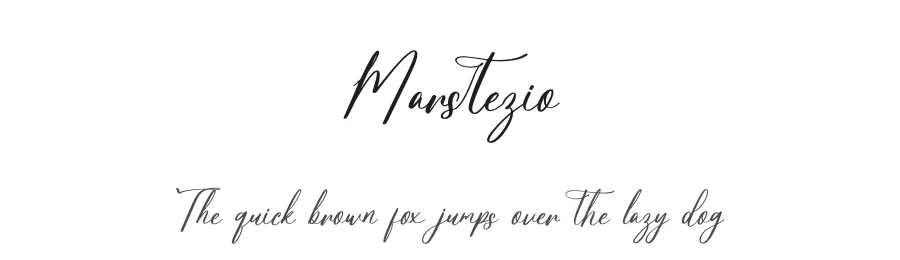
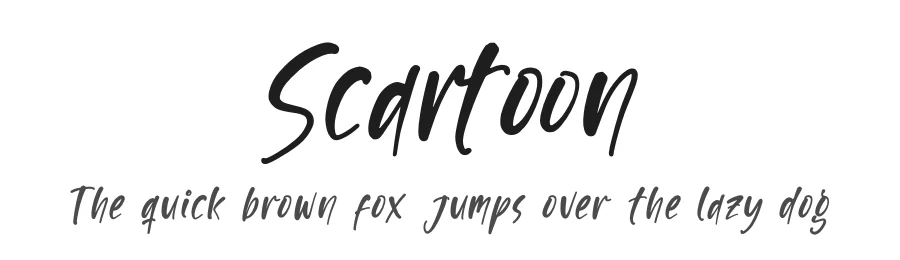
More by Letterena Studios
View all →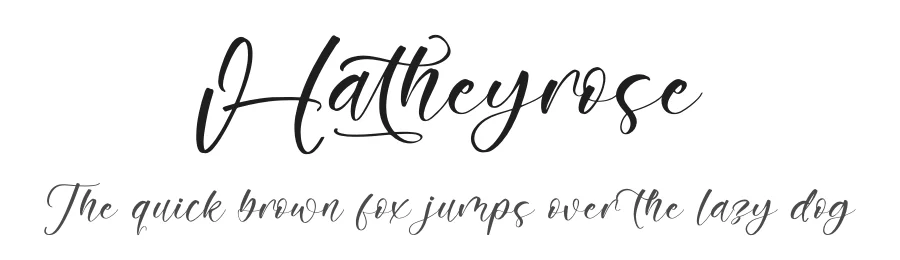
Browse fonts by theme
Curated collections →Saw a font in a picture? Identify any font from an image with our free Font Finder.
More Script Handwritten Fonts
Browse all →
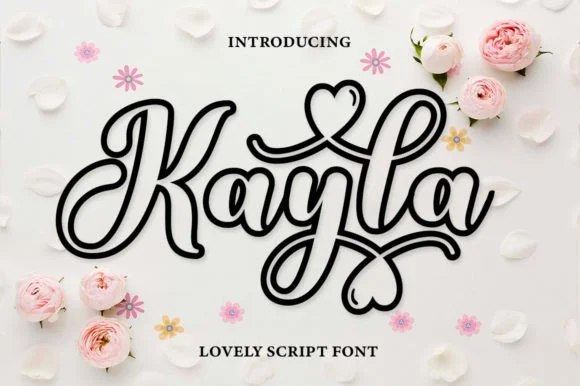
What pairs well with Arista Signature Font?
Arista Signature Font is a script font that shines as a display or heading face. Pair it with a clean sans-serif or serif font for body text — the contrast creates a clear hierarchy while the two styles stay balanced and easy to read.




Premium Script Handwritten Fonts
★ PremiumWant something with more weights, glyphs, and commercial polish? These premium script handwritten fonts are worth a look.
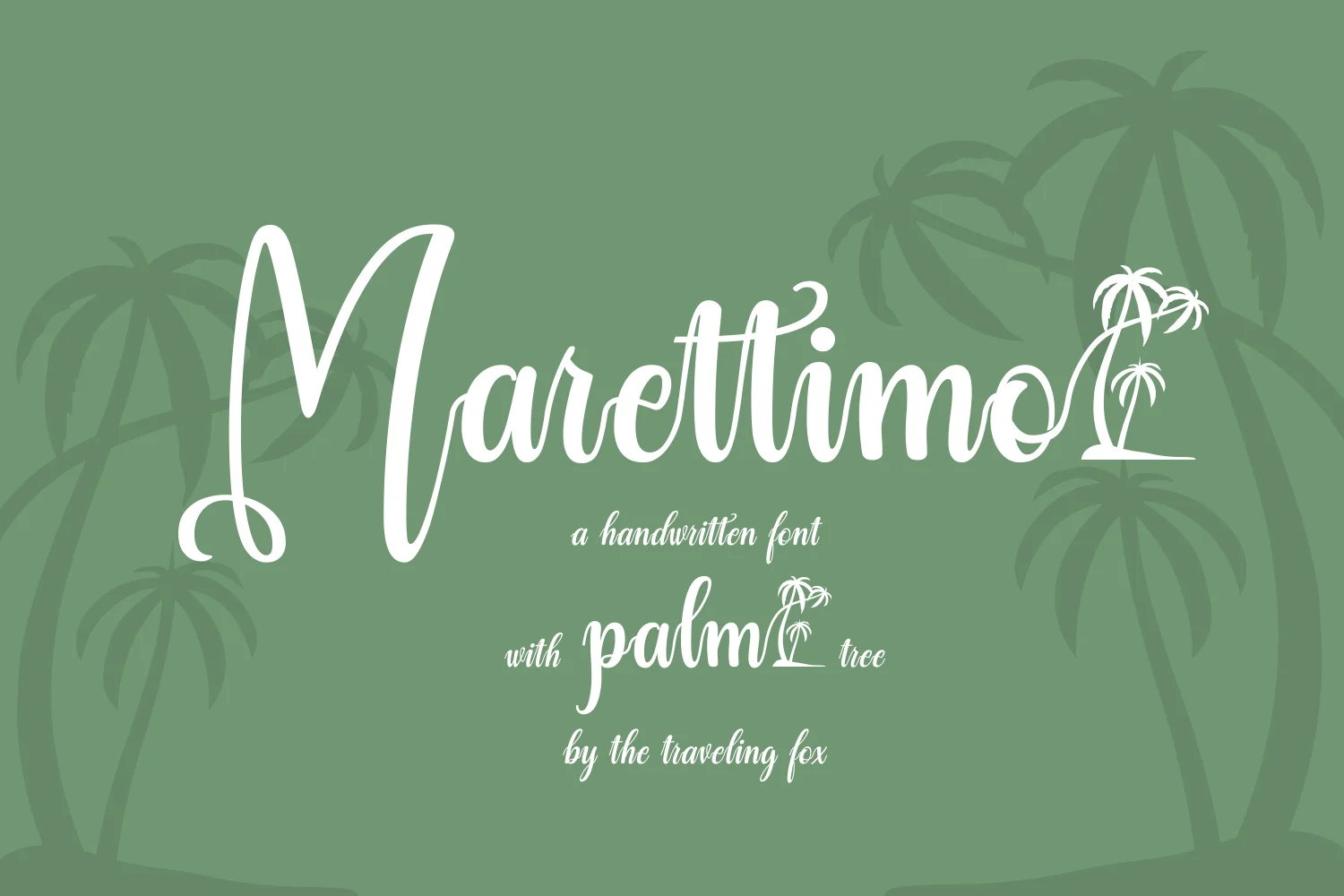
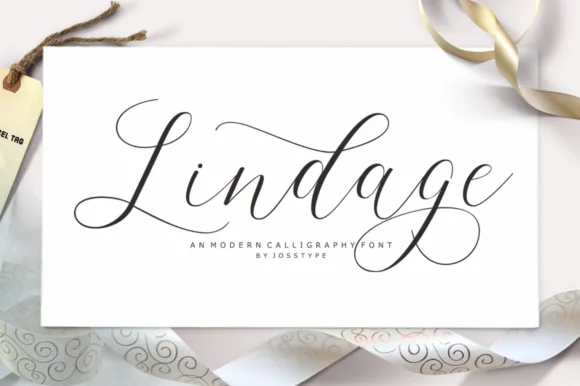
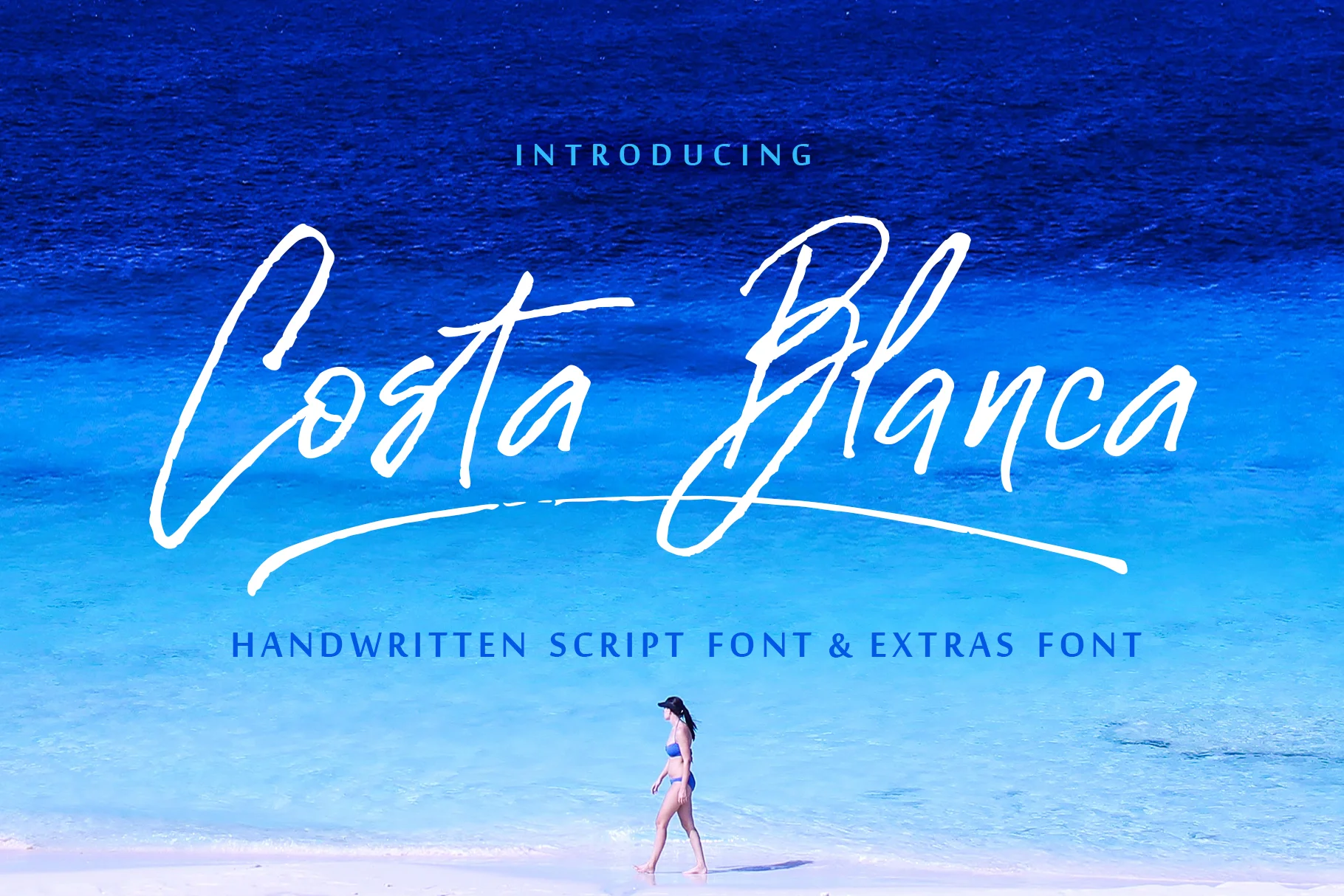
Arista Signature Font
Reviewed by the FontBoxDL team · Updated October 2026
License: Free for personal use