 Firefox
 1 / 10
About Amorthe Font
Picture designing a luxury chocolate box or high-end wine label where every visual detail matters. Amorthe, from designer Burntilldead, is built for exactly that kind of discerning work. This decorative typeface offers nine weights spanning from delicate thin to commanding black, making it versatile across editorial layouts, perfume packaging, boutique cosmetics branding, upscale wedding stationery, and fine art direction. The character set covers Cyrillic and Greek alongside standard Latin characters, so multilingual projects don't require font-switching mid-design. The alternates add another layer of flexibility for designers seeking stylistic variation without compromising sophistication.
What makes Amorthe effective is its restraint. The letterforms breathe elegance without overstatement, letting whitespace and breathing room speak as loudly as the type itself. The thinner weights suit luxury brands that prize minimalism and visual clarity, while the bolder cuts command attention as headlines or display elements. Set it large and the full craftsmanship in each letterform becomes apparent. Single words and entire brand systems alike benefit from its careful construction and thoughtful proportions.
Both OTF and TTF formats are included with every weight, covering everything from desktop publishing to responsive web design. Grab Amorthe on Creative Fabrica and bring this sophisticated typeface into your next refined project.
Style & Use Cases
- Overall Style
- Bold, Distinctive
- Use Case
- Headlines, Posters
- Ideal For
- logos, packaging, and standout titles
- Pairs With
- a neutral sans-serif
How to Install Amorthe Font
Step-by-step instructions for every platform
- 1Download the Amorthe font file (.ttf or .otf).
- 2Locate the downloaded file in your Downloads folder.
- 3Right-click the font file.
- 4Select "Install" to install for the current user, or "Install for all users" to make it available system-wide.
- 5Amorthe is now available in Word, Photoshop, Illustrator, and all other apps.
More by Burntilldead
View all →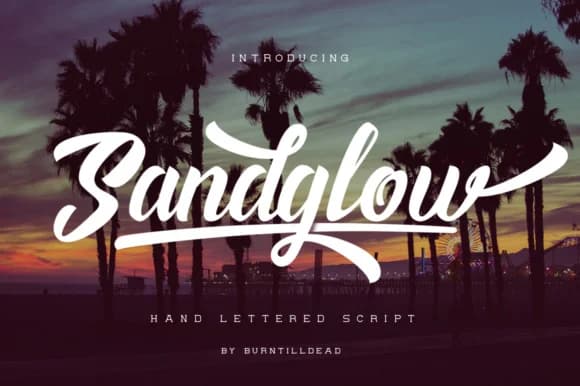
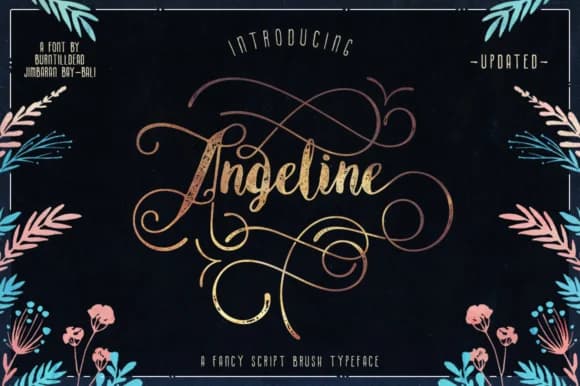


Browse fonts by theme
Curated collections →Saw a font in a picture? Identify any font from an image with our free Font Finder.
More Decorative Fonts
Browse all →







What pairs well with Amorthe Font?
Amorthe Font is a decorative font that shines as a display or heading face. Pair it with a clean sans-serif or serif font for body text — the contrast creates a clear hierarchy while the two styles stay balanced and easy to read.



Amorthe Font
by Burntilldead
Reviewed by the FontBoxDL team · Updated June 2026