 Firefox







What counts as a single line font?
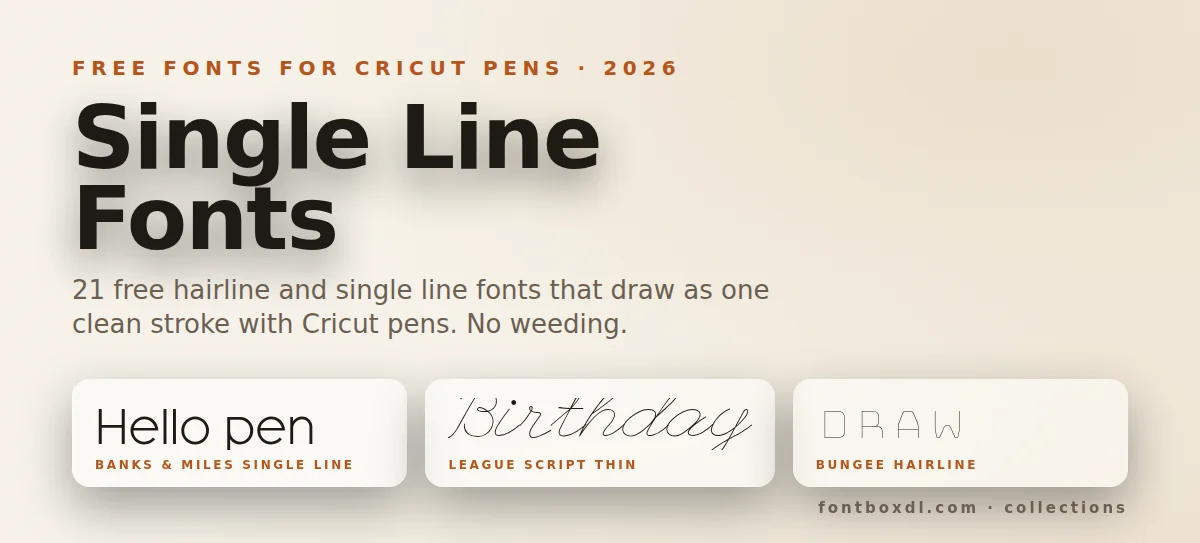
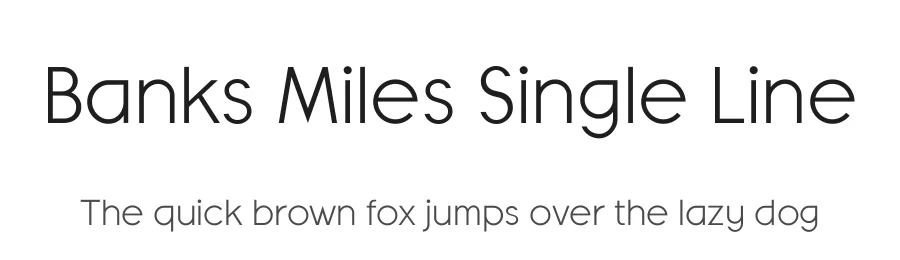
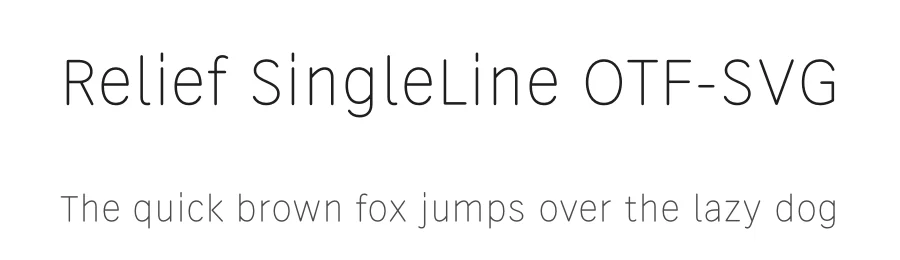
A true single line font has open paths. There is no inside and no outside to a letter, only one stroke down the middle, so a pen draws each letter once. Banks & Miles Single Line, Relief SingleLine and Mistral SingleLine work this way. They were made for plotters, engravers and signage, which is why they suit Cricut pens so well.
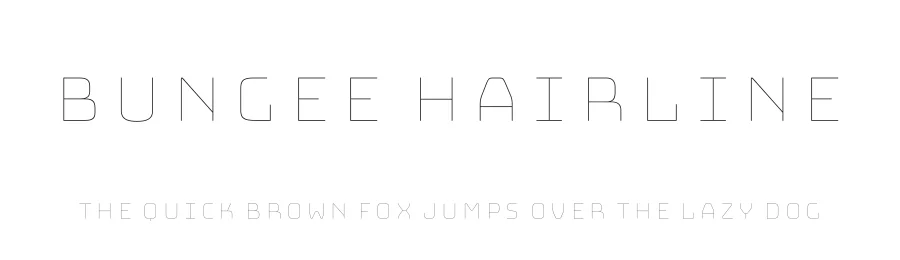
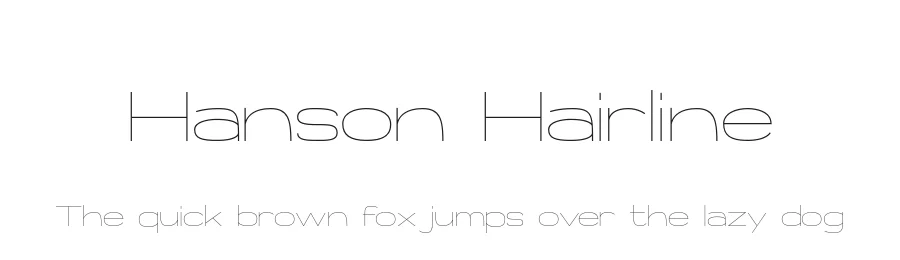
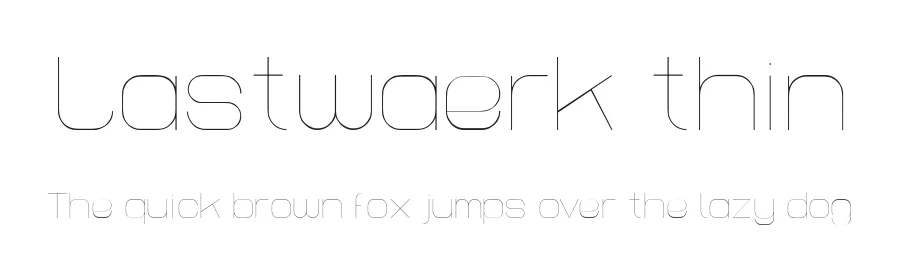
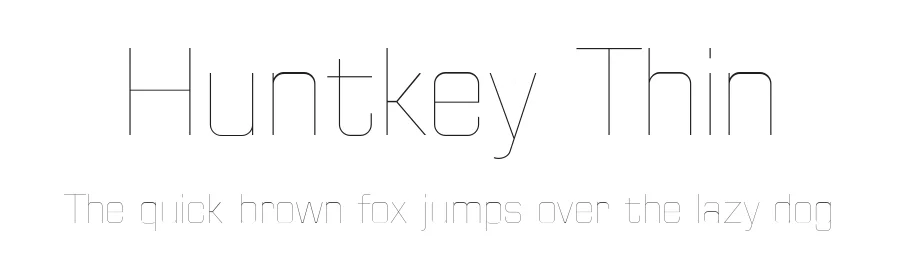
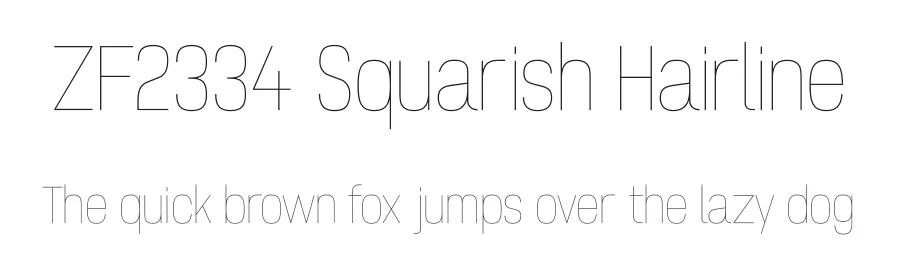
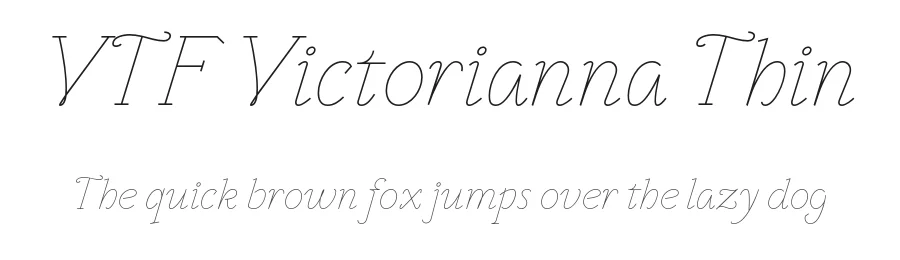
Hairline fonts are different. They are ordinary closed outlines drawn so thin that the two sides of each stroke sit almost on top of each other. Bungee Hairline, Hanson Hairline and the other thin faces below fall into this group. Drawn with a fine pen at card size, the two passes merge into one line. At poster size you will start to see the gap, so keep them small or pick a true single line font for big lettering.
How to use these fonts in Cricut Design Space
- Install the font. Download it from the font page, double-click the file, choose Install, then close and reopen Design Space.
- Type your text and pick the font from the System fonts list.
- Change the Operation from Basic Cut to Pen. For foil transfer choose Foil, for metal tags choose Engrave. This is the step people miss: left on Cut, a single line font looks filled, broken or invisible in the preview.
- Check the size. Hairline fonts behave best between about 0.75 and 2 inches tall with a 0.4 mm fine point pen. True single line fonts have no size limit.
- Press Make It and look at the mat preview. You should see lines, not filled shapes. Load the pen in clamp A and run the job.
No weeding is needed with any of these fonts. That alone saves more time than the font choice.
Which font for which project
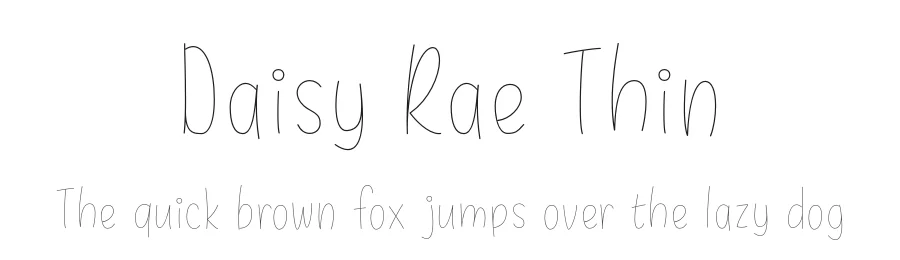
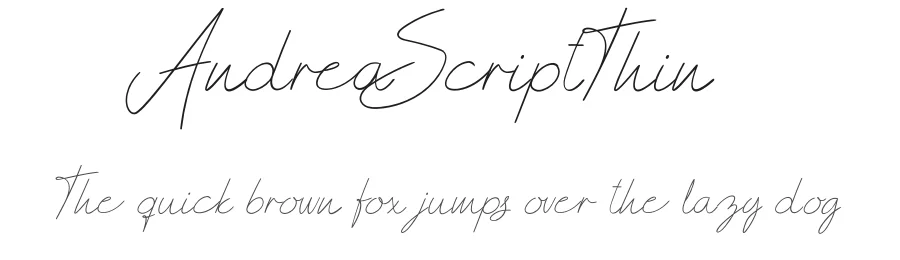
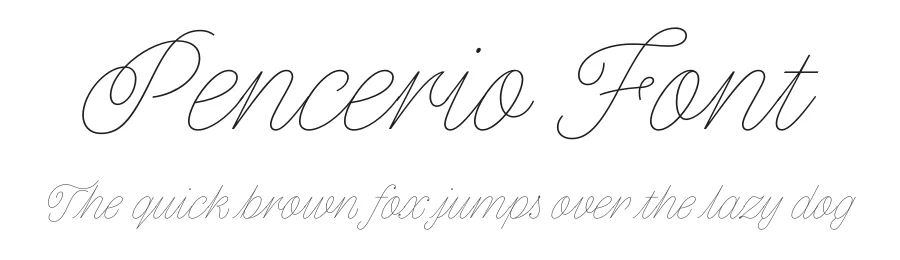
- Cards and signatures: League Script Thin, Pencerio, Daisy Rae Thin, Justhin.
- Labels, tags and capitals: Bungee Hairline, Hairliner, Skinny, Thin Franq.
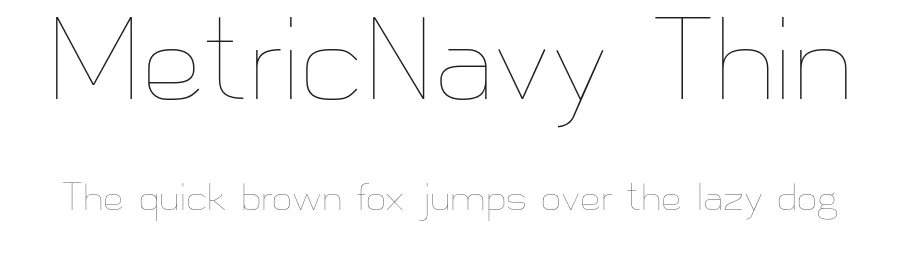
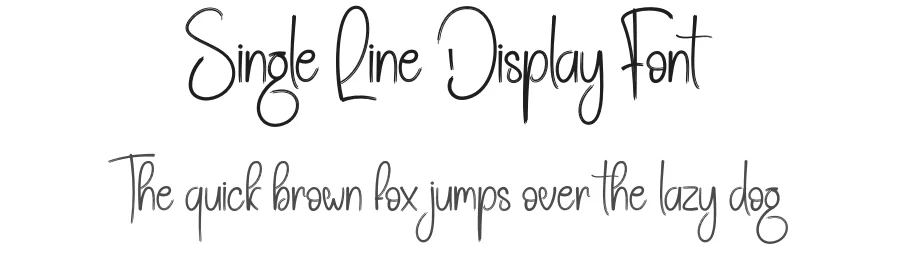
- Planner and journal pages: Thin Fingers, Thinnyness, Single Line Display, Metricnavy Thin.
- Engraving on metal or acrylic: Banks & Miles Single Line, Relief SingleLine OTF-SVG, Hanson Hairline. The clean single path gives the engraving tip one pass per letter.
Further reading
If you want the letters filled in rather than outlined, Shawn Mosch shows two ways to make Cricut pens fill any font, including a hatch fill trick that works with the thicker fonts on this site.
Cut files to pair with these fonts: CutCanyon offers free SVG cut files for Cricut and Silhouette, drawn by hand in inked sets for Christmas, Thanksgiving, kitchen and camping themes, plus print-then-cut kits with tags and labels.
Commercial use and licensing
Licences differ from font to font. Several fonts here are released under the SIL Open Font License, which allows commercial use. Others are free for personal use only, and the designer sells a commercial licence separately. The licence line sits above the download button on every font page. Read it before you sell pen-drawn cards or engraved tags made with the font.