 Firefox
 1 / 3
1 / 3About Yada Yada Yada Font
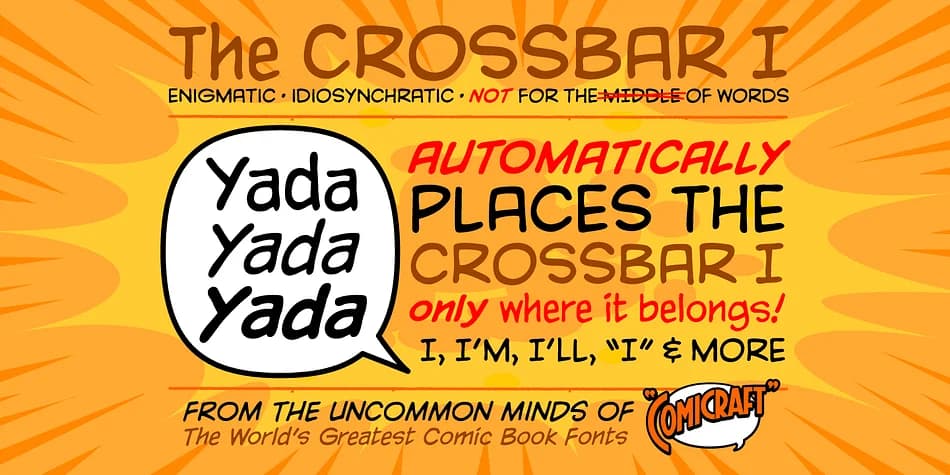
Yada Yada Yada radiates the kinetic energy of hand-lettered comic book dialogue, where every letterform practically bursts off the page with real personality and impact. Designed by Comicraft, this decorative typeface was originally created for X-Men comics, bringing decades of comic book lettering tradition to modern design work. When you need typography that actually speaks to the reader with attitude and punch, this is where to turn.
Comic book shop signage, graphic novel covers and chapter headers, webcomic title sequences, comic convention posters, and comic-inspired merchandise labels all benefit from its confident, action-packed voice. The typeface gives you four weights with full upper and lowercase support, providing design flexibility without softening its distinctive character. Crossbar I Technology™ ensures the I character maintains perfect consistency across all weights and sizes, while Western European language support opens the door to international creative work.
This font works best for anyone working in comics, graphic novels, or any project that needs to command attention with bold, expressive character work. You'll find Yada Yada Yada on Creative Fabrica, ready to bring authentic comic book energy to your next design.
Style & Use Cases
- Overall Style
- Bold, Distinctive
- Use Case
- Headlines, Posters
- Ideal For
- logos, packaging, and standout titles
- Pairs With
- a neutral sans-serif
How to Install Yada Yada Yada Font
Step-by-step instructions for every platform
- 1Download the Yada Yada Yada font file (.ttf or .otf).
- 2Locate the downloaded file in your Downloads folder.
- 3Right-click the font file.
- 4Select "Install" to install for the current user, or "Install for all users" to make it available system-wide.
- 5Yada Yada Yada is now available in Word, Photoshop, Illustrator, and all other apps.
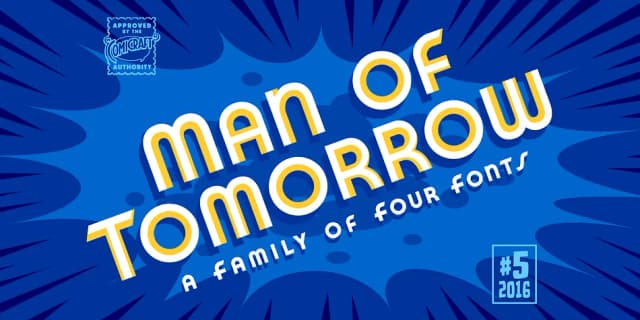
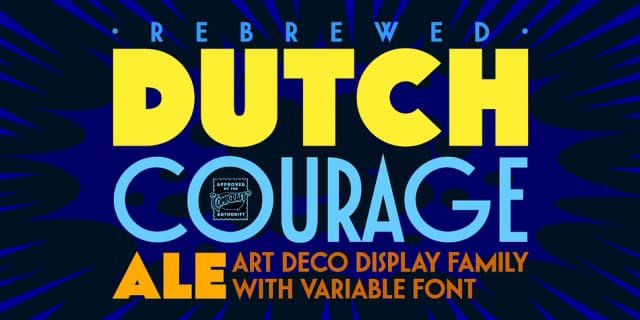
More by Comicraft
View all →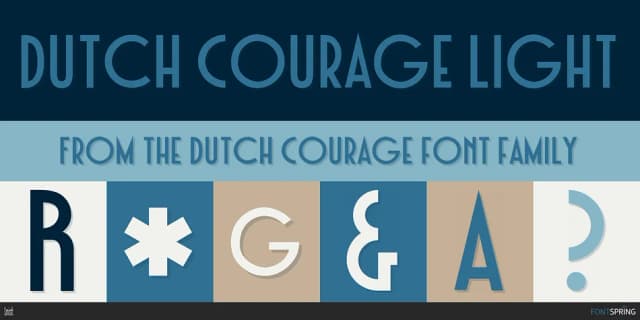

Browse fonts by theme
Curated collections →Saw a font in a picture? Identify any font from an image with our free Font Finder.
More Decorative Fonts
Browse all →







What pairs well with Yada Yada Yada Font?
Yada Yada Yada Font is a decorative font that shines as a display or heading face. Pair it with a clean sans-serif or serif font for body text — the contrast creates a clear hierarchy while the two styles stay balanced and easy to read.



Yada Yada Yada Font
by Comicraft
Reviewed by the FontBoxDL team · Updated July 2026