 Firefox
 1 / 10
About Unika Font
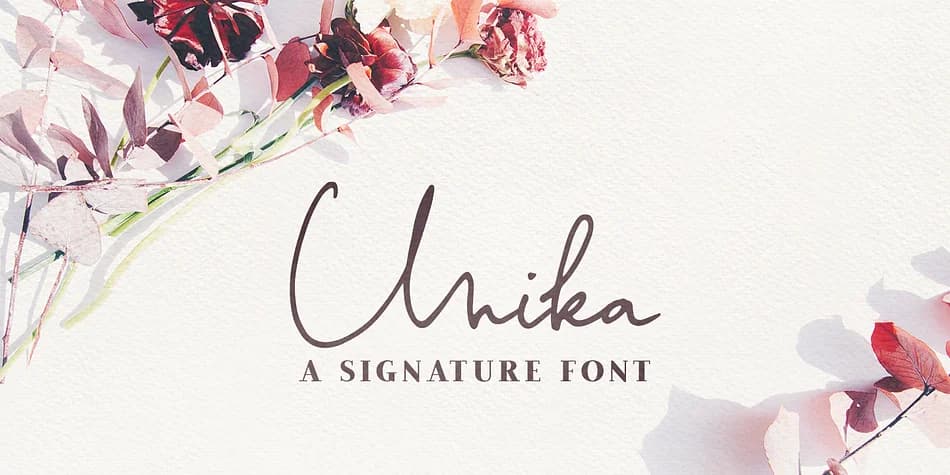
There's something inviting about handwritten letters that feel genuinely personal. Unika, from Ana's Fonts, captures that warmth through a versatile dingbats set built for authentic, hand-drawn vibes across your work.
The font contains over 100 ligatures that blend together naturally, so your words look like they evolved from a sketch rather than being assembled from stock pieces. You also get 52 swashes to layer in for visual depth and movement, plus a slant version if your designs need a more angular or energetic look. That flexibility means you can deploy the same typeface across wedding invitation suites, hand-illustrated product labels for small brands, boutique skincare packaging, and personal branding projects without searching for complementary alternatives. The ligatures carry most of the work here, letting letters connect in organic ways that feel authentically handwritten.
Pair Unika with a clean sans-serif like Inter or Montserrat for body copy, letting the handwritten elements breathe as display or accent text. This balance works especially well when you're blending personal, organic vibes with legible hierarchy. Grab Unika on Creative Fabrica and begin experimenting with it in your next project.
Style & Use Cases
- Overall Style
- Iconographic
- Use Case
- Icons, Accents
- Ideal For
- ornaments, bullets, and decorative flourishes
- Pairs With
- any text font
How to Install Unika Font
Step-by-step instructions for every platform
- 1Download the Unika font file (.ttf or .otf).
- 2Locate the downloaded file in your Downloads folder.
- 3Right-click the font file.
- 4Select "Install" to install for the current user, or "Install for all users" to make it available system-wide.
- 5Unika is now available in Word, Photoshop, Illustrator, and all other apps.
More by Ana's Fonts
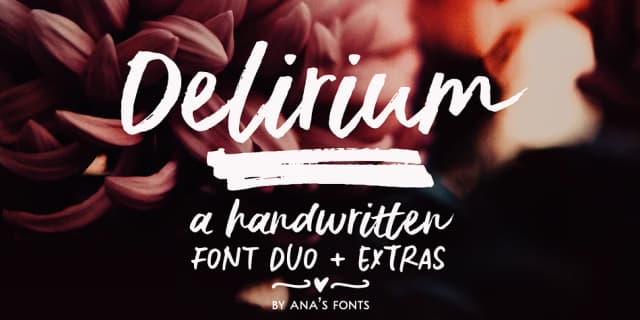
View all →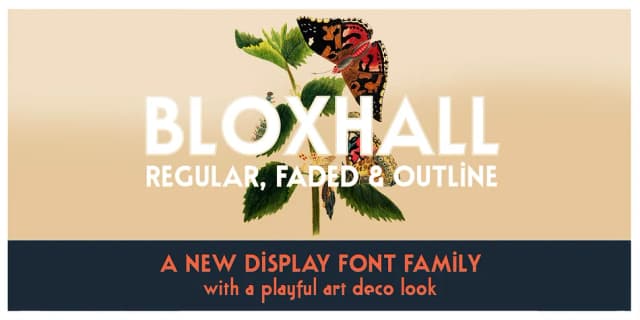
Browse fonts by theme
Curated collections →Saw a font in a picture? Identify any font from an image with our free Font Finder.
More Dingbats Fonts
Browse all →







What pairs well with Unika Font?
Unika Font is a versatile dingbats font that works for both headings and body text. Pair it with a contrasting sans-serif or serif font to add visual interest and a clear distinction between titles and body copy.



Unika Font
by Ana's Fonts
Reviewed by the FontBoxDL team · Updated August 2026