 Firefox
 1 / 10
About Tomato Belly Font
Tomato Belly by Alit Design is a playful dingbat font with a childlike, hand-drawn quality that brings genuine warmth and character to creative projects. Each letter skips across the page with an unpolished, sketch-like personality that feels both spontaneous and intentionally crafted, creating letterforms you'd recognize from a child's notebook or homemade craft project. There's a deliberate imperfection to every glyph that reads as authentically human rather than digitally perfect.
This typeface works beautifully in contexts where visual personality really matters. Birthday party invitations, thank-you cards, and stationery suites benefit from its playful disposition, while scrapbooking pages and handmade gift tags feel right at home with its energy. Small batch skincare brands and indie cosmetics often use it for product packaging and label design, and social media content for children's educational channels or toy companies finds great use in its hand-drawn warmth. You'll also spot it on event posters, kids' menu designs, and DIY craft instruction cards. Layered over soft photography or mixed with clean, modern sans-serifs, the typeface creates visual contrast that stands out without overwhelming the layout.
Get Tomato Belly on Creative Fabrica and let its unpolished, hand-drawn character give your next project genuine warmth and childlike spirit.
Style & Use Cases
- Overall Style
- Iconographic
- Use Case
- Icons, Accents
- Ideal For
- ornaments, bullets, and decorative flourishes
- Pairs With
- any text font
How to Install Tomato Belly Font
Step-by-step instructions for every platform
- 1Download the Tomato Belly font file (.ttf or .otf).
- 2Locate the downloaded file in your Downloads folder.
- 3Right-click the font file.
- 4Select "Install" to install for the current user, or "Install for all users" to make it available system-wide.
- 5Tomato Belly is now available in Word, Photoshop, Illustrator, and all other apps.
More by Alit Design
View all →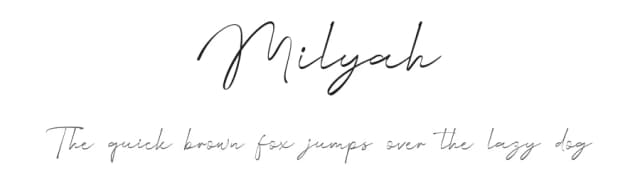
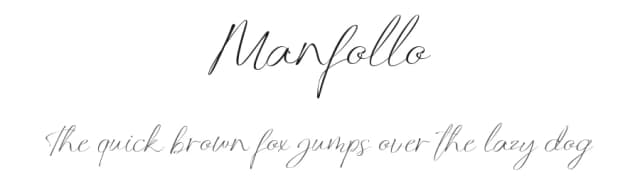
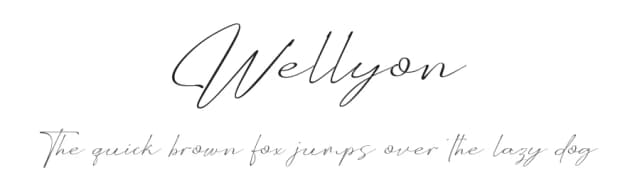
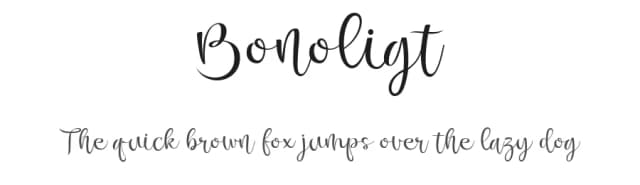
Browse fonts by theme
Curated collections →Saw a font in a picture? Identify any font from an image with our free Font Finder.
More Dingbats Fonts
Browse all →







What pairs well with Tomato Belly Font?
Tomato Belly Font is a versatile dingbats font that works for both headings and body text. Pair it with a contrasting sans-serif or serif font to add visual interest and a clear distinction between titles and body copy.



Tomato Belly Font
by Alit Design
Reviewed by the FontBoxDL team · Updated September 2026