 Firefox
 1 / 5
1 / 5About BM Graphics - Ticks Font
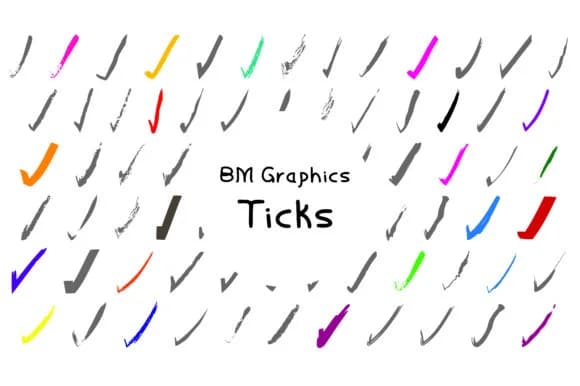
BM Graphics - Ticks, designed by GraphicsBam Fonts, is a collection built around the simple idea that checkmarks and symbol glyphs don't need to look boring. The letterforms here span 75 distinct variations, each one refined to work as both functional marker and visual accent. You're not picking between minimalist and decorative: you get both, plus everything in between.
What sets this dingbat pack apart is the sheer range of interpretations for what a tick mark can be. Geometric tick marks sit alongside flowing, organic versions. Some lean toward clean and corporate, others toward playful and illustrative. That breadth matters significantly when you're designing checklist templates, event checklists for wedding planning, step-by-step instructional graphics, or information-heavy mockups. Packaging labels and product branding benefit when you need consistent symbols that aren't just generic boxes and checks. Even simple website navigation and digital product dashboards feel more intentional when the marker glyphs carry personality and visual weight.
This font finds its home with designers and makers who build templates, run small-batch print operations, or create educational materials where visual hierarchy matters most. You might use these glyphs as inline decorations in stationery, as icon systems within digital products, or as thematic elements in craft projects. Find BM Graphics - Ticks on Creative Fabrica when you're ready to stock your design toolkit with reliable symbol typography.
Style & Use Cases
- Overall Style
- Iconographic, Pack
- Use Case
- Icons, Accents
- Ideal For
- ornaments, bullets, and decorative flourishes
- Pairs With
- any text font
How to Install BM Graphics - Ticks Font
Step-by-step instructions for every platform
- 1Download the BM Graphics - Ticks font file (.ttf or .otf).
- 2Locate the downloaded file in your Downloads folder.
- 3Right-click the font file.
- 4Select "Install" to install for the current user, or "Install for all users" to make it available system-wide.
- 5BM Graphics - Ticks is now available in Word, Photoshop, Illustrator, and all other apps.
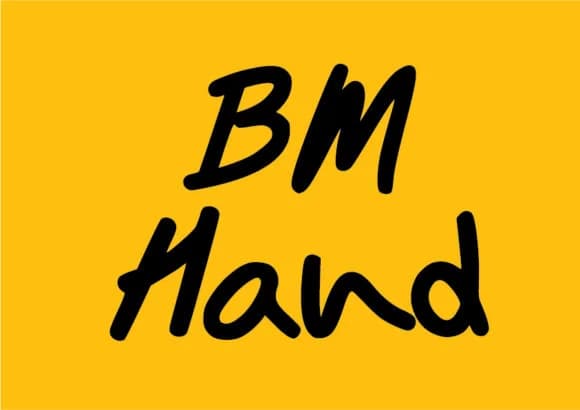
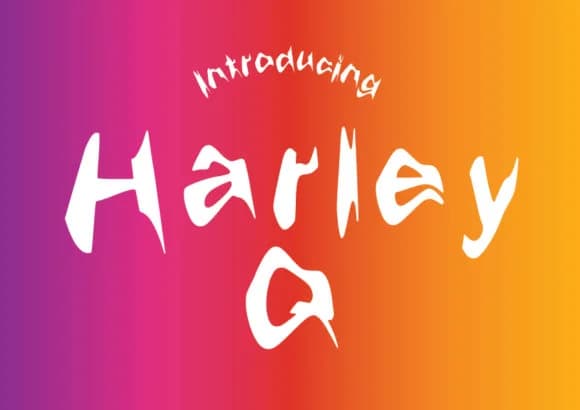
More by GraphicsBam Fonts
View all →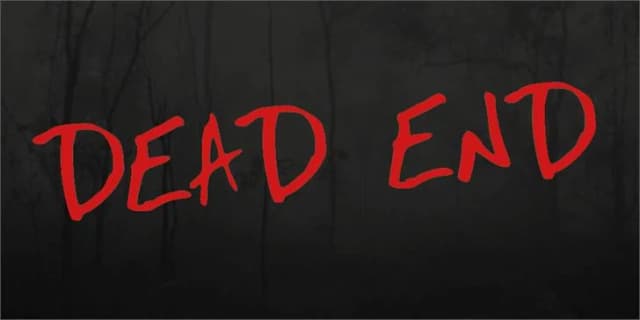

Browse fonts by theme
Curated collections →Saw a font in a picture? Identify any font from an image with our free Font Finder.
More Dingbats Fonts
Browse all →







What pairs well with BM Graphics - Ticks Font?
BM Graphics - Ticks Font is a versatile dingbats font that works for both headings and body text. Pair it with a contrasting sans-serif or serif font to add visual interest and a clear distinction between titles and body copy.



BM Graphics - Ticks Font
Reviewed by the FontBoxDL team · Updated July 2026