 Firefox
 1 / 10
About Symphony Fusion Font
Symphony Fusion brings ornamental charm without sacrificing usability. Created by VPcreativeshop, this dingbats font pairs graceful decorative serif letterforms with 52 carefully crafted art elements that function as standalone symbols or building blocks for custom patterns.
The typeface really shines in specific design contexts: wedding invitation suite layouts, luxury product label design, elegant scrapbooking page accents, and hand-lettered brand identities. You get both serif and sans serif character sets across multiple weights and italic versions, giving you genuine flexibility in how you build your compositions. The language support spans 87 languages, so international projects become straightforward without worrying about character coverage or encoding issues. Access alternate glyphs through your design software's glyph panel (Window > Glyphs in most Adobe apps) to find the exact variation you need. Many of the art elements work beautifully as repeating decorative borders or as accent clusters framing your primary text.
Pair Symphony Fusion's ornamental elements with a clean, straightforward sans serif for any body text you need, keeping the dingbats as the visual anchor of your design. This combination gives you sophisticated restraint without overwhelming a layout with decoration. It's available on Creative Fabrica for designers who want genuine versatility in their ornamental toolkit.
Style & Use Cases
- Overall Style
- Iconographic
- Use Case
- Icons, Accents
- Ideal For
- ornaments, bullets, and decorative flourishes
- Pairs With
- any text font
How to Install Symphony Fusion Font
Step-by-step instructions for every platform
- 1Download the Symphony Fusion font file (.ttf or .otf).
- 2Locate the downloaded file in your Downloads folder.
- 3Right-click the font file.
- 4Select "Install" to install for the current user, or "Install for all users" to make it available system-wide.
- 5Symphony Fusion is now available in Word, Photoshop, Illustrator, and all other apps.
More by VPcreativeshop
View all →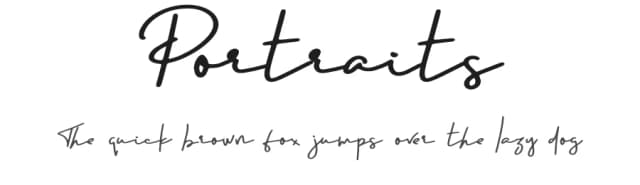
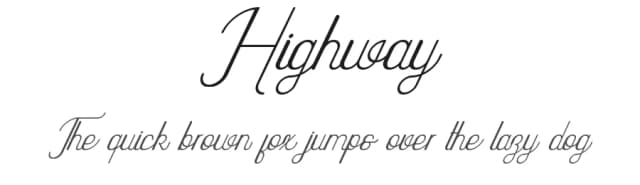
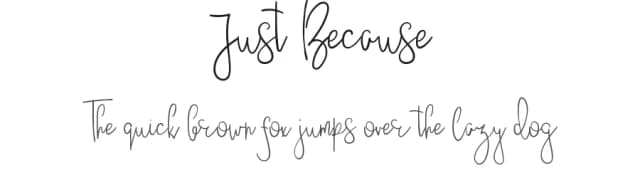
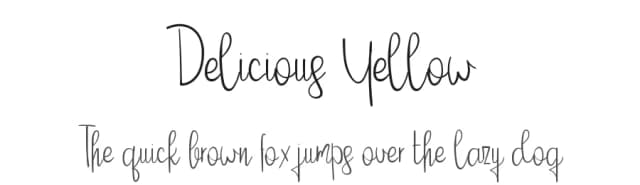
Browse fonts by theme
Curated collections →Saw a font in a picture? Identify any font from an image with our free Font Finder.
More Dingbats Fonts
Browse all →







What pairs well with Symphony Fusion Font?
Symphony Fusion Font is a versatile dingbats font that works for both headings and body text. Pair it with a contrasting sans-serif or serif font to add visual interest and a clear distinction between titles and body copy.



Symphony Fusion Font
Reviewed by the FontBoxDL team · Updated August 2026