 Firefox
 1 / 6
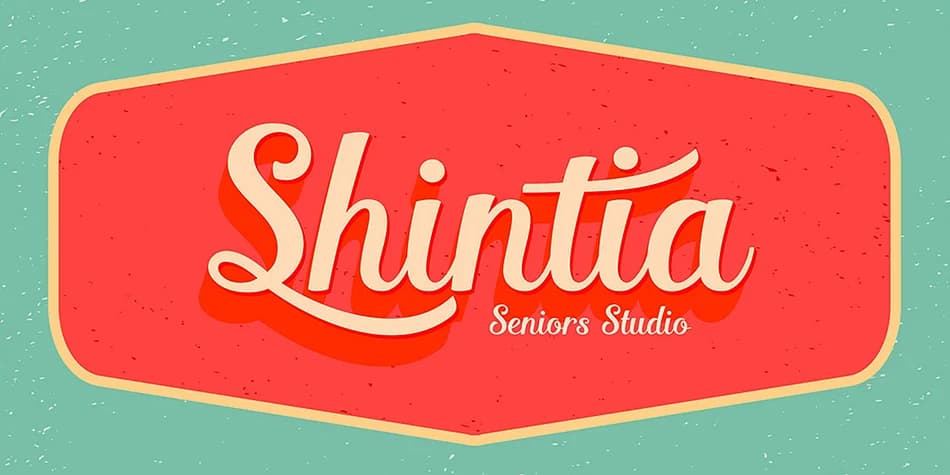
1 / 6About Shintia Script Font
This typeface brings a satisfying vintage warmth and confident charm to any project. Shintia Script, designed by Seniors Studio, is a bold script that stays genuinely legible even when used small or layered with other elements. It balances throwback character with real usability: you get that handwritten feel without the sloppiness that makes text hard to read or distracting.
Use it for vintage product labels on small-batch goods like craft soap or artisan coffee roasts, speakeasy and retro bar menus, hand-lettered wedding invitation suites and save-the-dates, indie bookstore window displays, and upscale cosmetics or skincare packaging. The font carries enough visual presence to anchor a logo or promotional poster while remaining approachable and intimate in tone. It includes nearly 250 glyphs and OpenType stylistic alternates you can swap in for added personality and natural variation in text. These alternates work in Illustrator, InDesign, CorelDraw X6 and newer versions, Microsoft Word 2010 and up, and other design software with OpenType support.
Combine it with a clean, minimal sans-serif for body text to let the script do its best work. Grab Shintia Script from Creative Fabrica and add genuine vintage character to your next design.
Style & Use Cases
- Overall Style
- Elegant, Flowing
- Use Case
- Invitations, Branding
- Ideal For
- wedding stationery, greeting cards, and signatures
- Pairs With
- a simple uppercase sans
How to Install Shintia Script Font
Step-by-step instructions for every platform
- 1Download the Shintia Script font file (.ttf or .otf).
- 2Locate the downloaded file in your Downloads folder.
- 3Right-click the font file.
- 4Select "Install" to install for the current user, or "Install for all users" to make it available system-wide.
- 5Shintia Script is now available in Word, Photoshop, Illustrator, and all other apps.
More by Seniors Studio
View all →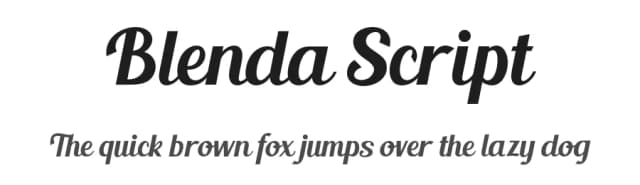
Browse fonts by theme
Curated collections →Saw a font in a picture? Identify any font from an image with our free Font Finder.
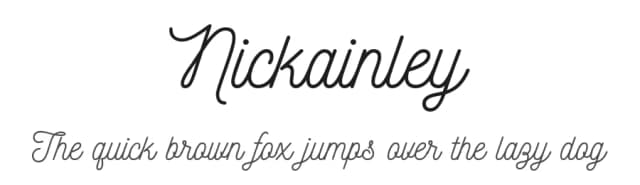
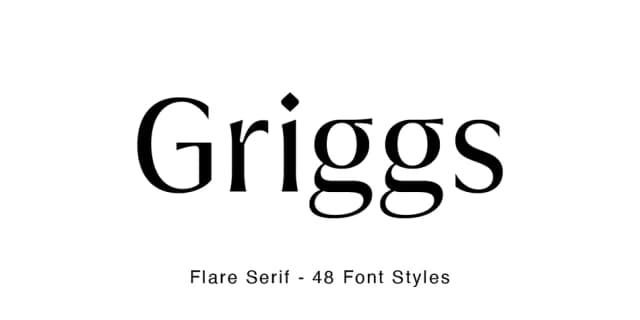
More Script Handwritten Fonts
Browse all →







What pairs well with Shintia Script Font?
Shintia Script Font is a script font that shines as a display or heading face. Pair it with a clean sans-serif or serif font for body text — the contrast creates a clear hierarchy while the two styles stay balanced and easy to read.



Shintia Script Font
Reviewed by the FontBoxDL team · Updated July 2026