 Firefox
 1 / 10
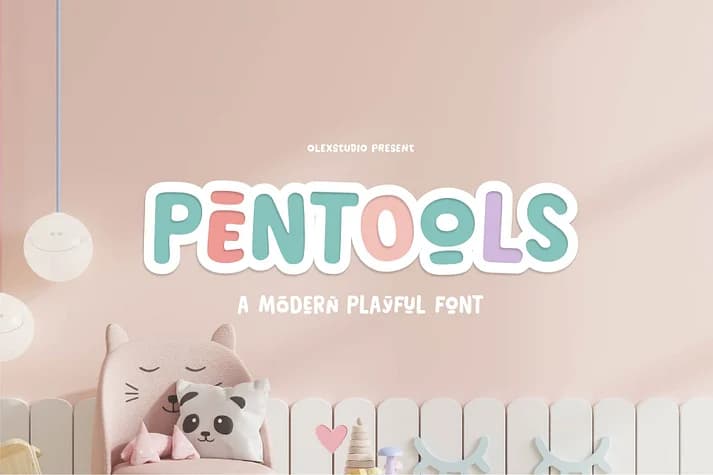
About Pentools Font
Picture yourself hand-lettering a vinyl banner for a coffee shop's storefront, or designing custom packaging for a luxury skincare brand. Pentools, created by olexstudio, is a bold display typeface with real presence on the page and doesn't apologize for its weight. The typeface comes in five distinct weights (Regular, Ink, Condensed, Shadow, and Outline), which lets you layer and combine them for visual depth that single-weight fonts simply can't achieve. This flexibility alone makes it worth keeping in your library for the right project.
This typeface excels at specific applications: vinyl cutting projects for home decor signage, artisan product labels on Etsy storefronts, formal event invitations with geometric precision, and social media graphics designed for real impact. The all-uppercase character set keeps compositions clean and intentional, while alternates and international glyphs ensure you're not locked into one visual approach. Every detail supports the work: ligatures are included, along with comprehensive language support, so you can work across different character sets without hunting for alternatives or workarounds.
The Shadow and Outline weights deserve special attention for layered composition work. Find the complete set on Creative Fabrica and start exploring what the weight combinations can do.
Style & Use Cases
- Overall Style
- Bold, Distinctive
- Use Case
- Headlines, Posters
- Ideal For
- logos, packaging, and standout titles
- Pairs With
- a neutral sans-serif
How to Install Pentools Font
Step-by-step instructions for every platform
- 1Download the Pentools font file (.ttf or .otf).
- 2Locate the downloaded file in your Downloads folder.
- 3Right-click the font file.
- 4Select "Install" to install for the current user, or "Install for all users" to make it available system-wide.
- 5Pentools is now available in Word, Photoshop, Illustrator, and all other apps.
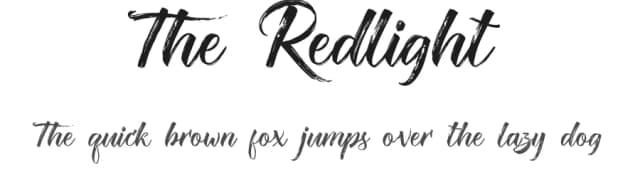
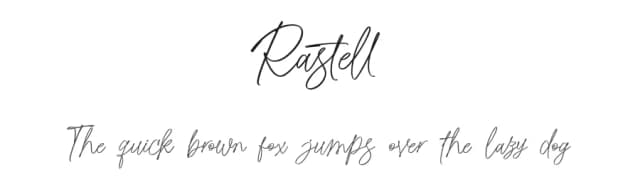
More by olexstudio
View all →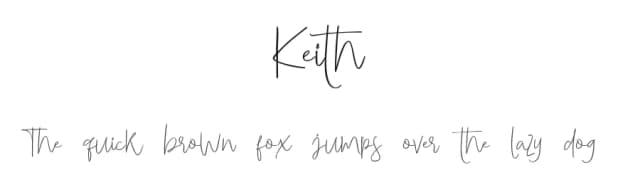
Browse fonts by theme
Curated collections →Saw a font in a picture? Identify any font from an image with our free Font Finder.
More Decorative Fonts
Browse all →







What pairs well with Pentools Font?
Pentools Font is a decorative font that shines as a display or heading face. Pair it with a clean sans-serif or serif font for body text — the contrast creates a clear hierarchy while the two styles stay balanced and easy to read.



Pentools Font
by olexstudio
Reviewed by the FontBoxDL team · Updated July 2026