 Firefox
 1 / 10
About MrMoustache Font
MrMoustache by FaceType is a condensed typeface system with hand-sketched warmth that functions as both decorative accent and working letter. The family pairs ultra-thin letterforms with a full library of matching frames and ornaments in regular and solid weights, all engineered to layer for rich multicolor depth. You get separate versions optimized for display work and body copy, which means headlines stay crisp while larger passages remain readable. OpenType features like contextual alternates let you swap characters on the fly without leaving your layout program, making it simple to explore different character combinations.
What makes this system genuinely flexible is how freely you can mix upper and lowercase forms, toggle between true Unicase and an almost-Unicase style, and blend letterforms with the complementary dingbats. This opens real possibilities for hand-lettered labels on artisanal product packaging, layered greeting card designs with letterpress character, DIY craft signage that reads intentional instead of amateur, and embroidery-ready graphics where stacked weights add visual depth. The multicolor layering approach especially suits brand identity work where you want richness and complexity without overcomplicating your production files.
Head to Creative Fabrica to add MrMoustache to your collection.
Style & Use Cases
- Overall Style
- Iconographic
- Use Case
- Icons, Accents
- Ideal For
- ornaments, bullets, and decorative flourishes
- Pairs With
- any text font
How to Install MrMoustache Font
Step-by-step instructions for every platform
- 1Download the MrMoustache font file (.ttf or .otf).
- 2Locate the downloaded file in your Downloads folder.
- 3Right-click the font file.
- 4Select "Install" to install for the current user, or "Install for all users" to make it available system-wide.
- 5MrMoustache is now available in Word, Photoshop, Illustrator, and all other apps.
More by FaceType
View all →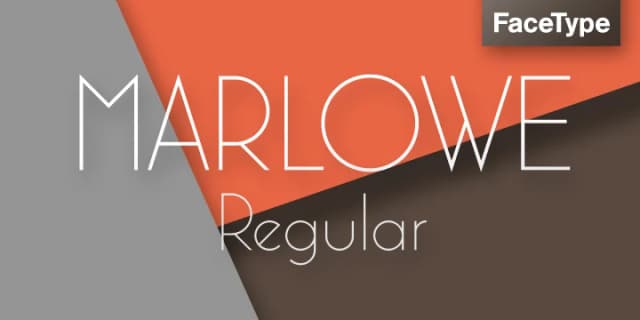
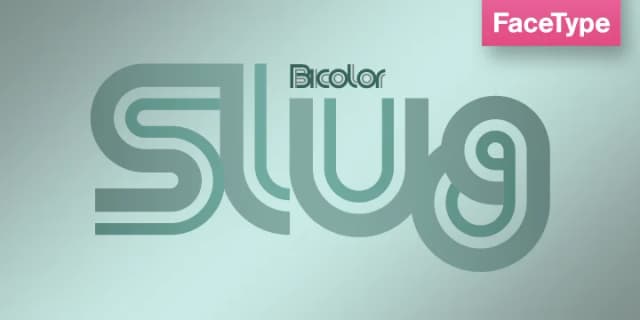
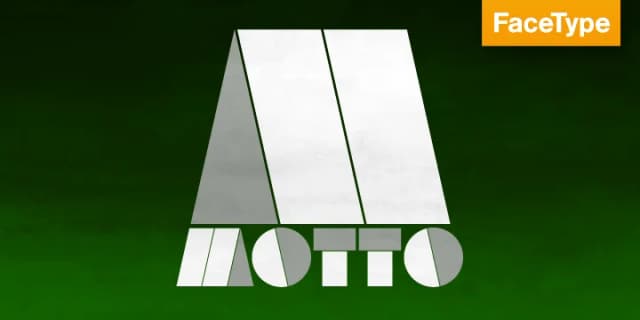
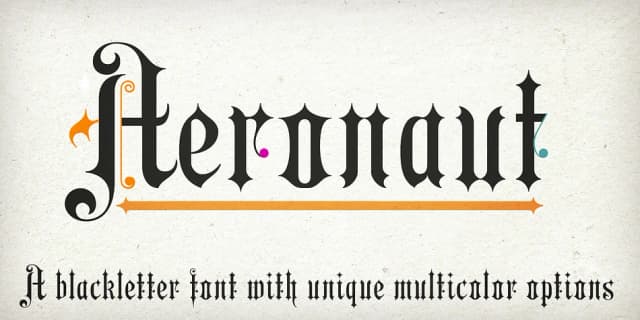
Browse fonts by theme
Curated collections →Saw a font in a picture? Identify any font from an image with our free Font Finder.
More Dingbats Fonts
Browse all →







What pairs well with MrMoustache Font?
MrMoustache Font is a versatile dingbats font that works for both headings and body text. Pair it with a contrasting sans-serif or serif font to add visual interest and a clear distinction between titles and body copy.



MrMoustache Font
by FaceType
Reviewed by the FontBoxDL team · Updated August 2026