 Firefox
 1 / 8
1 / 8About Monizo Font
Monizo, designed by madeDeduk, brings back the geometric warmth of 80's serif typography with a clean, modern polish that feels both intentional and unpretentious. The letterforms balance geometric precision with refined details, creating shapes that work equally well in headlines or longer passages without sacrificing legibility or character. This single-weight display serif gives you that nostalgic punch while remaining readable and grounded, which is harder to pull off than it looks in a decorative typeface.
The font's real strength lies in what you can do with its alternates and ligatures. You can build rich, layered layouts for retro brand identities, vintage record sleeve artwork, and nostalgic cosmetics packaging that feels intentional rather than trendy. It also handles specialty projects like craft brewery labels, indie magazine covers, and throwback greeting card designs with genuine personality and flair. Each character feels purposeful, designed to contribute to the overall vibe rather than just fill space.
Monizo includes comprehensive international glyphs and multilingual support, along with all the file formats you need (OTF, TTF, WOFF, WOFF2). It suits designers who want authentic 80's energy without winking at the camera, and who recognize that era's genuine knack for refined, considered typography. You'll find it on Creative Fabrica, ready to add that distinctive retro energy to your next design.
Style & Use Cases
- Overall Style
- Bold, Distinctive
- Use Case
- Headlines, Posters
- Ideal For
- logos, packaging, and standout titles
- Pairs With
- a neutral sans-serif
How to Install Monizo Font
Step-by-step instructions for every platform
- 1Download the Monizo font file (.ttf or .otf).
- 2Locate the downloaded file in your Downloads folder.
- 3Right-click the font file.
- 4Select "Install" to install for the current user, or "Install for all users" to make it available system-wide.
- 5Monizo is now available in Word, Photoshop, Illustrator, and all other apps.
More by madeDeduk
View all →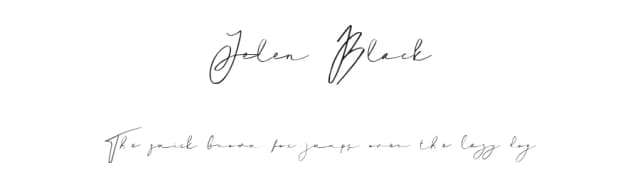
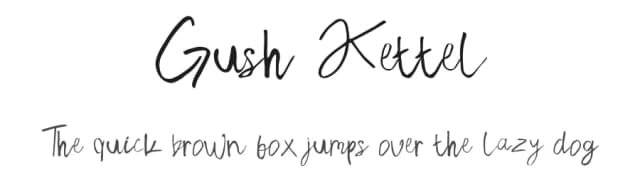
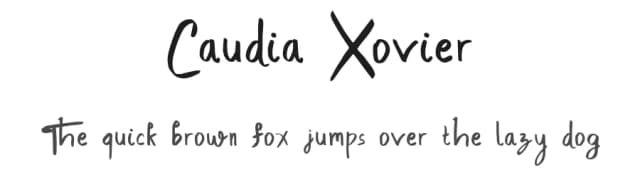
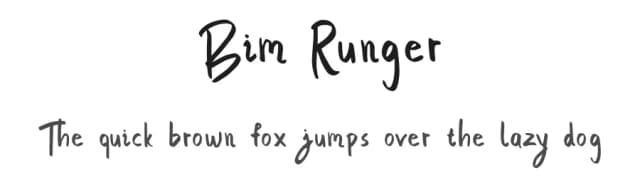
Browse fonts by theme
Curated collections →Saw a font in a picture? Identify any font from an image with our free Font Finder.
More Decorative Fonts
Browse all →







What pairs well with Monizo Font?
Monizo Font is a decorative font that shines as a display or heading face. Pair it with a clean sans-serif or serif font for body text — the contrast creates a clear hierarchy while the two styles stay balanced and easy to read.



Monizo Font
by madeDeduk
Reviewed by the FontBoxDL team · Updated June 2026