 Firefox
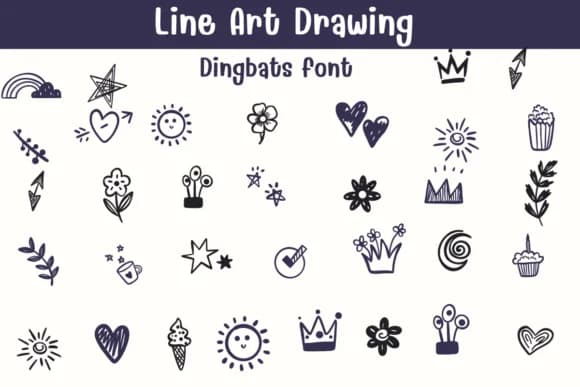 1 / 8
1 / 8About Line Art Drawing Font
This typeface whispers refinement through pure line work. Line Art Drawing, designed by Sontaya, strips away everything but the essential stroke to create elegant, minimal dingbats that feel both contemporary and timeless. The collection builds on the strength of thin, deliberate lines that work beautifully whether you're designing small ornamental touches or building entire visual narratives around them. There's a quiet sophistication in the restraint here, where every mark serves a purpose and nothing feels unnecessary.
The character set lends itself naturally to specific design challenges. Use it for bullet journal page dividers and section markers, custom tattoo design references, handmade greeting card borders and embellishments, and botanical or minimalist packaging labels. Designers working in Procreate, Affinity Designer, and Affinity Photo will find the font integrates smoothly into their workflows, giving them access to a versatile collection of line elements without needing to hand-draw each ornament from scratch. The font's clean structure makes it equally useful for logo mark design work, where precision and visual clarity matter most.
Combine Line Art Drawing with a neutral serif or sans-serif for projects that need both decoration and readable text, letting the dingbats supply visual hierarchy without overwhelming the layout. Pick up this font on Creative Fabrica and strengthen your design library with thoughtful line work that speaks volumes.
Style & Use Cases
- Overall Style
- Iconographic, Diy
- Use Case
- Icons, Accents
- Ideal For
- ornaments, bullets, and decorative flourishes
- Pairs With
- any text font
How to Install Line Art Drawing Font
Step-by-step instructions for every platform
- 1Download the Line Art Drawing font file (.ttf or .otf).
- 2Locate the downloaded file in your Downloads folder.
- 3Right-click the font file.
- 4Select "Install" to install for the current user, or "Install for all users" to make it available system-wide.
- 5Line Art Drawing is now available in Word, Photoshop, Illustrator, and all other apps.
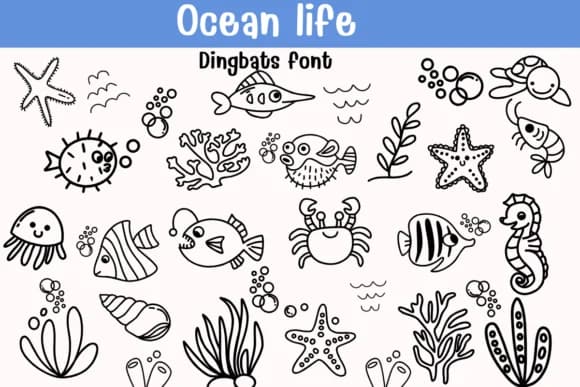
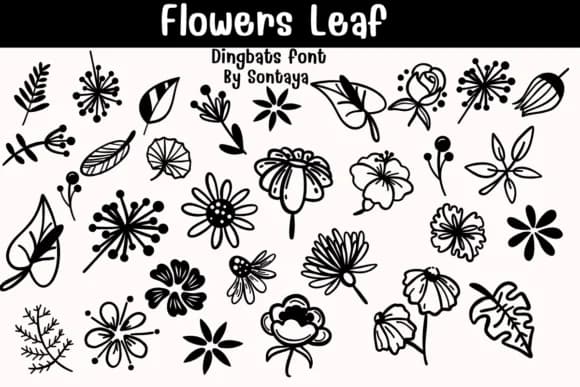
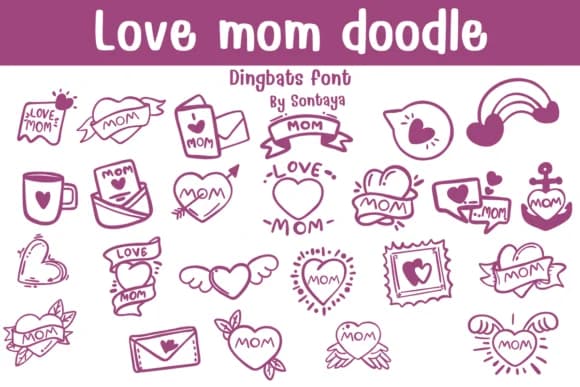
Browse fonts by theme
Curated collections →Saw a font in a picture? Identify any font from an image with our free Font Finder.
More Dingbats Fonts
Browse all →







What pairs well with Line Art Drawing Font?
Line Art Drawing Font is a versatile dingbats font that works for both headings and body text. Pair it with a contrasting sans-serif or serif font to add visual interest and a clear distinction between titles and body copy.



Line Art Drawing Font
by Sontaya
Reviewed by the FontBoxDL team · Updated July 2026