 Firefox
 1 / 10
About Horizon Light Font
This typeface captures the weathered, outdoorsy charm of vintage travel badges and well-worn expedition gear. Horizon Light, designed by Alit Design, brings that authentic handmade, stamped aesthetic to any project that genuinely needs real grit and character. The family consists of four complementary fonts: a bold weight for strong headlines and logo work, an expanded width for emphasis and breathing room, an italic for dynamic movement and visual urgency, and a dingbat font packed with hand-drawn mountains, pine trees, camping tents, jeeps, surfers, and retro vintage shapes.
This works beautifully for outdoor apparel branding, vintage campground signage, nature-focused stickers and decals, and DIY craft merchandise labels. The rough-stamp texture feels tactile and intentional without slipping into parody, and the OpenType ligatures plus creative alternates give you real control over how each letter sits on the page. That built-in variety prevents type-heavy designs from feeling flat or lifeless.
Pair Horizon Light with a minimal, geometric sans-serif for body text to keep layouts breathing and let both typefaces shine without competition. The contrast between rough-hewn type and clean supporting text creates genuine visual hierarchy without clashing. You'll find this complete font family on Creative Fabrica, ready for your next vintage-inspired project.
Style & Use Cases
- Overall Style
- Iconographic
- Use Case
- Icons, Accents
- Ideal For
- ornaments, bullets, and decorative flourishes
- Pairs With
- any text font
How to Install Horizon Light Font
Step-by-step instructions for every platform
- 1Download the Horizon Light font file (.ttf or .otf).
- 2Locate the downloaded file in your Downloads folder.
- 3Right-click the font file.
- 4Select "Install" to install for the current user, or "Install for all users" to make it available system-wide.
- 5Horizon Light is now available in Word, Photoshop, Illustrator, and all other apps.
More by Alit Design
View all →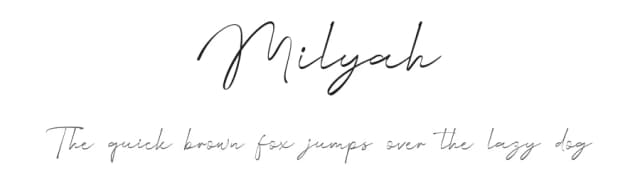
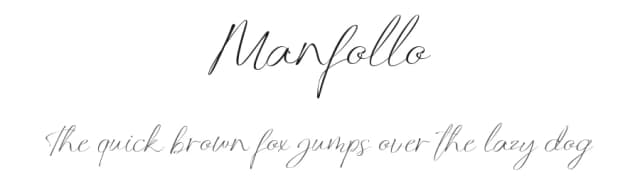
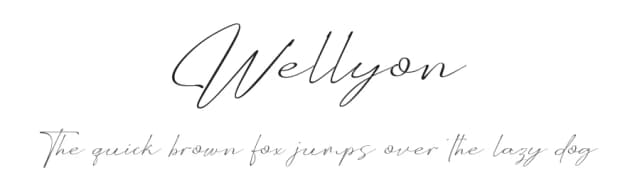
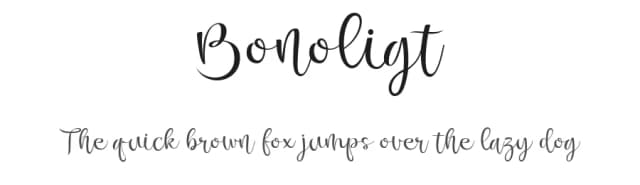
Browse fonts by theme
Curated collections →Saw a font in a picture? Identify any font from an image with our free Font Finder.
More Dingbats Fonts
Browse all →







What pairs well with Horizon Light Font?
Horizon Light Font is a versatile dingbats font that works for both headings and body text. Pair it with a contrasting sans-serif or serif font to add visual interest and a clear distinction between titles and body copy.



Horizon Light Font
by Alit Design
Reviewed by the FontBoxDL team · Updated August 2026