 Firefox
 1 / 8
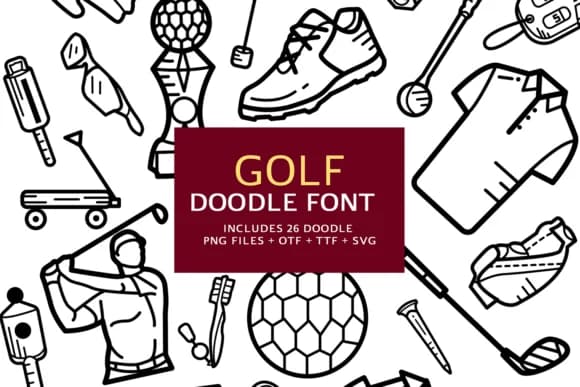
1 / 8About Golf Doodle Font
Golf Doodle, created by digitalplannerland, brings sport culture to life through hand-drawn icons and playful glyphs that feel genuinely sketched instead of machine-made. The dingbats font replaces rigid geometry with organic, character-filled letterforms that capture the game's personality without tipping into overly cute territory. Each character carries a confident, slightly rough quality that works best when you need texture and charm rather than polished perfection.
This is what real designers reach for when building golf course scoreboard graphics, country club membership cards, or tournament merchandise that deserves something more distinctive than default typefaces. Wedding party golf outing invitations, Etsy shop packaging for golf-themed gifts, and small brewery tap labels with course-inspired themes all benefit from this style's informal energy and playful confidence. The font ships in both OTF and TTF formats with the full A-Z character set, making it compatible with Photoshop, Illustrator, Procreate, and other design tools you already work with.
This typeface suits designers managing small clubs, outdoor event marketing, or anyone crafting golf-adjacent merchandise and signage with a loose, hand-drawn aesthetic. You can grab Golf Doodle from Creative Fabrica, where it fits alongside other distinctive, category-specific typefaces for creative professionals.
Style & Use Cases
- Overall Style
- Iconographic, Doodle
- Use Case
- Icons, Accents
- Ideal For
- ornaments, bullets, and decorative flourishes
- Pairs With
- any text font
How to Install Golf Doodle Font
Step-by-step instructions for every platform
- 1Download the Golf Doodle font file (.ttf or .otf).
- 2Locate the downloaded file in your Downloads folder.
- 3Right-click the font file.
- 4Select "Install" to install for the current user, or "Install for all users" to make it available system-wide.
- 5Golf Doodle is now available in Word, Photoshop, Illustrator, and all other apps.
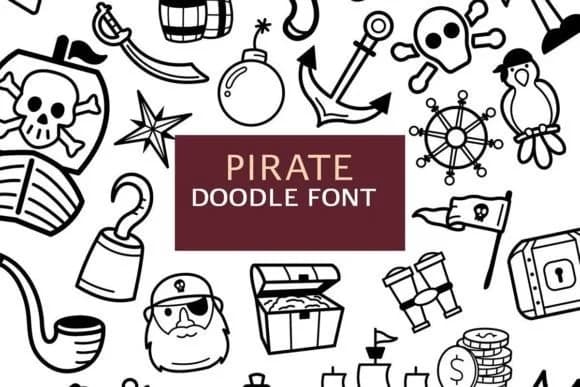
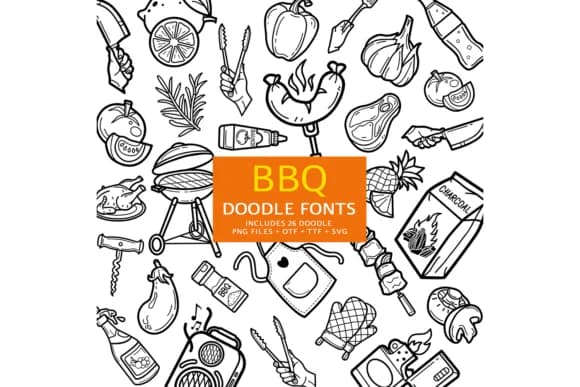
More by digitalplannerland
View all →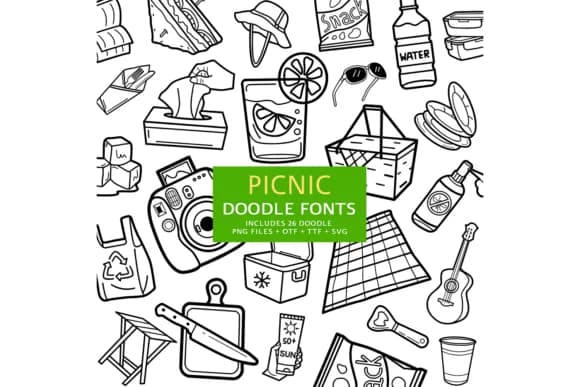
Browse fonts by theme
Curated collections →Saw a font in a picture? Identify any font from an image with our free Font Finder.
More Dingbats Fonts
Browse all →







What pairs well with Golf Doodle Font?
Golf Doodle Font is a versatile dingbats font that works for both headings and body text. Pair it with a contrasting sans-serif or serif font to add visual interest and a clear distinction between titles and body copy.



Golf Doodle Font
Reviewed by the FontBoxDL team · Updated July 2026