 Firefox
 1 / 4
1 / 4About GLC One Font
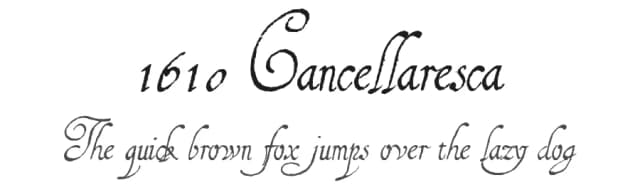
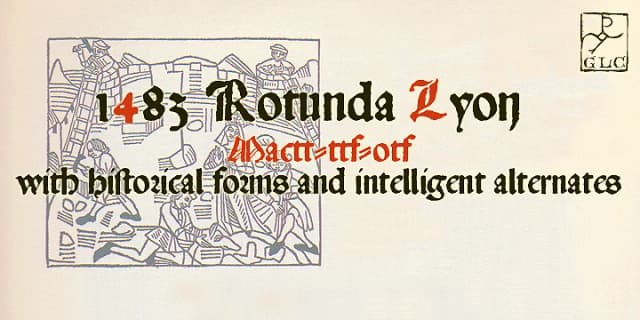
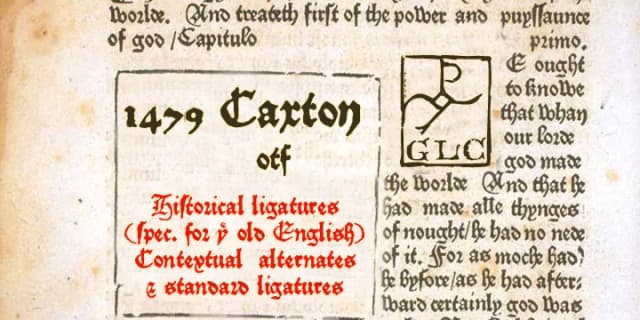
GLC One draws ornamental characters from the GLC Foundry's extensive archive of medieval and renaissance typefaces, gathering everything from elaborate fleurons to period-specific flourishes in one complete file. Designed by GLC Foundry, this dingbats collection solves a real problem for designers who want historical detail and decorative richness without purchasing multiple complete fonts or hunting through separate families. The characters here span centuries of typographic tradition, pulling from the most distinctive ornamentation the foundry has created and refined over time.
The collection works particularly well for formal wedding invitation suites, decorative scrapbook page layouts, vintage book chapter markers, and artisanal product label design. Each character carries historical weight and visual authority, letting you add genuine embellishment to your work without needing to source ornaments from a half-dozen different typeface families. Building period-appropriate stationery, creating hand-bound notebook covers, designing intricate menu cards, or developing themed event graphics all benefit from having this kind of ornamental depth at your fingertips. The cost advantage is real: you skip the expense of collecting full foundry sets just to access a handful of decorative elements.
This font belongs in the toolkit of any designer working with classic aesthetics, historical projects, or craft-based work that demands authentic period ornamentation. Find GLC One on Creative Fabrica for your next ornamental project.
Style & Use Cases
- Overall Style
- Iconographic
- Use Case
- Icons, Accents
- Ideal For
- ornaments, bullets, and decorative flourishes
- Pairs With
- any text font
How to Install GLC One Font
Step-by-step instructions for every platform
- 1Download the GLC One font file (.ttf or .otf).
- 2Locate the downloaded file in your Downloads folder.
- 3Right-click the font file.
- 4Select "Install" to install for the current user, or "Install for all users" to make it available system-wide.
- 5GLC One is now available in Word, Photoshop, Illustrator, and all other apps.

Browse fonts by theme
Curated collections →Saw a font in a picture? Identify any font from an image with our free Font Finder.
More Dingbats Fonts
Browse all →







What pairs well with GLC One Font?
GLC One Font is a versatile dingbats font that works for both headings and body text. Pair it with a contrasting sans-serif or serif font to add visual interest and a clear distinction between titles and body copy.



GLC One Font
by GLC Foundry
Reviewed by the FontBoxDL team · Updated August 2026