 Firefox
 1 / 6
1 / 6About Floral Line Art Font
Floral Line Art by Letterayu translates hand-drawn botanical illustrations into a working dingbat typeface, where each glyph is a carefully rendered leaf, flower, or branch. The font maintains a consistent, single-weight line throughout, creating clean minimalist geometry that stays sharp and readable at any size without softening or degradation.
This typeface is a smart choice for wedding invitation suites, botanical cosmetics packaging, delicate scrapbook embellishments, or tattoo design reference sheets. The linework carries that organic, sketched quality of manual drawing while avoiding the fragility of rasterized artwork. You'll find wildflowers, ornate foliage, branching structures, and linear flourishes that layer beautifully and work well alongside serif or sans-serif copy. These glyphs function as framing borders, text dividers, corner accents, or standalone motifs depending on your composition. Textile designers can use them for print pattern development, while stationery artists layer them for visual depth in minimalist branding systems without resorting to ornate decorative fonts.
Designers and makers who value botanical detail with visual restraint will connect with this font. The single-weight line work and hand-drawn character give it a refined, understated presence that strengthens rather than crowds your layouts. Find Floral Line Art on Creative Fabrica to start adding these botanical elements to your projects.
Style & Use Cases
- Overall Style
- Iconographic, Line Art
- Use Case
- Icons, Accents
- Ideal For
- ornaments, bullets, and decorative flourishes
- Pairs With
- any text font
How to Install Floral Line Art Font
Step-by-step instructions for every platform
- 1Download the Floral Line Art font file (.ttf or .otf).
- 2Locate the downloaded file in your Downloads folder.
- 3Right-click the font file.
- 4Select "Install" to install for the current user, or "Install for all users" to make it available system-wide.
- 5Floral Line Art is now available in Word, Photoshop, Illustrator, and all other apps.
More by Letterayu
View all →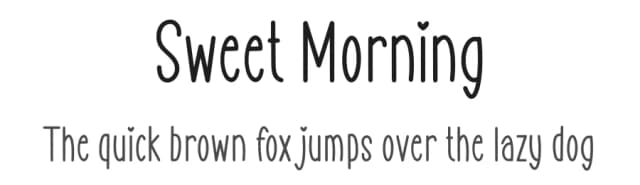
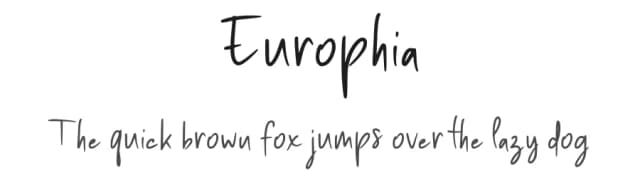
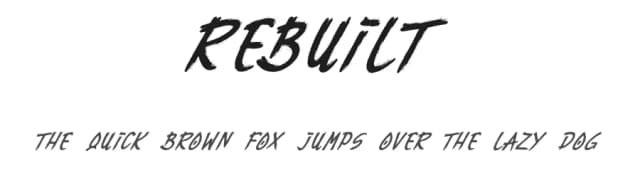

Browse fonts by theme
Curated collections →Saw a font in a picture? Identify any font from an image with our free Font Finder.
More Dingbats Fonts
Browse all →







What pairs well with Floral Line Art Font?
Floral Line Art Font is a versatile dingbats font that works for both headings and body text. Pair it with a contrasting sans-serif or serif font to add visual interest and a clear distinction between titles and body copy.



Floral Line Art Font
by Letterayu
Reviewed by the FontBoxDL team · Updated June 2026