 Firefox
 1 / 3
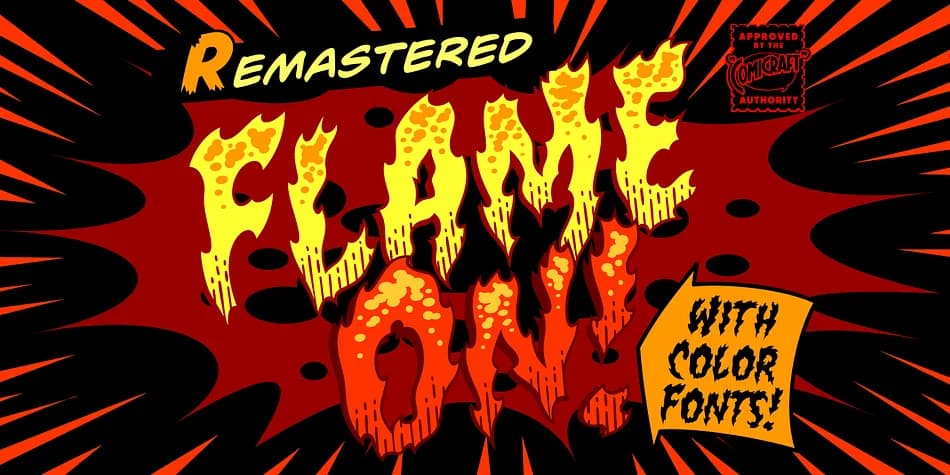
1 / 3About Flame On Font
You're designing a comic book cover that needs a title with real visual impact, and Flame On by Comicraft delivers exactly the kind of energy you need. Created by Richard Starkings and JG Roshell, the lettering legends behind Marvel's Fantastic Four, this decorative font captures the bold, confident style of classic comic book titling where every letter needs to command attention on the page.
The font shines in comic book covers and interiors, podcast episode artwork with a retro superhero aesthetic, vintage-inspired movie poster designs, and trading card game layouts. Because the characters have genuine hand-drawn energy, they make headlines and display text feel dynamic and alive on screen or in print. The thickness and flow of the letterforms create movement that static, computer-generated text simply can't replicate on its own.
What sets Flame On apart is how it stays legible even when used large, which separates genuinely functional display fonts from ones that blur into muddy abstractions. The letterforms maintain their clarity across sizes. Scale it up for a poster, or bring it down to packaging labels and small graphics, and they hold up either way. Grab it from Creative Fabrica and start bringing that comic book attitude to your next project.
Style & Use Cases
- Overall Style
- Bold, Distinctive
- Use Case
- Headlines, Posters
- Ideal For
- logos, packaging, and standout titles
- Pairs With
- a neutral sans-serif
How to Install Flame On Font
Step-by-step instructions for every platform
- 1Download the Flame On font file (.ttf or .otf).
- 2Locate the downloaded file in your Downloads folder.
- 3Right-click the font file.
- 4Select "Install" to install for the current user, or "Install for all users" to make it available system-wide.
- 5Flame On is now available in Word, Photoshop, Illustrator, and all other apps.
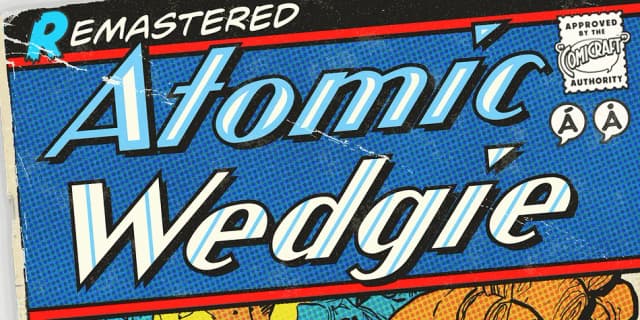
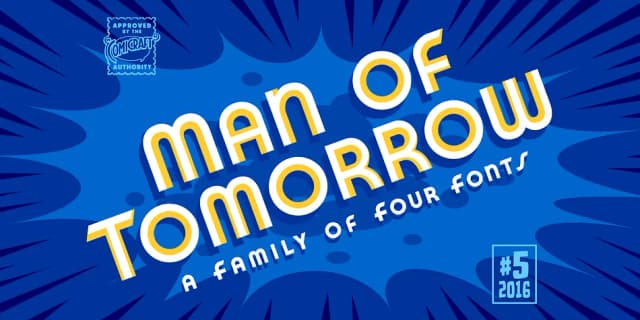
More by Comicraft
View all →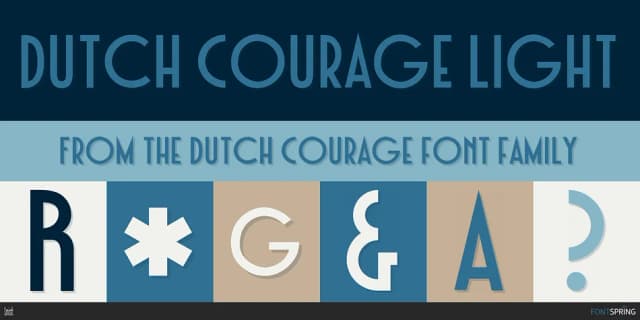
Browse fonts by theme
Curated collections →Saw a font in a picture? Identify any font from an image with our free Font Finder.
More Decorative Fonts
Browse all →







What pairs well with Flame On Font?
Flame On Font is a decorative font that shines as a display or heading face. Pair it with a clean sans-serif or serif font for body text — the contrast creates a clear hierarchy while the two styles stay balanced and easy to read.



Flame On Font
by Comicraft
Reviewed by the FontBoxDL team · Updated July 2026