 Firefox
 1 / 8
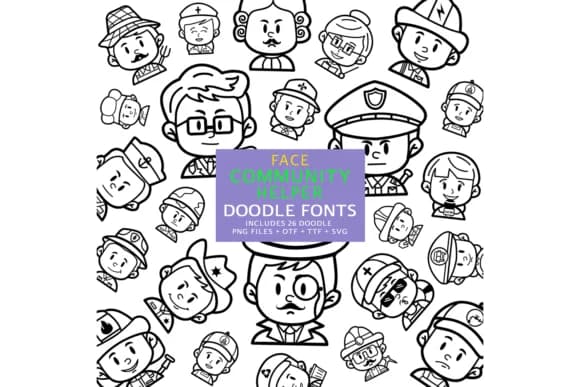
1 / 8About Face Community Helper Font
Face Community Helper, designed by digitalplannerland, brings a lighthearted doodle aesthetic to your design toolkit with flowing, sketch-like letterforms that feel hand-drawn and approachable. The font's playful character works well as a modern script paired with complementary typefaces or as a standalone decorative element for layouts that need personality and visual warmth. It's lightweight and includes full English language support in both TTF and OTF formats, making it ready to use across Photoshop, Illustrator, and web projects without compatibility headaches.
The font shines on designs like planner page embellishments, doodle-focused greeting cards, and DIY craft labels where a casual, artistic touch matters most. You might use it to create decorative borders for bullet journal spreads, hand-lettered elements on wedding invitation suites, or quirky sticker designs for product packaging that needs to stand out. Social media graphics benefit from its informal warmth, and it works equally well for small personal projects like custom journal covers or larger creative endeavors needing visual texture and character.
This font suits designers and crafters looking for a personality-driven decorative option that doesn't feel stiff or overly corporate. Grab it on Creative Fabrica and add Face Community Helper to your growing library of expressive, character-rich fonts.
Style & Use Cases
- Overall Style
- Iconographic, Doodle
- Use Case
- Icons, Accents
- Ideal For
- ornaments, bullets, and decorative flourishes
- Pairs With
- any text font
How to Install Face Community Helper Font
Step-by-step instructions for every platform
- 1Download the Face Community Helper font file (.ttf or .otf).
- 2Locate the downloaded file in your Downloads folder.
- 3Right-click the font file.
- 4Select "Install" to install for the current user, or "Install for all users" to make it available system-wide.
- 5Face Community Helper is now available in Word, Photoshop, Illustrator, and all other apps.
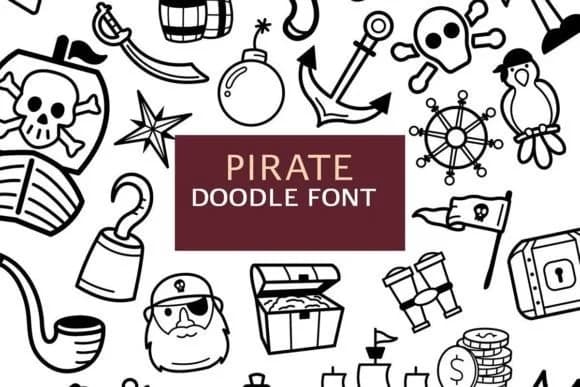
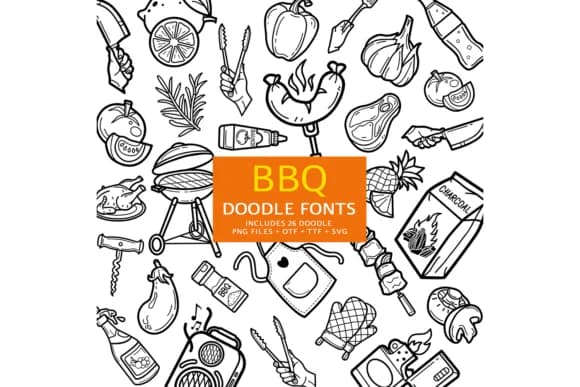
More by digitalplannerland
View all →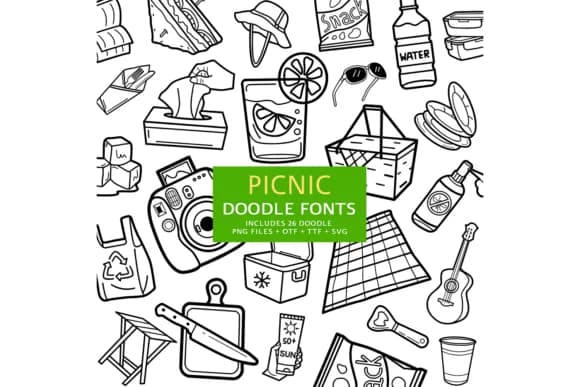
Browse fonts by theme
Curated collections →Saw a font in a picture? Identify any font from an image with our free Font Finder.
More Dingbats Fonts
Browse all →







What pairs well with Face Community Helper Font?
Face Community Helper Font is a versatile dingbats font that works for both headings and body text. Pair it with a contrasting sans-serif or serif font to add visual interest and a clear distinction between titles and body copy.



Face Community Helper Font
Reviewed by the FontBoxDL team · Updated July 2026