 Firefox
 1 / 5
1 / 5About Events Font
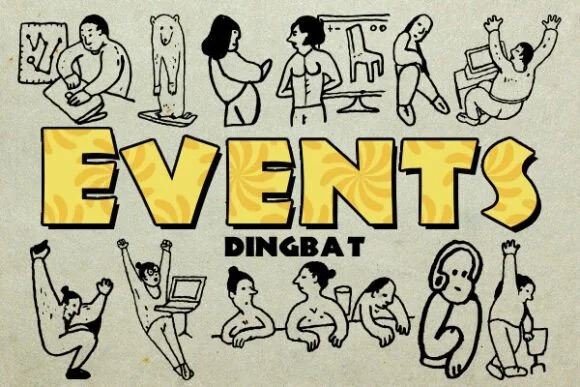
Events by vladimirnikolic is a playful dingbat collection that fills your toolkit with festive decorative symbols and icons. Where other fonts provide letters, this one delivers personality through its character set of event-themed glyphs designed to catch attention. The cheerful marks work naturally across a range of celebration-focused projects and editorial layouts.
Event invitations, festival posters, and party announcement graphics all gain visual interest from these symbols when used as decorative accents or separators. Designers creating magazine spreads about entertainment or live events often layer playful dingbats like this to add visual breathing room and rhythm between editorial sections. Wedding programs, concert program booklets, and anniversary celebration designs benefit from consistent, friendly decorative elements woven throughout the layout. The collection offers multiple glyphs so you can vary your placements without repetition, making this practical for designs where both impact and visual polish matter.
These marks maintain their cheerful personality whether scaled large for event posters or printed small on ticketing materials, thank-you cards, or program booklets. The consistent sizing and visual weight mean they work as part of a cohesive design system across multiple applications. Grab this collection on Creative Fabrica to add instant personality to your event-focused projects.
Style & Use Cases
- Overall Style
- Iconographic, Dingbats
- Use Case
- Icons, Accents
- Ideal For
- ornaments, bullets, and decorative flourishes
- Pairs With
- any text font
How to Install Events Font
Step-by-step instructions for every platform
- 1Download the Events font file (.ttf or .otf).
- 2Locate the downloaded file in your Downloads folder.
- 3Right-click the font file.
- 4Select "Install" to install for the current user, or "Install for all users" to make it available system-wide.
- 5Events is now available in Word, Photoshop, Illustrator, and all other apps.
More by vladimirnikolic
View all →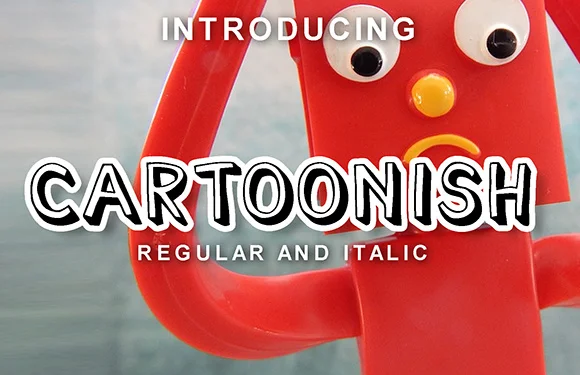
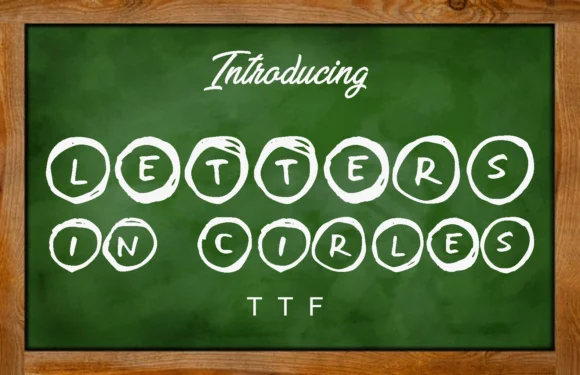

Browse fonts by theme
Curated collections →Saw a font in a picture? Identify any font from an image with our free Font Finder.
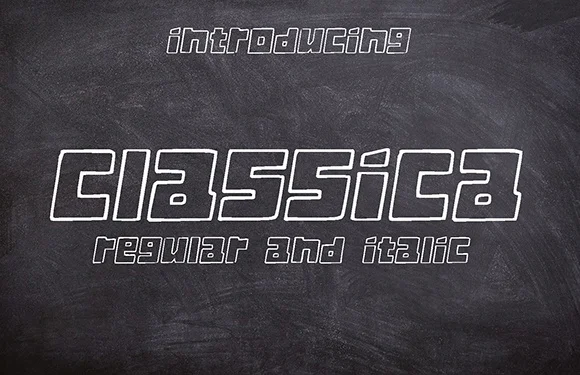
More Dingbats Fonts
Browse all →







What pairs well with Events Font?
Events Font is a versatile dingbats font that works for both headings and body text. Pair it with a contrasting sans-serif or serif font to add visual interest and a clear distinction between titles and body copy.




Events Font
Reviewed by the FontBoxDL team · Updated July 2026