 Firefox
 1 / 8
1 / 8About Elements Wedding Font
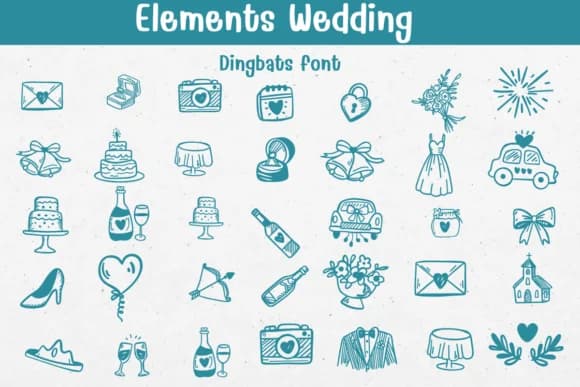
Hand-drawn wedding symbols replace your keyboard characters in Elements Wedding, a dingbats collection designed by Sontaya. Over thirty line-art icons render champagne flutes, tiered cakes, bridal gowns, and vintage getaway cars as thematic ornaments, each one swapping in for standard text characters. What makes this collection valuable is how these charming illustrations integrate into layouts, letting you add consistent wedding aesthetics without hunting through separate graphics libraries or slowing your design workflow.
The real utility emerges when you're designing wedding invitation suites, where repeated iconography strengthens brand feel across every card and response page. Tuck these symbols into menu borders, sprinkle them through seating charts, or anchor bridal shower favors with coordinated graphic elements that tie everything together visually. Rustic celebrations and luxury affairs both benefit from the line-drawn elegance; there's enough versatility here to complement minimalist designs or ornate themes without feeling out of place.
This font speaks to engaged couples handling DIY stationery, boutique wedding planners sourcing custom graphics, and designers building cohesive packages for clients. Find Elements Wedding on Creative Fabrica, where you can add it to your collection and start layering these decorative touches into your next wedding project.
Style & Use Cases
- Overall Style
- Iconographic, Diy
- Use Case
- Icons, Accents
- Ideal For
- ornaments, bullets, and decorative flourishes
- Pairs With
- any text font
How to Install Elements Wedding Font
Step-by-step instructions for every platform
- 1Download the Elements Wedding font file (.ttf or .otf).
- 2Locate the downloaded file in your Downloads folder.
- 3Right-click the font file.
- 4Select "Install" to install for the current user, or "Install for all users" to make it available system-wide.
- 5Elements Wedding is now available in Word, Photoshop, Illustrator, and all other apps.
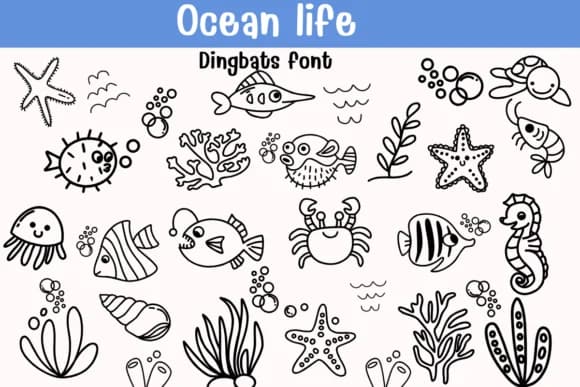
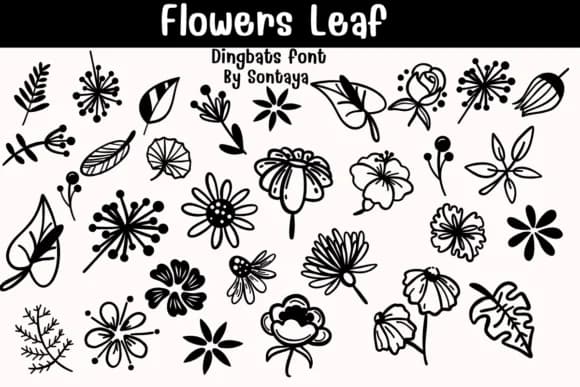
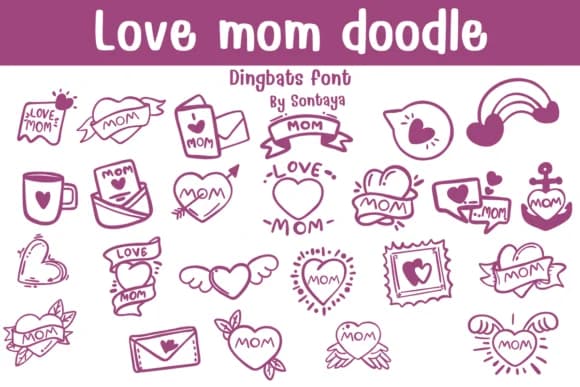
Browse fonts by theme
Curated collections →Saw a font in a picture? Identify any font from an image with our free Font Finder.
More Dingbats Fonts
Browse all →







What pairs well with Elements Wedding Font?
Elements Wedding Font is a versatile dingbats font that works for both headings and body text. Pair it with a contrasting sans-serif or serif font to add visual interest and a clear distinction between titles and body copy.



Elements Wedding Font
by Sontaya
Reviewed by the FontBoxDL team · Updated July 2026