 Firefox
 1 / 6
1 / 6About Eighart Font
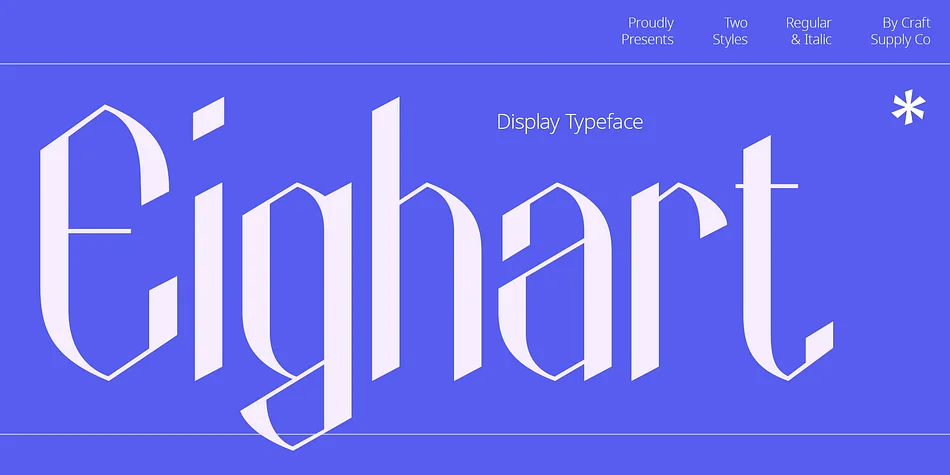
Eighart by Craft Supply Co. is a high-contrast display font that channels pure tech-inspired energy through its sharp, geometric forms. The typeface leans into that futuristic aesthetic without sacrificing readability, which matters when you're working with type this bold. Every letter and number demands real attention on the page, making it ideal for music festival branding, synthwave album covers, sci-fi movie title sequences, and gaming logos where visual impact needs to be immediate and undeniable.
The real strength here is how it straddles different creative worlds. Beyond the obvious tech presentation slides and sleek interface design work, you can push it into editorial layouts that need serious attitude, high-end tech product packaging that wants to feel forward-thinking, and avant-garde book covers that embrace geometric tension. The high contrast between thick and thin strokes gives every character definition and presence, so the typeface holds up beautifully at large display sizes and reads clearly at smaller scales too.
Want a typeface that feels contemporary and architectural without leaning on trendy flourishes? Eighart delivers exactly that kind of balance. Grab it from Creative Fabrica and see what it brings to your next project.
Style & Use Cases
- Overall Style
- Bold, Distinctive
- Use Case
- Headlines, Posters
- Ideal For
- logos, packaging, and standout titles
- Pairs With
- a neutral sans-serif
How to Install Eighart Font
Step-by-step instructions for every platform
- 1Download the Eighart font file (.ttf or .otf).
- 2Locate the downloaded file in your Downloads folder.
- 3Right-click the font file.
- 4Select "Install" to install for the current user, or "Install for all users" to make it available system-wide.
- 5Eighart is now available in Word, Photoshop, Illustrator, and all other apps.
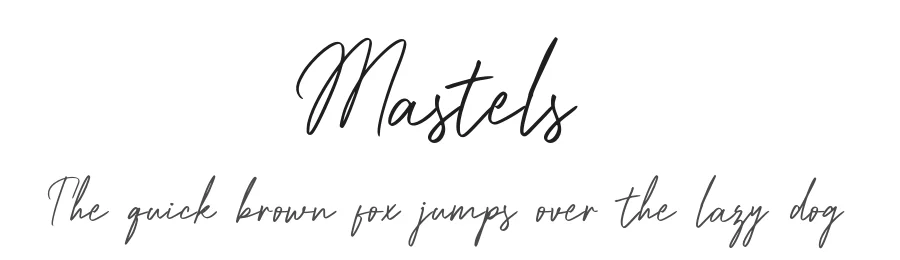
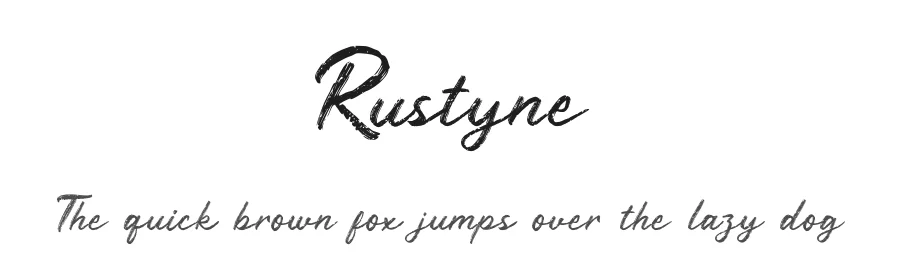
More by Craft Supply Co.
View all →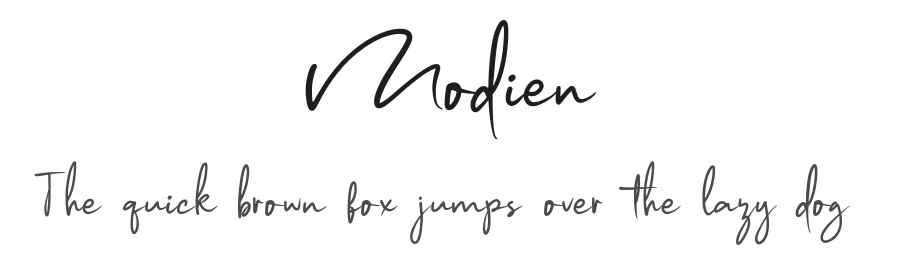
Browse fonts by theme
Curated collections →Saw a font in a picture? Identify any font from an image with our free Font Finder.
More Decorative Fonts
Browse all →







What pairs well with Eighart Font?
Eighart Font is a decorative font that shines as a display or heading face. Pair it with a clean sans-serif or serif font for body text — the contrast creates a clear hierarchy while the two styles stay balanced and easy to read.




Eighart Font
Reviewed by the FontBoxDL team · Updated June 2026