 Firefox
 1 / 8
1 / 8Loading font…
About Doodle Arrow Font
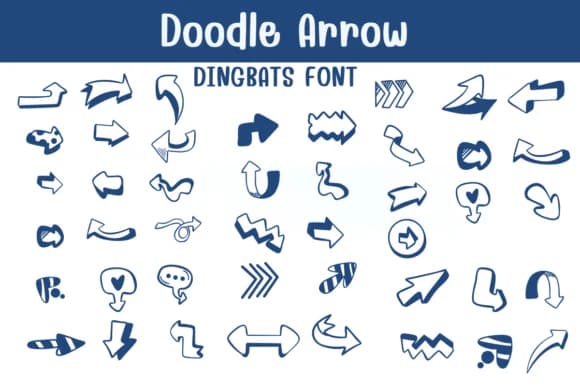
This playful collection radiates energy and visual movement, capturing the spirit of hand-drawn creative direction. Doodle Arrow by Sontaya is a dingbat font filled with hand-drawn arrow characters rendered in multiple styles and interpretations. You'll find thick outlined forms, wavy lines, and quirky stylized versions all gathered in one cohesive set.
The arrows work beautifully for bullet journal daily spreads where visual guidance helps organize information and flow, social media carousel callouts that need to command attention, and DIY greeting card designs that benefit from a handmade feel. Classroom activity sheets and coloring pages gain charm from these directional symbols, while scrapbooking layouts use them to guide the viewer's eye through compositions and visual hierarchies. Custom planner pages and infographics get a personality boost when you thread these arrows into flow diagrams, process charts, navigation elements, and layout connectors. Both OTF and TTF formats are included, making installation straightforward across Adobe Suite, Procreate, Affinity, and other creative software you already use.
Pair these playful arrows with a straightforward sans-serif for body text so the dingbats remain the focal point without visual competition. Grab Doodle Arrow from Creative Fabrica and start adding character and dynamic direction to your designs.
Style & Use Cases
- Overall Style
- Iconographic, Fonts
- Use Case
- Icons, Accents
- Ideal For
- ornaments, bullets, and decorative flourishes
- Pairs With
- any text font
How to Install Doodle Arrow Font
Step-by-step instructions for every platform
- 1Download the Doodle Arrow font file (.ttf or .otf).
- 2Locate the downloaded file in your Downloads folder.
- 3Right-click the font file.
- 4Select "Install" to install for the current user, or "Install for all users" to make it available system-wide.
- 5Doodle Arrow is now available in Word, Photoshop, Illustrator, and all other apps.
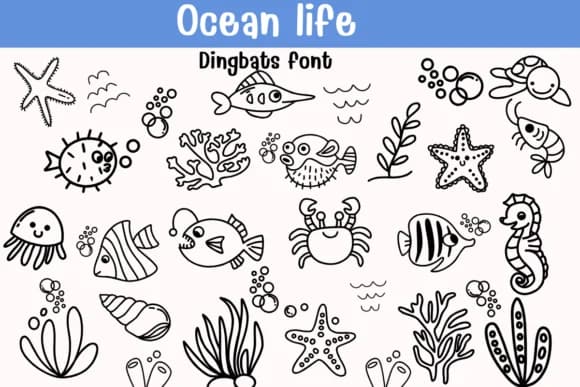
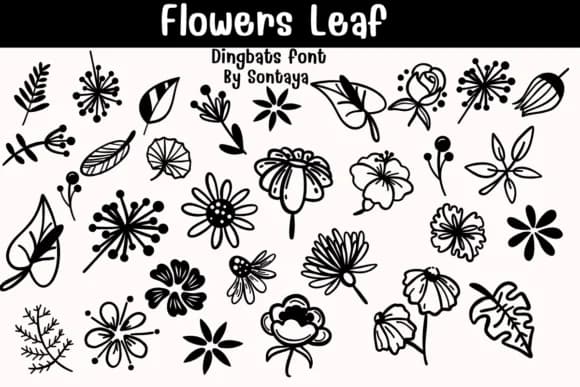
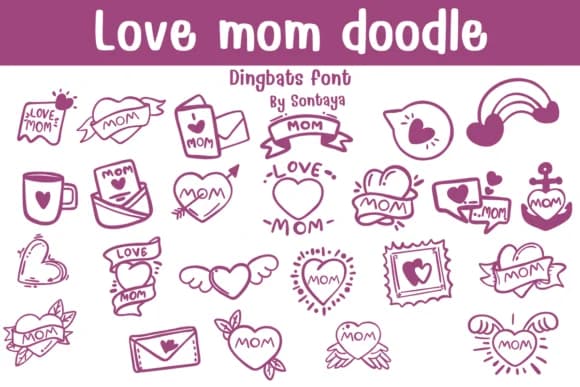
Browse fonts by theme
Curated collections →Saw a font in a picture? Identify any font from an image with our free Font Finder.
More Dingbats Fonts
Browse all →







What pairs well with Doodle Arrow Font?
Doodle Arrow Font is a versatile dingbats font that works for both headings and body text. Pair it with a contrasting sans-serif or serif font to add visual interest and a clear distinction between titles and body copy.



Doodle Arrow Font
by Sontaya
Reviewed by the FontBoxDL team · Updated October 2026