 Firefox
 1 / 10
About Diploma Script Font
Diploma Script, designed by Latinotype, bridges classical Copperplate calligraphy with contemporary brush pen character. The letterforms retain the disciplined, flowing quality of traditional copperplate while adding a softer, more organic warmth that keeps the typeface from feeling strictly formal or academic. This hybrid approach gives the font genuine versatility: it reads as refined without becoming precious, and approachable without losing sophistication.
The typeface shines in contexts where handmade elegance matters. Wedding invitation suites, formal certificates, luxury skincare and cosmetics packaging, and custom event signage all benefit from Diploma Script's particular blend of polish and personality. Event designers and stationery specialists gravitate toward scripts like this because they convey care and intention in ways geometric sans-serifs simply can't. The inclusion of initial, medial, and terminal alternates means you can emphasize key words and create visual rhythm across a page without monotony. A generous glyph set covering 900+ characters and multilingual support across more than 200 languages provides the technical depth you need for international projects.
Diploma Script suits anyone creating branded stationery, wedding materials, or upscale packaging who wants script sophistication without overworked flourishes. It's available on Creative Fabrica.
Style & Use Cases
- Overall Style
- Iconographic
- Use Case
- Icons, Accents
- Ideal For
- ornaments, bullets, and decorative flourishes
- Pairs With
- any text font
How to Install Diploma Script Font
Step-by-step instructions for every platform
- 1Download the Diploma Script font file (.ttf or .otf).
- 2Locate the downloaded file in your Downloads folder.
- 3Right-click the font file.
- 4Select "Install" to install for the current user, or "Install for all users" to make it available system-wide.
- 5Diploma Script is now available in Word, Photoshop, Illustrator, and all other apps.
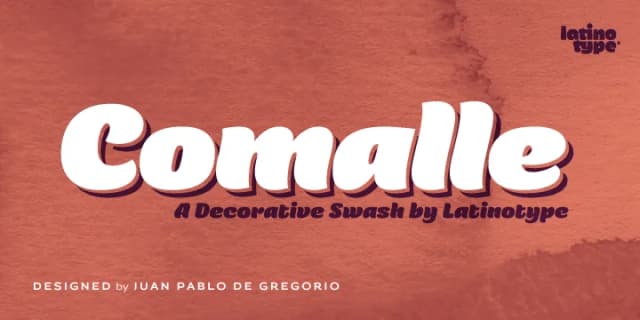
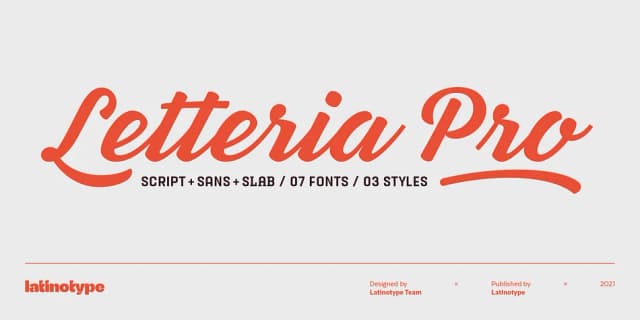
More by Latinotype
View all →

Browse fonts by theme
Curated collections →Saw a font in a picture? Identify any font from an image with our free Font Finder.
More Dingbats Fonts
Browse all →







What pairs well with Diploma Script Font?
Diploma Script Font is a versatile dingbats font that works for both headings and body text. Pair it with a contrasting sans-serif or serif font to add visual interest and a clear distinction between titles and body copy.



Diploma Script Font
by Latinotype
Reviewed by the FontBoxDL team · Updated August 2026