 Firefox
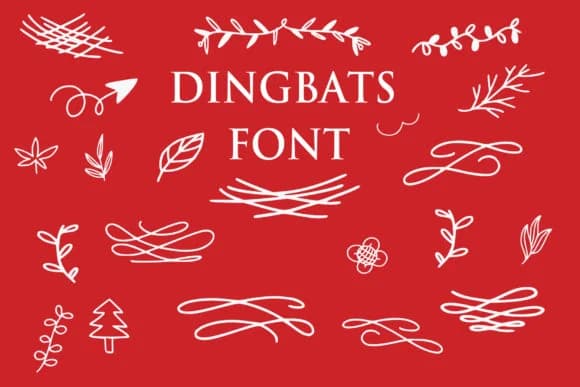 1 / 7
1 / 7About Dingbats Floral Font
Dingbats Floral by goodigital is a decorative symbol font filled with botanical ornaments and delicate flourishes that work across print and digital design. It offers the kind of natural embellishments that designers consistently reach for when they want to add character and refinement without resorting to photographic elements or generic clip art collections.
This font performs beautifully on wedding invitation suites, where subtle decorative details can frame calligraphy and text elegantly, and on boutique product packaging for handmade candles, soaps, and artisan skincare lines. You'll also find it works well for creating ornamental borders and dividers in fashion lookbooks, layering embellishments into seasonal greeting cards, and adding handcrafted personality to logo designs and brand marks. The character set functions equally well as photo overlays for lifestyle photography or as repeating pattern elements in packaging design. Small businesses using the font for branding often stack multiple characters to create custom borders and corner flourishes.
A well-designed dingbat collection becomes far more versatile than it appears at first glance. Single characters can serve as dividers, corner elements, framing devices, or standalone decorative pieces depending on context and arrangement. If you're building designs that need organic, botanical character with intentional craft, Dingbats Floral from Creative Fabrica is worth adding to your working fonts.
Style & Use Cases
- Overall Style
- Iconographic, Beautiful
- Use Case
- Icons, Accents
- Ideal For
- ornaments, bullets, and decorative flourishes
- Pairs With
- any text font
How to Install Dingbats Floral Font
Step-by-step instructions for every platform
- 1Download the Dingbats Floral font file (.ttf or .otf).
- 2Locate the downloaded file in your Downloads folder.
- 3Right-click the font file.
- 4Select "Install" to install for the current user, or "Install for all users" to make it available system-wide.
- 5Dingbats Floral is now available in Word, Photoshop, Illustrator, and all other apps.
More by goodigital
View all →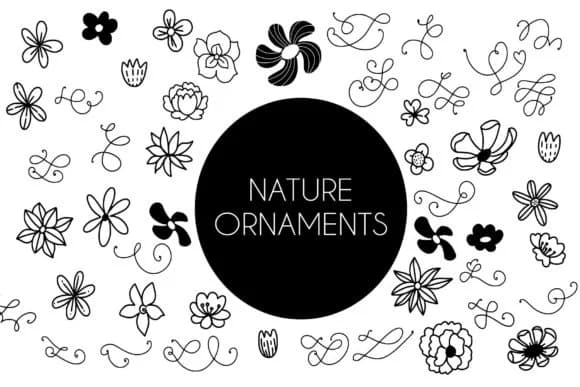
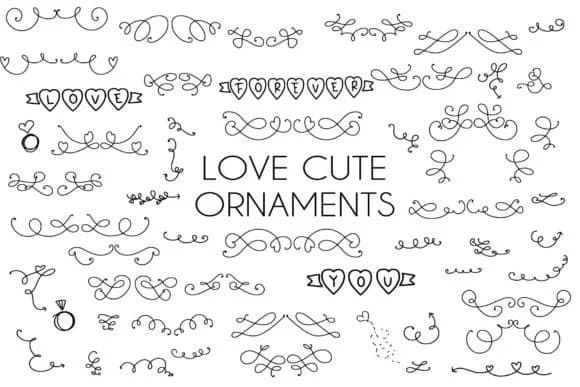
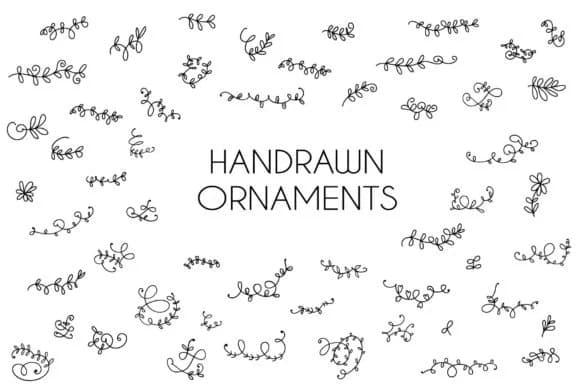
Browse fonts by theme
Curated collections →Saw a font in a picture? Identify any font from an image with our free Font Finder.
More Dingbats Fonts
Browse all →







What pairs well with Dingbats Floral Font?
Dingbats Floral Font is a versatile dingbats font that works for both headings and body text. Pair it with a contrasting sans-serif or serif font to add visual interest and a clear distinction between titles and body copy.



Dingbats Floral Font
by goodigital
Reviewed by the FontBoxDL team · Updated July 2026