 Firefox
 1 / 2
1 / 2About ClickBits Font
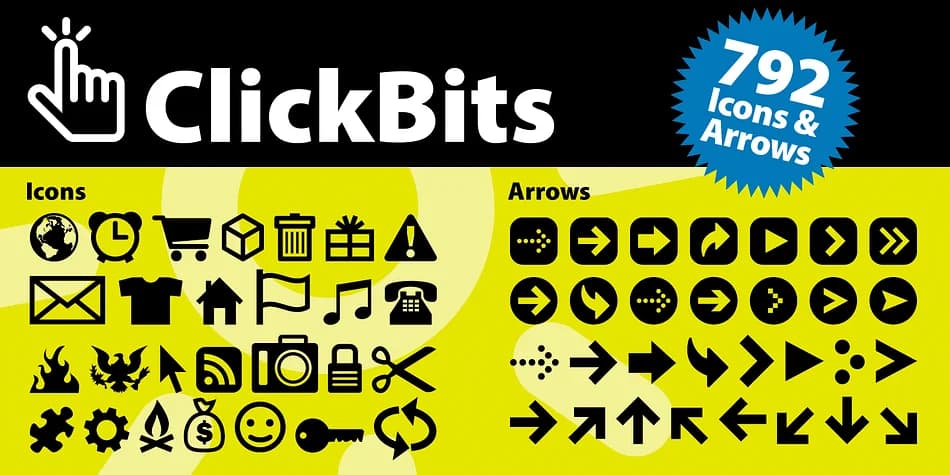
Digital, energetic, and built for motion. ClickBits, created by Fonthead Design, is a dingbat collection that brings web interface clarity to both screen and page. Distributed across 11 font variations, you get 792 icons and arrows covering everything from social media graphics and app UI documentation to email newsletter headers and interactive infographic elements. Each icon carries that crisp navigational quality that makes digital products feel intuitive without ever feeling sterile or overly refined.
The breadth here means you can tackle podcast artwork, blog post feature images, website button sets, and print materials that need a digital-first aesthetic without hunting through multiple sources. Web 2.0 sensibility runs through the whole collection, but it translates surprisingly well to modern SaaS interfaces and brand guidelines wanting visual sophistication without decoration. You get arrows for workflows, connection icons for service features, the kind of building blocks working designers actually reach for in production work.
Combine this with a clean, geometric sans like Inter or Futura for body text and you've built a system with real visual coherence. Grab ClickBits on Creative Fabrica and you'll have your workhorse icon set ready to go.
Style & Use Cases
- Overall Style
- Iconographic
- Use Case
- Icons, Accents
- Ideal For
- ornaments, bullets, and decorative flourishes
- Pairs With
- any text font
How to Install ClickBits Font
Step-by-step instructions for every platform
- 1Download the ClickBits font file (.ttf or .otf).
- 2Locate the downloaded file in your Downloads folder.
- 3Right-click the font file.
- 4Select "Install" to install for the current user, or "Install for all users" to make it available system-wide.
- 5ClickBits is now available in Word, Photoshop, Illustrator, and all other apps.
More by Fonthead Design
View all →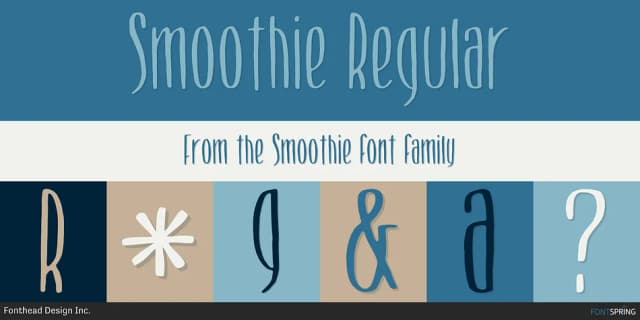
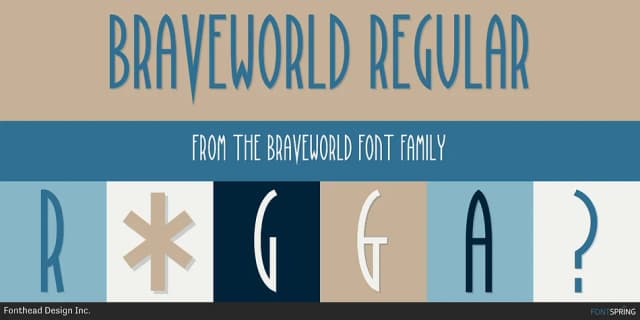
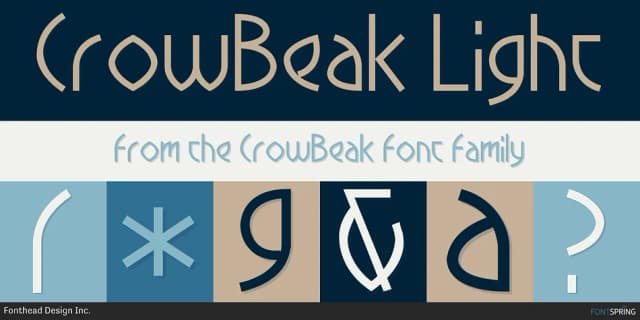

Browse fonts by theme
Curated collections →Saw a font in a picture? Identify any font from an image with our free Font Finder.
More Dingbats Fonts
Browse all →







What pairs well with ClickBits Font?
ClickBits Font is a versatile dingbats font that works for both headings and body text. Pair it with a contrasting sans-serif or serif font to add visual interest and a clear distinction between titles and body copy.



ClickBits Font
Reviewed by the FontBoxDL team · Updated August 2026