 Firefox
 1 / 10
About Clarence Pro Font
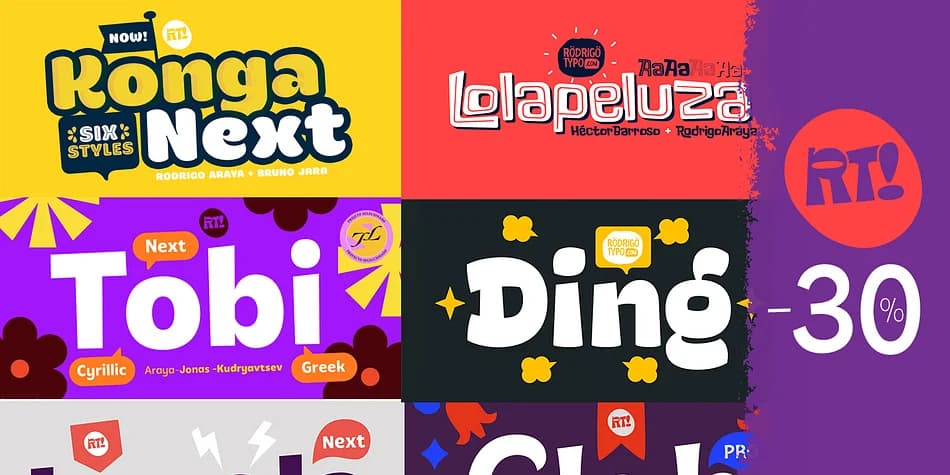
Clarence Pro by Rodrigo Typo is a playful dingbat font that goes far beyond basic decorative symbols. This typeface is built for designers who want flexibility and visual richness without committing to multiple font files. Extensive alternatives and ligatures are baked into the design, so you can swap out letterforms and create custom letter connections that feel intentional and polished. The inclusion of Greek and Cyrillic alphabets means you're not constrained to Latin-only work, making it genuinely useful for multilingual projects and educational materials that serve diverse audiences.
The combination of decorative options and broad language support opens real doors for creative work. Sticker sheet designs benefit enormously from the alternate letterforms, letting each version of a letter feel visually distinct. Journal embellishment layouts and planner spreads gain genuine visual interest through the ligatures without overwhelming the page or distracting from content. Kids and teens especially gravitate toward fonts like this for personalizing social media graphics, decorating their digital spaces, and creating custom DIY birthday invitation suites that actually stand out. Craft storage labels, scrapbooking layouts, and children's educational materials all benefit from a font this versatile and playful.
Grab Clarence Pro from Creative Fabrica and dive into exploring those alternates to unlock everything this typeface can do.
Style & Use Cases
- Overall Style
- Iconographic
- Use Case
- Icons, Accents
- Ideal For
- ornaments, bullets, and decorative flourishes
- Pairs With
- any text font
How to Install Clarence Pro Font
Step-by-step instructions for every platform
- 1Download the Clarence Pro font file (.ttf or .otf).
- 2Locate the downloaded file in your Downloads folder.
- 3Right-click the font file.
- 4Select "Install" to install for the current user, or "Install for all users" to make it available system-wide.
- 5Clarence Pro is now available in Word, Photoshop, Illustrator, and all other apps.
More by Rodrigo Typo
View all →



Browse fonts by theme
Curated collections →Saw a font in a picture? Identify any font from an image with our free Font Finder.
More Dingbats Fonts
Browse all →







What pairs well with Clarence Pro Font?
Clarence Pro Font is a versatile dingbats font that works for both headings and body text. Pair it with a contrasting sans-serif or serif font to add visual interest and a clear distinction between titles and body copy.



Clarence Pro Font
by Rodrigo Typo
Reviewed by the FontBoxDL team · Updated August 2026