 Firefox
 1 / 10
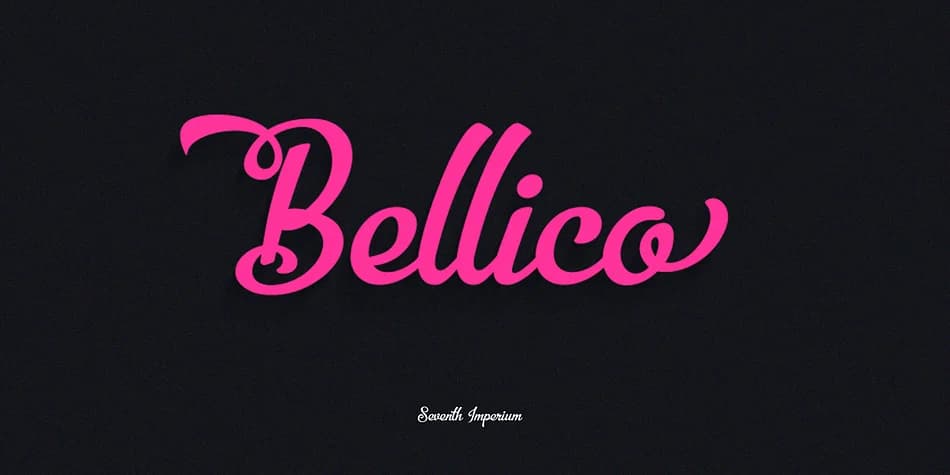
About Bellico Font
Bellico carries an elegant, flowing character that brings warmth and sophistication to any design direction. Created by Seventh Imperium, this script typeface combines fluid, expressive letterforms with refined, polished edges that balance organic feel with careful control.
The font excels in upscale applications: wedding invitation suites, artisanal product packaging, boutique cafe menus, and personalized stationery collections. You'll also find it works beautifully for hand-drawn logo concepts, brand identity systems, and premium packaging design where personality and refinement matter equally. The real strength of Bellico lies in its extensive alternate character library, all built directly into the typeface and controlled through OpenType features in compatible software. This gives you genuine flexibility to swap individual glyphs and explore different letterform options for the same character within a single typeface file. Rather than settling for one fixed style, you can refine specific letters to match your exact design vision, creating customized typography that feels naturally hand-drawn while maintaining precise control over every single detail.
Pair Bellico with a clean, minimal sans-serif when you need body copy or supporting text, as this combination ensures excellent readability while keeping the design cohesive. Find it on Creative Fabrica and add this refined script to your collection.
Style & Use Cases
- Overall Style
- Elegant, Flowing
- Use Case
- Invitations, Branding
- Ideal For
- wedding stationery, greeting cards, and signatures
- Pairs With
- a simple uppercase sans
How to Install Bellico Font
Step-by-step instructions for every platform
- 1Download the Bellico font file (.ttf or .otf).
- 2Locate the downloaded file in your Downloads folder.
- 3Right-click the font file.
- 4Select "Install" to install for the current user, or "Install for all users" to make it available system-wide.
- 5Bellico is now available in Word, Photoshop, Illustrator, and all other apps.
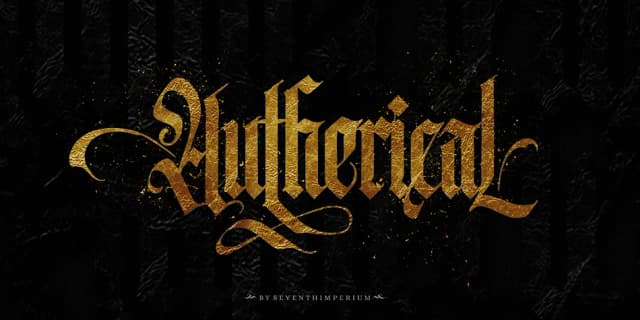
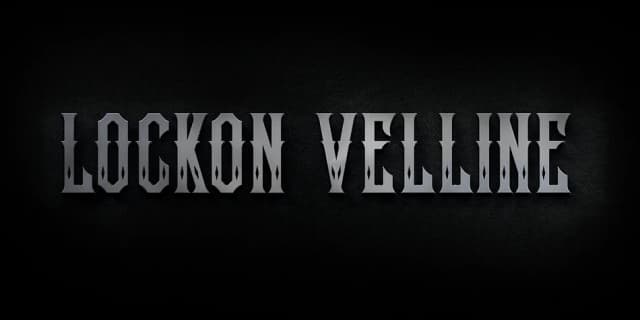
More by Seventh Imperium
View all →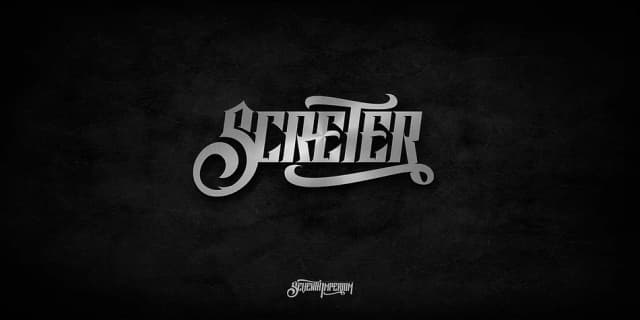

Browse fonts by theme
Curated collections →Saw a font in a picture? Identify any font from an image with our free Font Finder.
More Script Handwritten Fonts
Browse all →







What pairs well with Bellico Font?
Bellico Font is a script font that shines as a display or heading face. Pair it with a clean sans-serif or serif font for body text — the contrast creates a clear hierarchy while the two styles stay balanced and easy to read.



Bellico Font
Reviewed by the FontBoxDL team · Updated July 2026