 Firefox
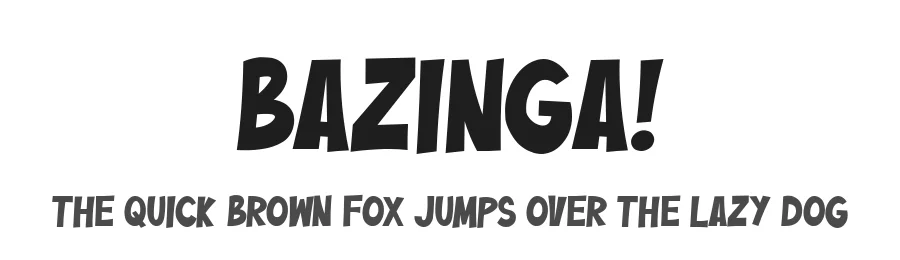 1 / 3
1 / 3Loading font…
About Bazinga! Font
By installing or using this font, you are agree to the Product Usage Agreement:
- This demo font is ONLY FOR PERSONAL USE. NO COMMERCIAL USE ALLOWED!
- Here is the link to purchase full version and commercial license:
https://faptype.com/product/blazinga-comic-layered-font/?v=659bb4967f1a
- For more awesome fonts!:
https://faptype.com/
- For Corporate use you have to purchase Corporate license:
[email protected]
- If you need a custom license please contact us: at
[email protected]
- Any donation are very appreciated. Paypal account for donation:
https://paypal.me/bpkedypurwanto
Buzinga! is a fabulous new layered comic book style font that is inspired by Sheldon favorite jokes word - Bazinga! You can combined this font with any layered style which included in this font family. This font is Perfect for adding a comical feel to your designs, whether it is comical quotes, label, logotype poster and many more!
Buzinga! features:
A full set of uppercase characters
More...
Numbers & punctuation
Multilingual language support
PUA Encoded Characters
275 Total glyphs
Layered Style
Buzinga! Includes:
Bazinga! (OTF, TTF & WOFF)
Bazinga! Regular (OTF, TTF & WOFF)
Bazinga! Regular Italic (OTF, TTF & WOFF)
Bazinga! Extruded Left (OTF, TTF & WOFF)
Bazinga! Extruded Left Italic (OTF, TTF & WOFF)
Bazinga! Extruded Right (OTF, TTF & WOFF)
Bazinga! Extruded Right Italic (OTF, TTF & WOFF)
Bazinga! Shadow Left (OTF, TTF & WOFF)
Bazinga! Shadow Left Italic (OTF, TTF & WOFF)
Bazinga! Shadow Right (OTF, TTF & WOFF)
Bazinga! Shadow Right Italic (OTF, TTF & WOFF)
Comic Bubble.EPS
⚠️To enable the OpenType Stylistic alternates, you need a program that supports OpenType features such as Adobe Illustrator CS, Adobe InDesign & CorelDraw X6-X7, Microsoft Word 2010 or later versions. There are additional ways to access alternates/swashes, using Character Map (Windows), Nexus Font (Windows), Font Book (Mac) or a software program such as Pop Char (for Windows and Mac).
⚠️For more information about accessing alternative, you can see this link:
http://adobe.ly/1m1fn4Y
🔑Important tutorial from the author:
Tutorial for Mollusca font trio:
https://lnkd.in/d984CQD6
How to use Midway | Retro Script Font on illustrator:
https://lnkd.in/eusbZd7s
How to use Midway | Retro Script Font on Photoshop:
https://lnkd.in/evsYrwgs
❤️Get in touch with the author:
Instagram:
https://www.instagram.com/ardana619
Behance:
https://www.behance.net/ardana619
🔥Thankyou for purchasing our product, hope you like and have fun with our product. If you have any queries, questions or issues, please don't hesitate to contact us directly. If you satisfied with our product, please give 5 stars rating.
😊Happy Designing...
Style & Use Cases
- Overall Style
- Bold, Distinctive, Fancy
- Use Case
- Headlines, Posters
- Ideal For
- logos, packaging, and standout titles
- Pairs With
- a neutral sans-serif
Similar Fonts
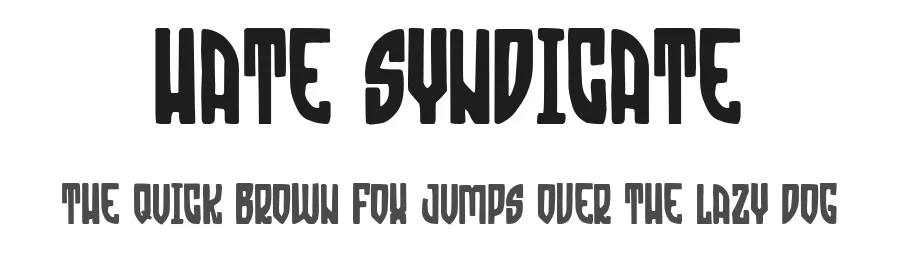
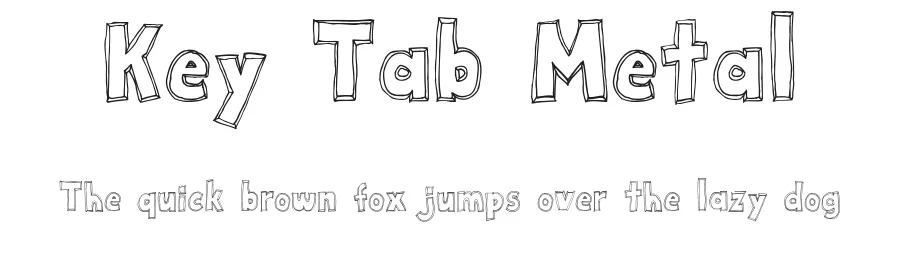
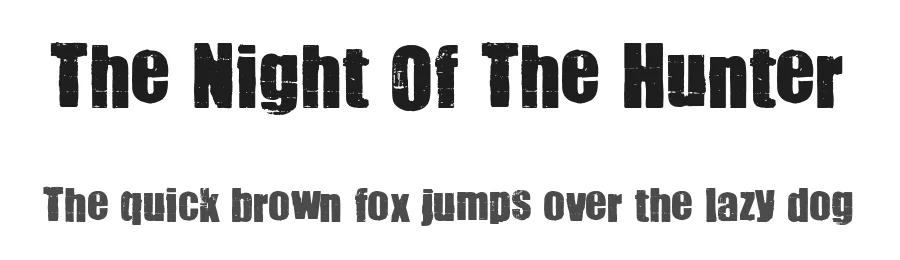
Fonts that look visually alike — matched by our Font Finder model.
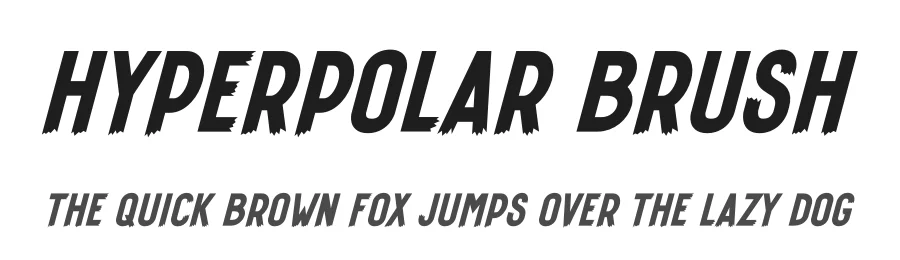
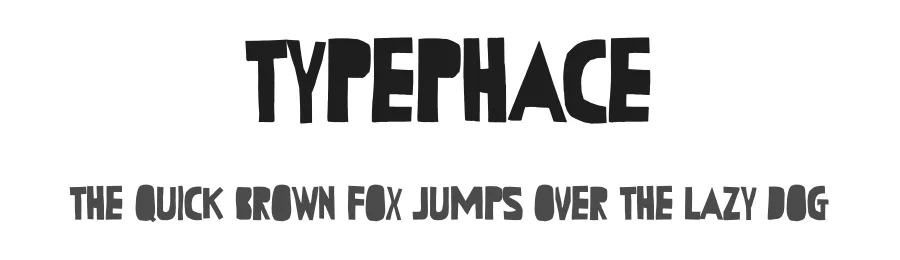
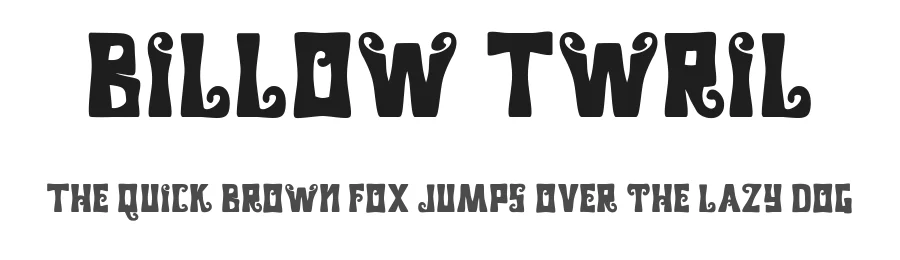
Bazinga! Specifications
| Font Family | Bazinga! |
| Style | Regular |
| Full Name | Bazinga! |
| Version | 1.00 |
| Weight | 400 (Regular) |
| Glyph Count | 252 glyphs |
| PostScript Name | Bazinga-Regular |
| Designer | Ferry Ardana Putra |
| Format | TTF (TrueType) |
| File Size | 110.7 KB |
OpenType Features
Bazinga! ships with 1 OpenType feature you can switch on in apps that support them (Illustrator, InDesign, Affinity, Figma, CSS font-feature-settings).
- Swashes
Languages Supported
Bazinga! supports 217 languages.
How to Install Bazinga! Font
Step-by-step instructions for every platform
- 1Download the Bazinga! font file (.ttf or .otf).
- 2Locate the downloaded file in your Downloads folder.
- 3Right-click the font file.
- 4Select "Install" to install for the current user, or "Install for all users" to make it available system-wide.
- 5Bazinga! is now available in Word, Photoshop, Illustrator, and all other apps.
More by Ferry Ardana Putra
View all →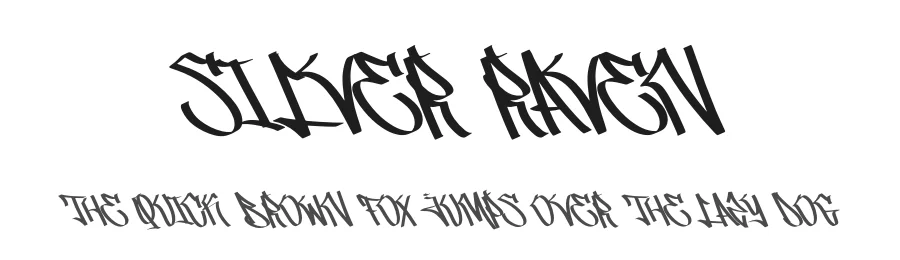
Browse fonts by theme
Curated collections →Saw a font in a picture? Identify any font from an image with our free Font Finder.
More Decorative Fonts
Browse all →







What pairs well with Bazinga! Font?
Bazinga! Font is a decorative font that shines as a display or heading face. Pair it with a clean sans-serif or serif font for body text — the contrast creates a clear hierarchy while the two styles stay balanced and easy to read.




Premium Decorative Fonts
★ PremiumWant something with more weights, glyphs, and commercial polish? These premium decorative fonts are worth a look.
Bazinga! Font
Reviewed by the FontBoxDL team · Updated June 2026
License: Free for personal use