 Firefox
 1 / 10
About Arista Pro Font
Arista Pro takes a geometric approach to symbol design with soft, rounded edges that feel contemporary without being sterile. Created by Zetafonts, this extensive dingbat collection builds on work that started in 2007 and has evolved through multiple successful iterations. The full weight range and two alternate character sets give you flexibility for everything from delicate accent marks to bolder supporting elements that anchor a complex layout.
What makes this version special is the paired icon typeface, Arista Pro Icon, designed to share the same monoline quality as the main family. Wedding invitation suites, greeting card designs, app interface icons, and Etsy product packaging all benefit from having consistent stroke weight across every single symbol. The typeface supports Greek and Cyrillic characters alongside an extended Latin set, which means international work and multilingual projects become straightforward. The companion icon set adapts across multiple weights, letting you scale each icon from subtle accents that blend into backgrounds to prominent graphic elements that command real attention.
This is the font for designers building modular icon systems or layering dingbats with typography in contemporary layouts and digital-first projects. Find Arista Pro on Creative Fabrica to stock your growing collection of professional symbol fonts and decorative typefaces.
Style & Use Cases
- Overall Style
- Iconographic
- Use Case
- Icons, Accents
- Ideal For
- ornaments, bullets, and decorative flourishes
- Pairs With
- any text font
How to Install Arista Pro Font
Step-by-step instructions for every platform
- 1Download the Arista Pro font file (.ttf or .otf).
- 2Locate the downloaded file in your Downloads folder.
- 3Right-click the font file.
- 4Select "Install" to install for the current user, or "Install for all users" to make it available system-wide.
- 5Arista Pro is now available in Word, Photoshop, Illustrator, and all other apps.
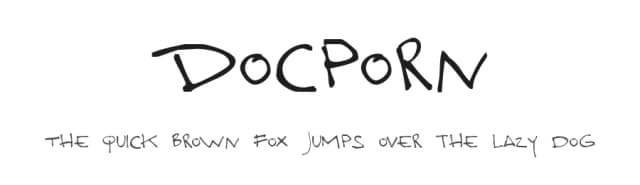
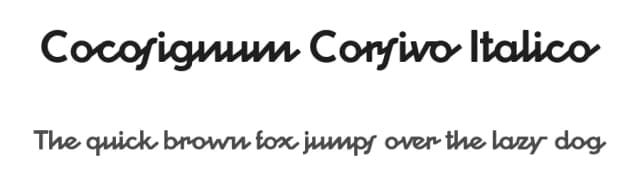
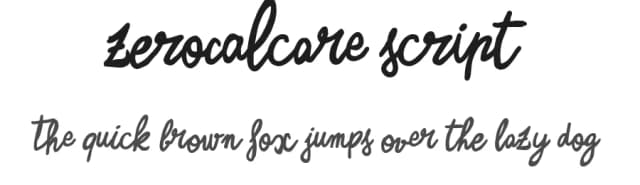
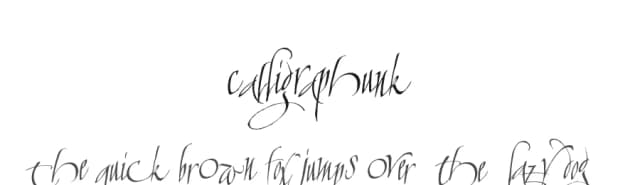
Browse fonts by theme
Curated collections →Saw a font in a picture? Identify any font from an image with our free Font Finder.
More Dingbats Fonts
Browse all →







What pairs well with Arista Pro Font?
Arista Pro Font is a versatile dingbats font that works for both headings and body text. Pair it with a contrasting sans-serif or serif font to add visual interest and a clear distinction between titles and body copy.



Arista Pro Font
by Zetafonts
Reviewed by the FontBoxDL team · Updated August 2026