 Firefox
 1 / 6
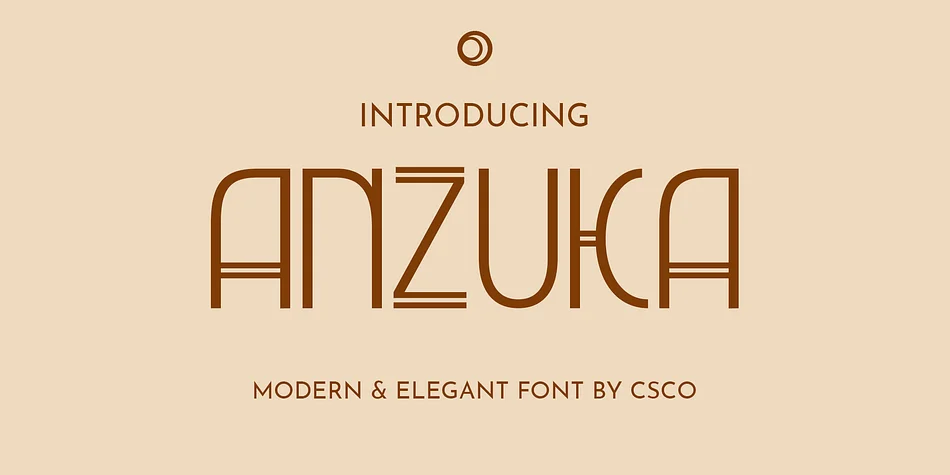
1 / 6About Anzuka Font
Anzuka by Craft Supply Co. brings the geometric precision of Art Deco into contemporary design, ditching the ornamental excess while keeping everything that makes the style so visually striking. This is a font that respects its 1920s roots but doesn't try to mimic them. The clean letterforms and sharp angles ground the design in a kind of timeless sophistication that feels thoroughly modern and current.
You'll see this working exceptionally well for luxury product packaging, where that geometric boldness commands attention without overwhelming. Art Deco themed wedding invitations, high-end restaurant menus, and gallery opening signage all benefit from its distinctive character. Vintage poster recreation projects find a natural home here too, as do upscale fashion editorials that need something with real visual impact. The typeface reads clearly across different sizes, so it handles both prominent headline use and smaller body applications with equal confidence.
Anzuka works equally well for print applications and screen based work, delivering that careful balance between personality and restraint. The geometric angles and structured letterforms bring distinct visual presence to your designs while maintaining genuine readability at any scale. Head over to Creative Fabrica to grab Anzuka and add this geometric beauty to your professional toolkit.
Style & Use Cases
- Overall Style
- Bold, Distinctive
- Use Case
- Headlines, Posters
- Ideal For
- logos, packaging, and standout titles
- Pairs With
- a neutral sans-serif
How to Install Anzuka Font
Step-by-step instructions for every platform
- 1Download the Anzuka font file (.ttf or .otf).
- 2Locate the downloaded file in your Downloads folder.
- 3Right-click the font file.
- 4Select "Install" to install for the current user, or "Install for all users" to make it available system-wide.
- 5Anzuka is now available in Word, Photoshop, Illustrator, and all other apps.
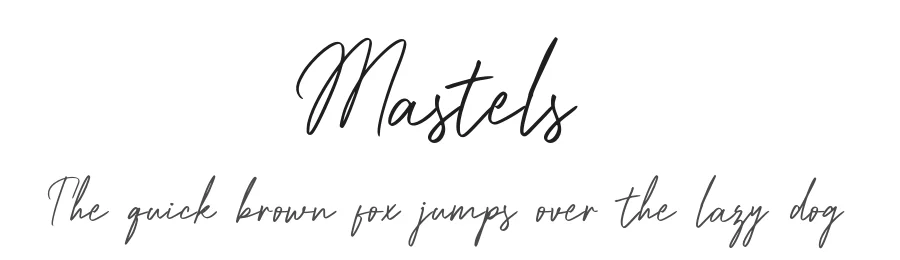
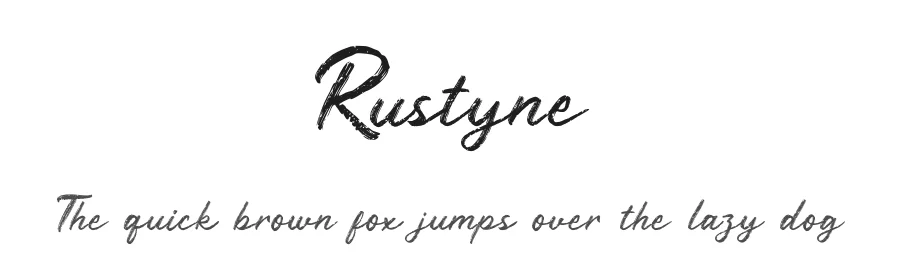
More by Craft Supply Co.
View all →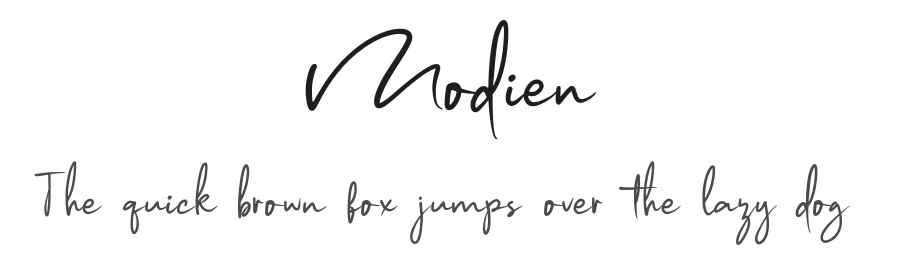
Browse fonts by theme
Curated collections →Saw a font in a picture? Identify any font from an image with our free Font Finder.
More Decorative Fonts
Browse all →







What pairs well with Anzuka Font?
Anzuka Font is a decorative font that shines as a display or heading face. Pair it with a clean sans-serif or serif font for body text — the contrast creates a clear hierarchy while the two styles stay balanced and easy to read.




Anzuka Font
Reviewed by the FontBoxDL team · Updated June 2026