 Firefox
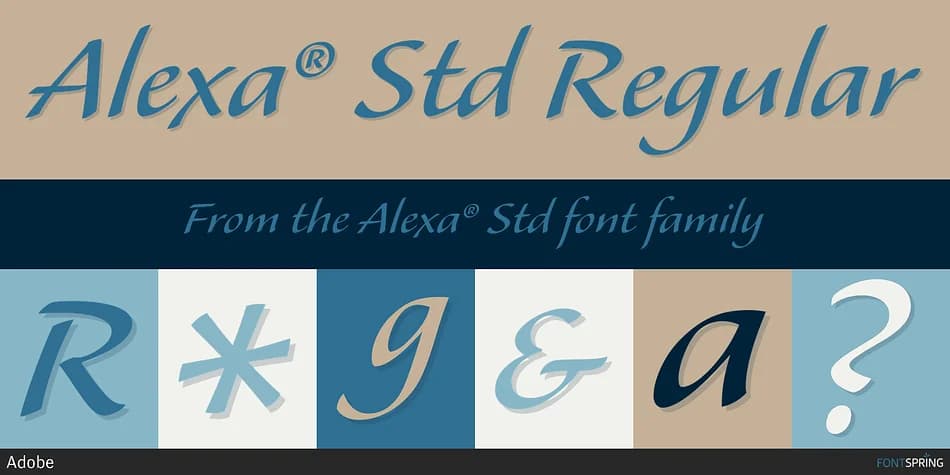
About Alexa® Std Font
Alexa Std by Adobe is a refined script developed from the handwriting of renowned carver John Benson and 16th-century Italian cancelleresca traditions. Benson named the font after his beloved niece, bringing warmth to letterforms that belie its sophisticated heritage. The typeface deliberately strips away the ornamental swashes and linked ligatures that characterize many formal scripts, instead relying on its pronounced forward slope to convey motion and modernity without sacrificing legibility or natural flow.
The clean, unfussy construction makes this font remarkably versatile across sizes and applications. Wedding invitation suites gain immediate presence with its elegant proportions, while formal thank-you cards and certificate designs demonstrate its ability to set a refined tone. Boutique product labels and custom wedding programs showcase how the script's natural rhythm feels both handcrafted and polished. Event signage and personalized stationery also benefit from the font's upright-yet-dynamic quality. Whether set tight for flowing body text or loosely tracked for display work, Alexa maintains its grace and readability, making it one of the few scripts that truly performs at both headline and text sizes.
You'll find Alexa Std right there on Creative Fabrica, ready to bring this carver's enduring legacy into your designs.
Style & Use Cases
- Overall Style
- Elegant, Flowing
- Use Case
- Invitations, Branding
- Ideal For
- wedding stationery, greeting cards, and signatures
- Pairs With
- a simple uppercase sans
How to Install Alexa® Std Font
Step-by-step instructions for every platform
- 1Download the Alexa® Std font file (.ttf or .otf).
- 2Locate the downloaded file in your Downloads folder.
- 3Right-click the font file.
- 4Select "Install" to install for the current user, or "Install for all users" to make it available system-wide.
- 5Alexa® Std is now available in Word, Photoshop, Illustrator, and all other apps.
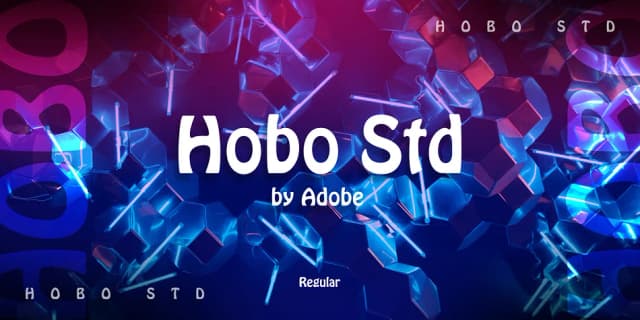
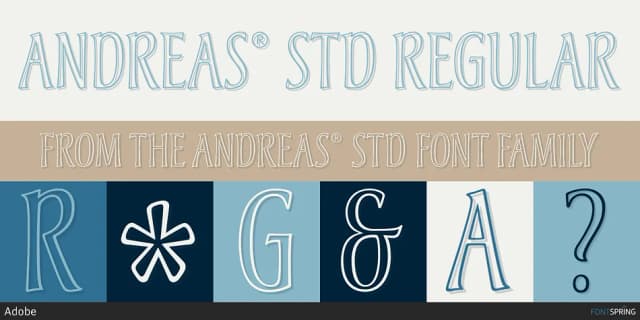
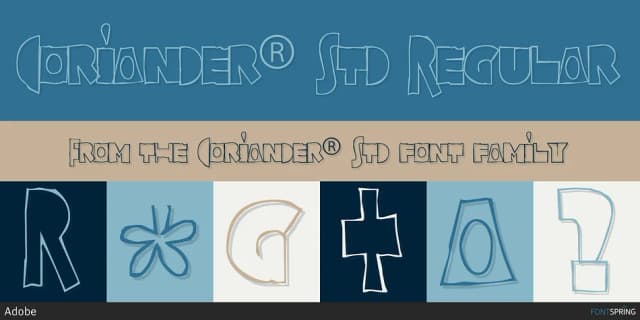

Browse fonts by theme
Curated collections →Saw a font in a picture? Identify any font from an image with our free Font Finder.
More Script Handwritten Fonts
Browse all →







What pairs well with Alexa® Std Font?
Alexa® Std Font is a script font that shines as a display or heading face. Pair it with a clean sans-serif or serif font for body text — the contrast creates a clear hierarchy while the two styles stay balanced and easy to read.



Alexa® Std Font
by Adobe
Reviewed by the FontBoxDL team · Updated July 2026