 Firefox
 1 / 3
1 / 3Loading font…
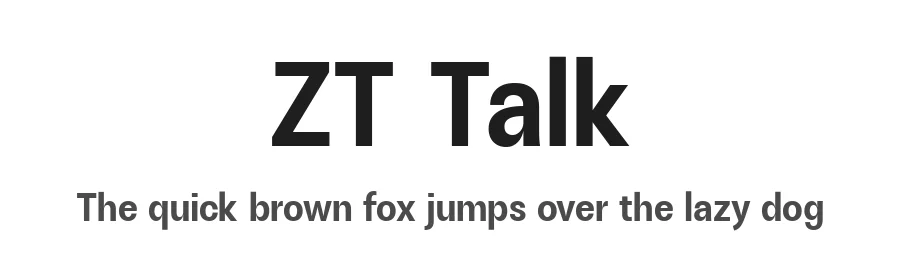
About ZT Talk Font
Behind every character lies an extraordinary story. ZT Talk is not just a font; it is a silent witness to a journey filled with struggle and courage to create something unforgettable.
- 80 Styles: Offering a wide collection of 80 unique styles, ZT Talk provides unparalleled flexibility in design.
- 5 Variant Varieties: Condensed, Semi Condensed, Normal, Semi Expanded, and Expanded
- 8 Weights & Italic: Spanning from Light to Black, eight weights provide clear and effective text hierarchy.
- 8 free styles (Regular, Medium, Semi Bold, Bold / Italic)
- Extensive Compatibility: Available in OTF, TTF, WOFF, WOFF2, EOT formats, ensuring compatibility with various design platforms and applications.
- Multi-Language Support: With support for multiple languages and accents, ZT Talk allows you to reach a global audience effortlessly.
- Consistent Cohesion: Despite its many styles, ZT Talk offers consistent visual cohesion throughout its font family, ensuring harmony in your designs.
- Modern and Elegant Design: With a modern touch and sharp angles, ZT Talk exudes an elegant impression suitable for various contemporary design projects.
- Optimal Quality: Carefully crafted for optimal quality, ZT Talk delivers the clarity and perfection expected from a premium font.
Note of the author
To download the full font family please visit our website:
https://zelowtype.gumroad.com/l/zttalk?layout=profile
Donation are very appreciated.
Paypal account for donation :
https://paypal.me/khaiuns
CONTACT US:
More...
have a question?:
[email protected]
Style & Use Cases
- Overall Style
- Clean, Modern, Basic
- Use Case
- Body Text, UI
- Ideal For
- branding, interfaces, and modern layouts
- Pairs With
- a contrasting serif for headings
OpenType Features
ZT Talk ships with 10 OpenType features you can switch on in apps that support them (Illustrator, InDesign, Affinity, Figma, CSS font-feature-settings).
- Discretionary ligatures
- Fractions
- Historical forms
- Standard ligatures
- Ordinals
- Stylistic alternates
- Scientific inferiors
- Subscripts
- Superscripts
- Stylistic sets (2)
How to Install ZT Talk Font
Step-by-step instructions for every platform
- 1Download the ZT Talk font file (.ttf or .otf).
- 2Locate the downloaded file in your Downloads folder.
- 3Right-click the font file.
- 4Select "Install" to install for the current user, or "Install for all users" to make it available system-wide.
- 5ZT Talk is now available in Word, Photoshop, Illustrator, and all other apps.
More by Zelow Type
View all →
Browse fonts by theme
Curated collections →Saw a font in a picture? Identify any font from an image with our free Font Finder.
More Sans Serif Fonts
Browse all →
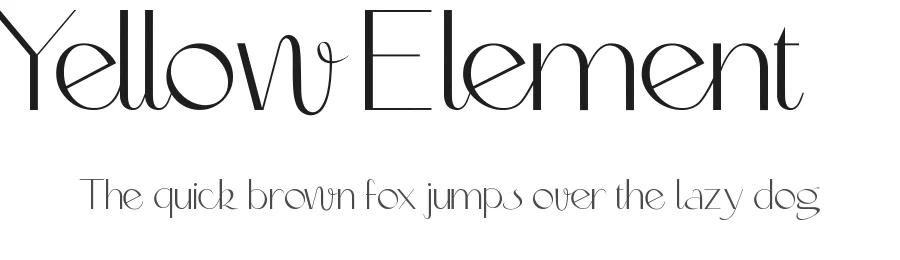
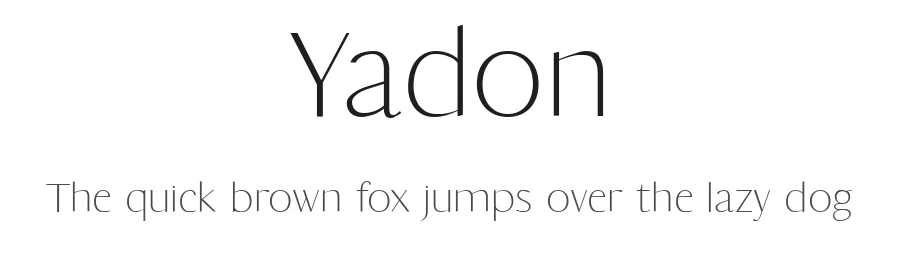
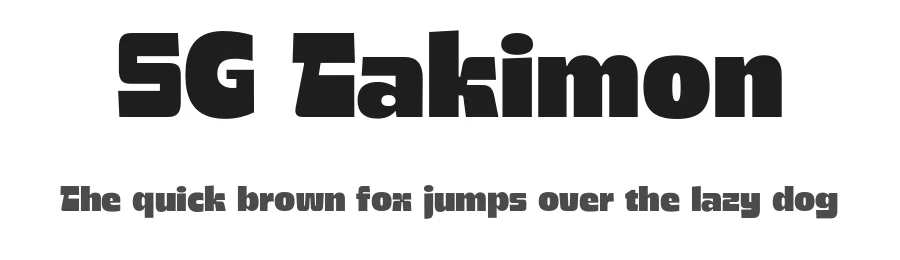
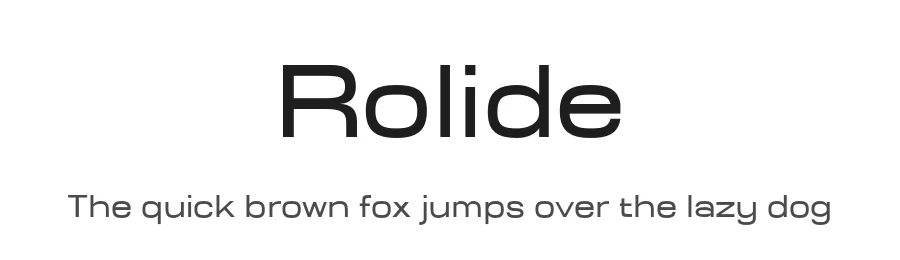
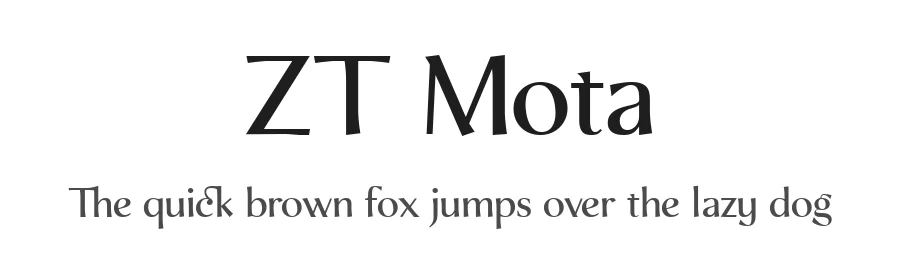
What pairs well with ZT Talk Font?
ZT Talk Font is a versatile sans-serif font that works for both headings and body text. Pair it with a contrasting serif or slab serif font to add visual interest and a clear distinction between titles and body copy.
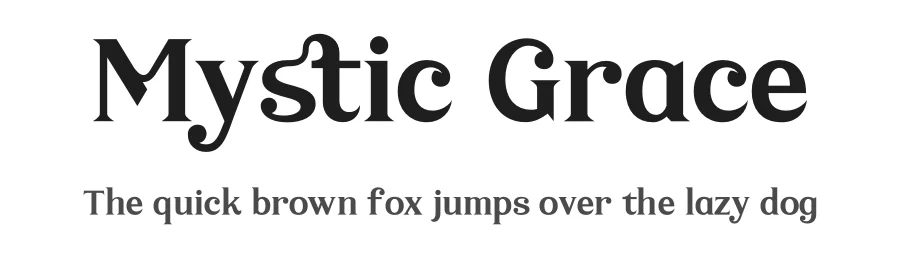
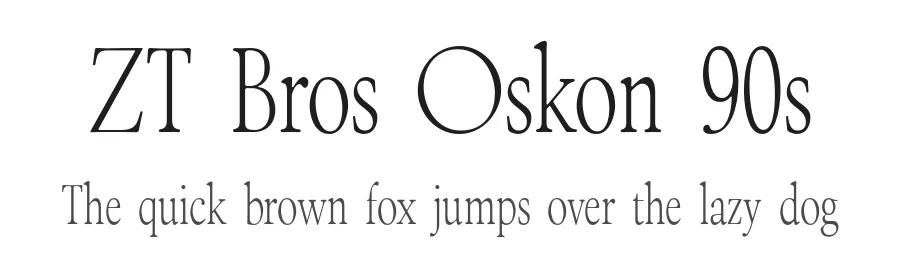
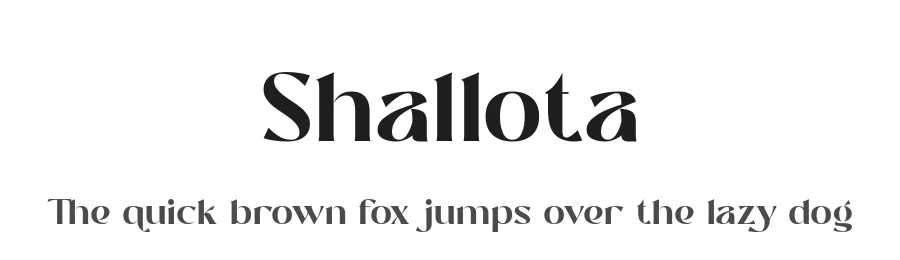
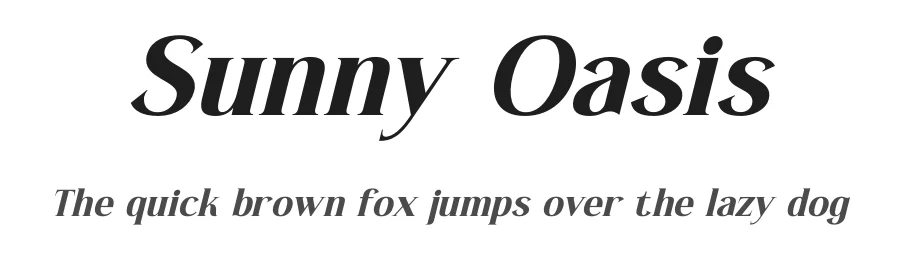
Premium Sans Serif Fonts
★ PremiumWant something with more weights, glyphs, and commercial polish? These premium sans serif fonts are worth a look.
ZT Talk Font
by Zelow Type
Reviewed by the FontBoxDL team · Updated October 2026
License: 100% Free