 Firefox
 1 / 7
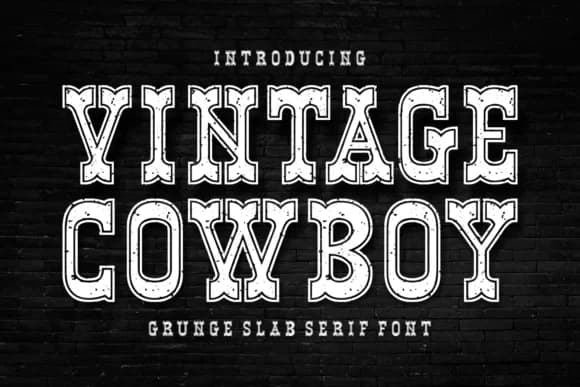
1 / 7About Vintage Cowboy Grunge Font
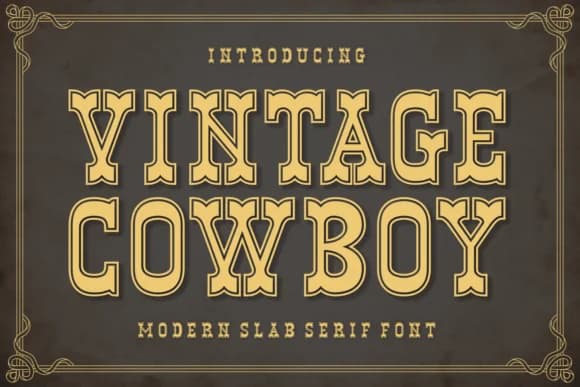
This font brings back the raw energy of 1970s counterculture. Vintage Cowboy Grunge, designed by Riman from 7NTypes, is a chunky slab serif that wears its irregularities like a badge of honor.
The heavy strokes and deliberately distressed letterforms make it sing on western-themed logos, DIY concert posters, vintage record label designs, and rustic wedding invitations. Each character has that hand-stamped quality that gives your type genuine personality without any corporate polish. It works across the platforms designers actually spend time in: Procreate for illustration work, Canva for quick layouts, the full Adobe suite, and even laser-cutting and engraving software. The complete character set includes extended language support, so your designs aren't locked to a single region. Scale it up for headlines or anchoring a brand identity, and it delivers every time.
Display sizes are where this font really shines, though it holds its weight at smaller sizes too. Pair it with a light, clean sans-serif for body text and supporting information. The contrast between the two keeps layouts readable while letting Vintage Cowboy Grunge grab all the attention it deserves. Head to Creative Fabrica and add this one to your toolkit for any project needing that weathered, retro-western feel.
Style & Use Cases
- Overall Style
- Sturdy, Confident, Vintage Cowboy Grunge
- Use Case
- Headlines, Merch
- Ideal For
- vintage posters, logos, and product packaging
- Pairs With
- a light sans-serif
How to Install Vintage Cowboy Grunge Font
Step-by-step instructions for every platform
- 1Download the Vintage Cowboy Grunge font file (.ttf or .otf).
- 2Locate the downloaded file in your Downloads folder.
- 3Right-click the font file.
- 4Select "Install" to install for the current user, or "Install for all users" to make it available system-wide.
- 5Vintage Cowboy Grunge is now available in Word, Photoshop, Illustrator, and all other apps.
More by Riman (7NTypes)
View all →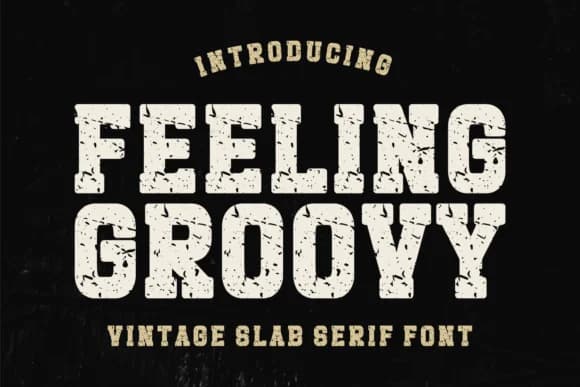
Browse fonts by theme
Curated collections →Saw a font in a picture? Identify any font from an image with our free Font Finder.
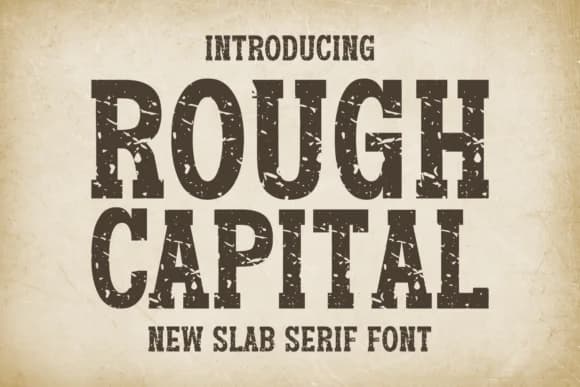
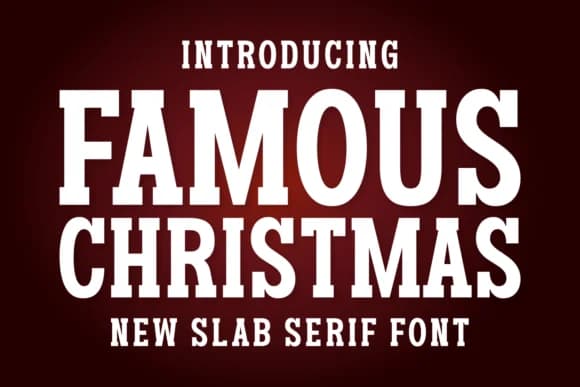
More Slab Serif Fonts
Browse all →







What pairs well with Vintage Cowboy Grunge Font?
Vintage Cowboy Grunge Font is a slab serif font that shines as a display or heading face. Pair it with a clean sans-serif or serif font for body text — the contrast creates a clear hierarchy while the two styles stay balanced and easy to read.



Vintage Cowboy Grunge Font
Reviewed by the FontBoxDL team · Updated September 2026