 Firefox
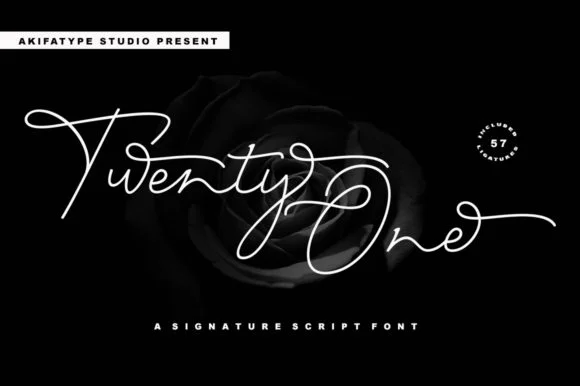 1 / 7
1 / 7About Twenty One Script Font
Twenty One Script by akifatype is a bold handwritten typeface built on expressive letterforms that deliver genuine visual presence. The stroke work and proportions create immediacy that typical script fonts struggle with, making this the kind of font you reach for when your type needs to carry personality and presence rather than simply convey words.
Deploy it across wedding invitation suites, hand-lettered product labels, social media headlines for creative brands, and boutique packaging where typography itself tells part of the story. The confident stroke weight works especially well at display sizes, pulling focus through sheer character, though the letterforms remain readable even when scaled down for subheadings and body text. This is the script font you choose when you want handwritten authenticity without sacrificing the polish and intentionality that professional work demands.
Twenty One Script sits in that difficult middle ground between genuine handwriting and designed typefaces, offering both warmth and control. With comprehensive language support across international characters, it serves equally well for a neighborhood florist's event posters or a global brand's boutique packaging collection. Find Twenty One Script on Creative Fabrica and start exploring what it brings to your next design.
Style & Use Cases
- Overall Style
- Elegant, Flowing, Twenty One
- Use Case
- Invitations, Branding
- Ideal For
- wedding stationery, greeting cards, and signatures
- Pairs With
- a simple uppercase sans
How to Install Twenty One Script Font Font
Step-by-step instructions for every platform
- 1Download the Twenty One Script Font font file (.ttf or .otf).
- 2Locate the downloaded file in your Downloads folder.
- 3Right-click the font file.
- 4Select "Install" to install for the current user, or "Install for all users" to make it available system-wide.
- 5Twenty One Script Font is now available in Word, Photoshop, Illustrator, and all other apps.
More by akifatype
View all →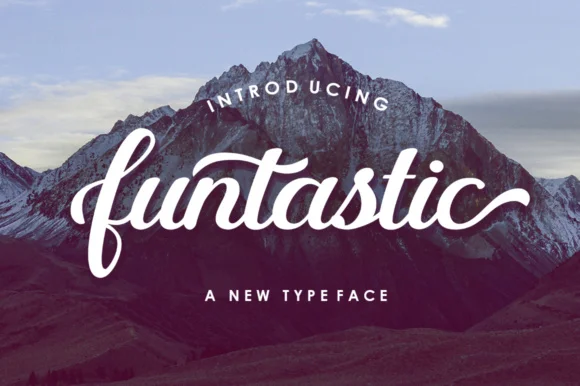
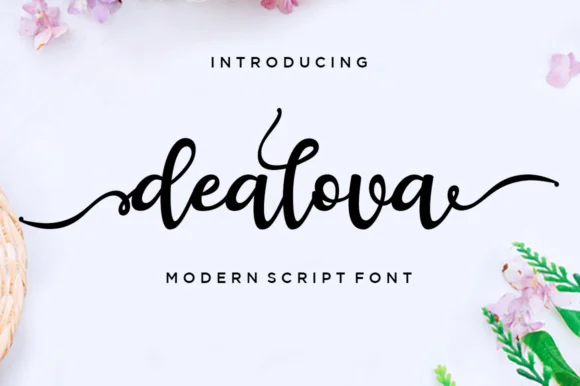
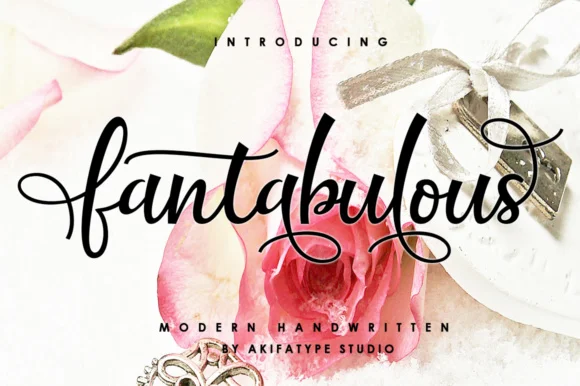
Browse fonts by theme
Curated collections →Saw a font in a picture? Identify any font from an image with our free Font Finder.
More Script Handwritten Fonts
Browse all →







What pairs well with Twenty One Script Font?
Twenty One Script Font is a script font that shines as a display or heading face. Pair it with a clean sans-serif or serif font for body text — the contrast creates a clear hierarchy while the two styles stay balanced and easy to read.




Twenty One Script Font
by akifatype
Reviewed by the FontBoxDL team · Updated August 2026