 Firefox
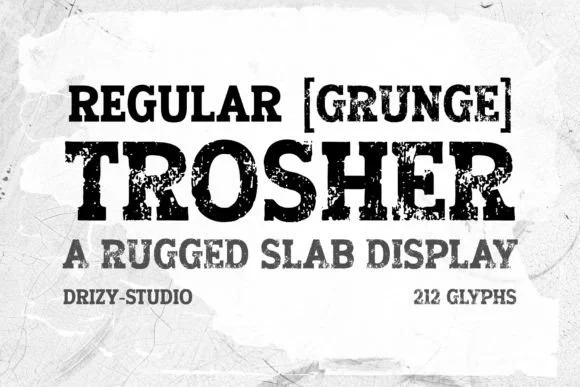 1 / 8
1 / 8About Trosher Font
Trosher hits you with weathered, ground-level character that feels immediately lived-in. Designed by Drizy Studio, this slab serif wraps genuine vintage grit and texture into every letter, creating typography with real substance. The effect is intentional: each character appears aged and handled, like letters that have been weathering in a barn corner for years, picking up dust and patina along the way. It reads as honest, handmade work with undeniable personality.
The typeface excels for seed packet and herb garden labels, where its grunge aesthetic speaks directly to traditional craft values and heritage. Coffee roastery packaging, outdoor recreation brand identity systems, and rustic wedding stationery and invitations all benefit from its weathered presence and visual weight. The textural overlay gives your work enough visual dimension to feel authentically handmade without sacrificing legibility in the process. What makes Trosher particularly effective in larger display sizes is how that texture adds real depth and dimensionality without overwhelming smaller applications or becoming too busy.
Pair Trosher with a clean, light geometric sans-serif when you need body copy or supporting text. That contrast between its weathered personality and something minimal creates real visual balance on a page. You'll find it on Creative Fabrica, ready to download and start using in your next project.
Style & Use Cases
- Overall Style
- Sturdy, Confident, Display
- Use Case
- Headlines, Merch
- Ideal For
- vintage posters, logos, and product packaging
- Pairs With
- a light sans-serif
How to Install Trosher Font
Step-by-step instructions for every platform
- 1Download the Trosher font file (.ttf or .otf).
- 2Locate the downloaded file in your Downloads folder.
- 3Right-click the font file.
- 4Select "Install" to install for the current user, or "Install for all users" to make it available system-wide.
- 5Trosher is now available in Word, Photoshop, Illustrator, and all other apps.
More by Drizy Studio
View all →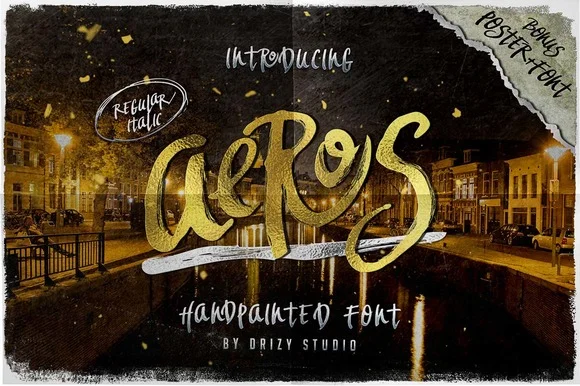
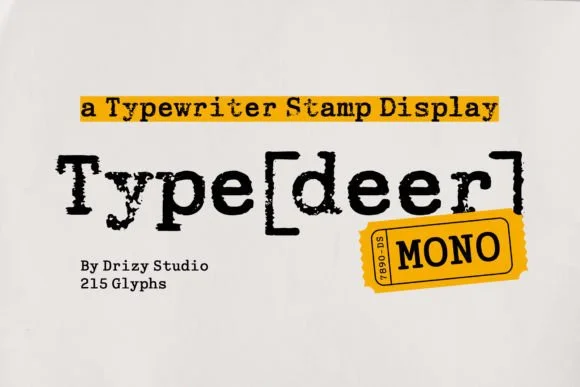
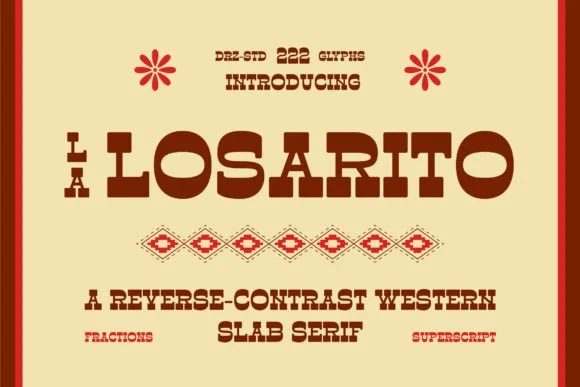
Browse fonts by theme
Curated collections →Saw a font in a picture? Identify any font from an image with our free Font Finder.
More Slab Serif Fonts
Browse all →







What pairs well with Trosher Font?
Trosher Font is a slab serif font that shines as a display or heading face. Pair it with a clean sans-serif or serif font for body text — the contrast creates a clear hierarchy while the two styles stay balanced and easy to read.




Trosher Font
by Drizy Studio
Reviewed by the FontBoxDL team · Updated September 2026