 Firefox
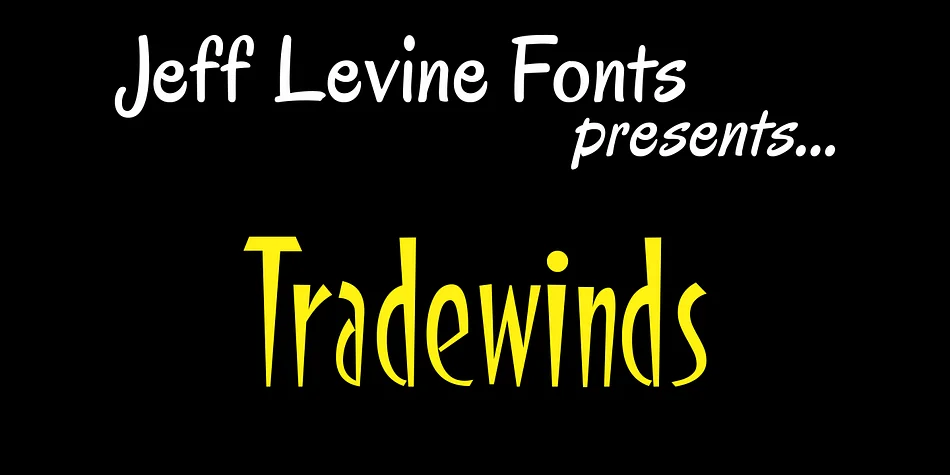
About Tradewinds JNL Font
Tradewinds JNL draws its character from bold, geometric letterforms originally hand-lettered for commercial signage in the 1930s through 1950s. Designed by Jeff Levine Fonts, this decorative typeface reconstructs one of Alf R. Becker's innovative alphabets, created for Signs of the Times magazine during the golden age of American hand-painted signage. Every letterform reflects authentic mid-century stroke-work and the subtle irregularities that made vintage sign-painting distinctive, meticulously preserved from archival materials held at the American Sign Museum in Cincinnati.
This font shines in projects calling for genuine vintage warmth and period authenticity. Custom storefront signage for antique shops and flea markets gains its punchy, industrial personality. Wedding invitation suites styled around art deco or 1940s themes sit naturally with these forms. Etsy product labels for small-batch artisan goods, retro packaging design, vinyl decals for vintage campers, and custom book covers for pulp fiction reissues all benefit from that handcrafted, historically grounded edge that modern typefaces rarely capture. Travel-themed restaurant menus and circus poster designs also feel right at home here.
Tradewinds JNL works best for designers and makers seeking genuine vintage character without relying on overused alternatives. Find it on Creative Fabrica, ready to bring authentic mid-century signage style to your next project.
Style & Use Cases
- Overall Style
- Bold, Distinctive
- Use Case
- Headlines, Posters
- Ideal For
- logos, packaging, and standout titles
- Pairs With
- a neutral sans-serif
How to Install Tradewinds JNL Font
Step-by-step instructions for every platform
- 1Download the Tradewinds JNL font file (.ttf or .otf).
- 2Locate the downloaded file in your Downloads folder.
- 3Right-click the font file.
- 4Select "Install" to install for the current user, or "Install for all users" to make it available system-wide.
- 5Tradewinds JNL is now available in Word, Photoshop, Illustrator, and all other apps.
More by Jeff Levine Fonts
View all →



Browse fonts by theme
Curated collections →Saw a font in a picture? Identify any font from an image with our free Font Finder.
More Decorative Fonts
Browse all →







What pairs well with Tradewinds JNL Font?
Tradewinds JNL Font is a decorative font that shines as a display or heading face. Pair it with a clean sans-serif or serif font for body text — the contrast creates a clear hierarchy while the two styles stay balanced and easy to read.




Tradewinds JNL Font
Reviewed by the FontBoxDL team · Updated June 2026