 Firefox
 1 / 9
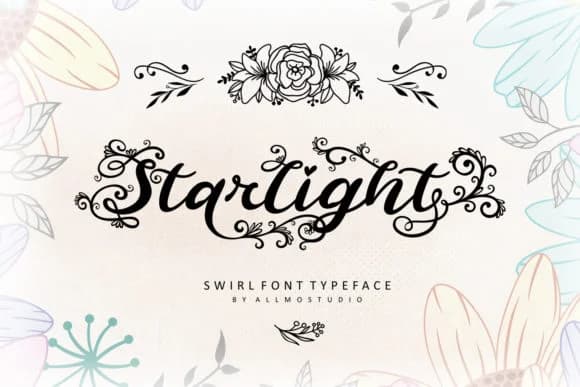
1 / 9About Starlight Font by AllmoStudio Font
Picture yourself designing a series of wedding invitations that feel handwritten, or creating custom labels for a boutique skincare line where every detail carries weight and intention. That's exactly what Starlight Font by AllmoStudio brings to the table. This hand-drawn script weaves together flowing letterforms and ornamental details, giving your work a quality that most typefaces struggle to capture: that unmistakable hand-sketched touch that feels less digital and more authentic. That quality becomes essential when you're working on anything from greeting cards to craft packaging where authenticity matters.
What makes Starlight special is its versatility within its own distinctive character. Wedding stationery reads beautifully when set in this typeface, as do custom greeting cards and craft product labels where that sketched, personal touch adds immediate value and warmth. You can design a monogram for luxury packaging, or go bold with large display work on anything from artisan candles to DIY boutique signage, and the font adapts gracefully without losing its playful energy. The ornamental flourishes work at scale, creating breathing room between letters and adding visual depth without the clutter that smaller scripts often suffer from. Even at larger sizes, every decorative element earns its place without overwhelming the letterforms. Find Starlight on Creative Fabrica and bring hand-sketched warmth to your next project.
Style & Use Cases
- Overall Style
- Elegant, Flowing, Starlight
- Use Case
- Invitations, Branding
- Ideal For
- wedding stationery, greeting cards, and signatures
- Pairs With
- a simple uppercase sans
How to Install Starlight Font by AllmoStudio Font
Step-by-step instructions for every platform
- 1Download the Starlight Font by AllmoStudio font file (.ttf or .otf).
- 2Locate the downloaded file in your Downloads folder.
- 3Right-click the font file.
- 4Select "Install" to install for the current user, or "Install for all users" to make it available system-wide.
- 5Starlight Font by AllmoStudio is now available in Word, Photoshop, Illustrator, and all other apps.
More by AllmoStudio
View all →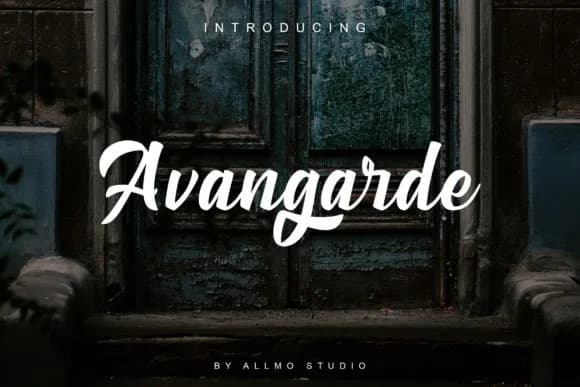
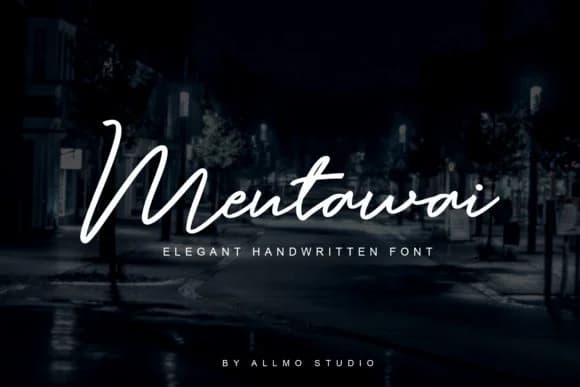
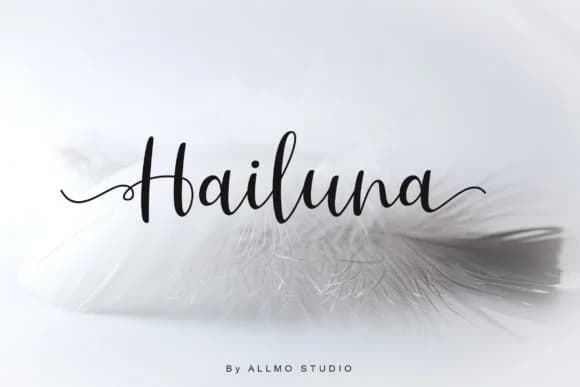
Browse fonts by theme
Curated collections →Saw a font in a picture? Identify any font from an image with our free Font Finder.
More Script Handwritten Fonts
Browse all →







What pairs well with Starlight Font by AllmoStudio Font?
Starlight Font by AllmoStudio Font is a script font that shines as a display or heading face. Pair it with a clean sans-serif or serif font for body text — the contrast creates a clear hierarchy while the two styles stay balanced and easy to read.



Starlight Font by AllmoStudio Font
by AllmoStudio
Reviewed by the FontBoxDL team · Updated August 2026