 Firefox
 1 / 3
1 / 3Loading font…
About Sean Sans Font
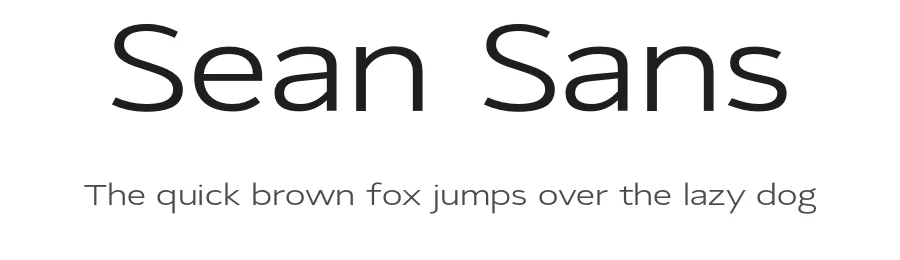
Sean Sans is a regular sans-serif typeface designed by Simon Egli. With 337 glyphs and support for 254+ Latin-based languages, this font provides comprehensive coverage for both global projects and focused, single-language applications. The typeface arrives in regular weight only, which keeps the design focused and straightforward, bringing a clean, contemporary character to projects where simplicity supports the overall concept.
Designers rely on Sean Sans for digital product interfaces and mobile app labels, where sans-serif letterforms set user expectations. Web page headers and navigation systems benefit from its neutral appearance and consistent proportions across browsers and devices. Email newsletters and template work gain from consistent rendering that adapts well across different email clients. Social media posts, digital advertising, and promotional graphics incorporate this typeface naturally without requiring additional weight variants. The single regular weight performs equally well as body text or display heads, making it practical for projects that need a unified typographic voice.
Available under the Open Font License, Sean Sans is free for personal and commercial use, downloadable directly from this page. Pair it with a serif typeface in editorial layouts for visual contrast, or use Sean Sans solo to maintain cohesion across your design system.
Style & Use Cases
- Overall Style
- Clean, Modern, Sans Serif
- Use Case
- Body Text, UI
- Ideal For
- branding, interfaces, and modern layouts
- Pairs With
- a contrasting serif for headings
Sean Sans Specifications
| Font Family | SeanSans WideRegular |
| Style | Regular |
| Full Name | SeanSans WideRegular Regular |
| Version | 0.000 |
| Weight | 400 (Regular) |
| Glyph Count | 337 glyphs |
| PostScript Name | SeanSans-WideRegular |
| Designer | Simon Egli |
| Format | OTF (CFF) |
| File Size | 42.6 KB |
Languages Supported
Sean Sans supports 254 languages.
How to Install Sean Sans Font
Step-by-step instructions for every platform
- 1Download the Sean Sans font file (.ttf or .otf).
- 2Locate the downloaded file in your Downloads folder.
- 3Right-click the font file.
- 4Select "Install" to install for the current user, or "Install for all users" to make it available system-wide.
- 5Sean Sans is now available in Word, Photoshop, Illustrator, and all other apps.
More by Simon Egli
View all →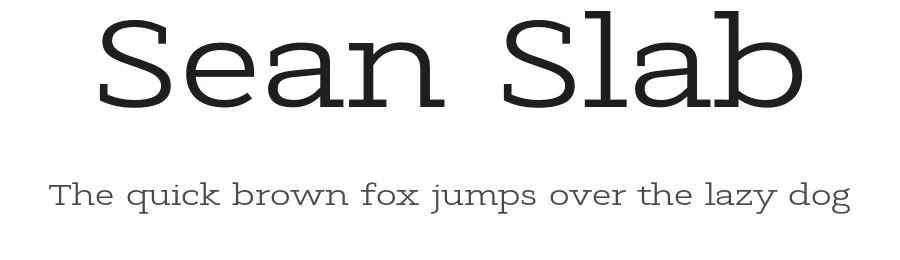
Browse fonts by theme
Curated collections →Saw a font in a picture? Identify any font from an image with our free Font Finder.
More Sans Serif Fonts
Browse all →
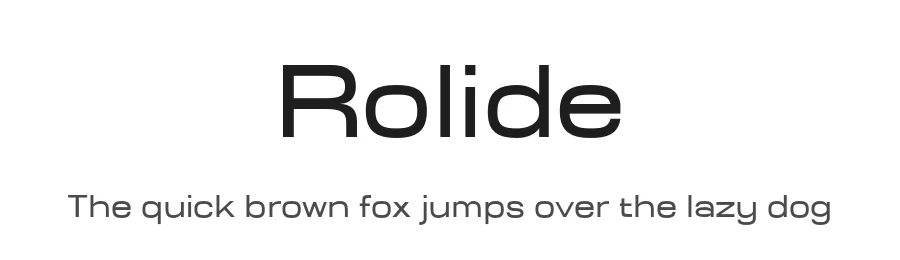
What pairs well with Sean Sans Font?
Sean Sans Font is a versatile sans-serif font that works for both headings and body text. Pair it with a contrasting serif or slab serif font to add visual interest and a clear distinction between titles and body copy.
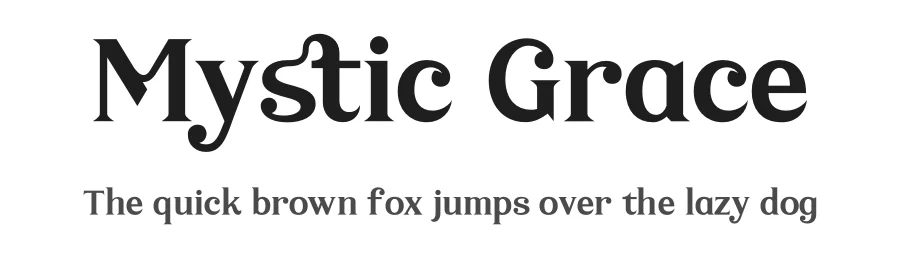
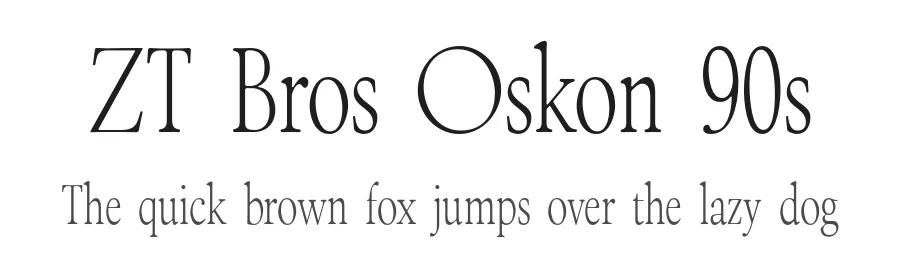
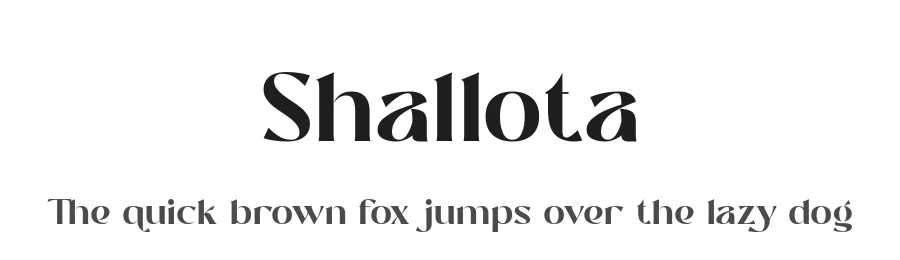
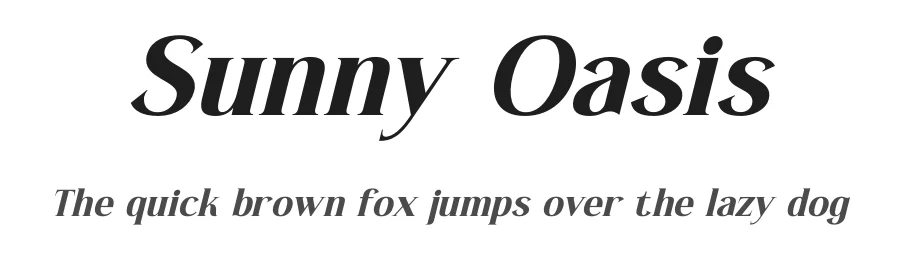
Premium Sans Serif Fonts
★ PremiumWant something with more weights, glyphs, and commercial polish? These premium sans serif fonts are worth a look.
Sean Sans Font
by Simon Egli
Reviewed by the FontBoxDL team · Updated October 2026