 Firefox
 1 / 3
1 / 3Loading font…
About Santor Font
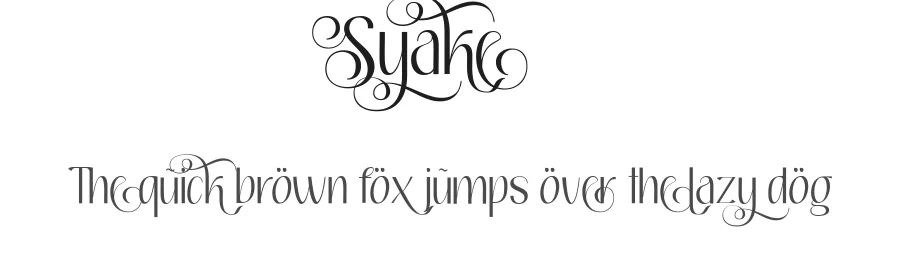
Santor (pronounced /center/) is a typeface inspired by simplicity, subtle curves and sharpness. Each character is given a unique look so that it's easy to distinct them when they are put together. Suitable for headlines, large text..
**************UPDATES**************
=> Version 1.002
+ Stylistic alternates
+ Discretionary ligatures
+ Swash
+ Vietnamese accents (uppercase
+ Font width neutralization
+ Kerning review
=> Version 1.001
+ Western accents
+ Vietnamese accents (lowercase)
Style & Use Cases
- Overall Style
- Clean, Modern, Basic
- Use Case
- Body Text, UI
- Ideal For
- branding, interfaces, and modern layouts
- Pairs With
- a contrasting serif for headings
OpenType Features
Santor ships with 4 OpenType features you can switch on in apps that support them (Illustrator, InDesign, Affinity, Figma, CSS font-feature-settings).
- Discretionary ligatures
- Standard ligatures
- Stylistic alternates
- Swashes
How to Install Santor Font
Step-by-step instructions for every platform
- 1Download the Santor font file (.ttf or .otf).
- 2Locate the downloaded file in your Downloads folder.
- 3Right-click the font file.
- 4Select "Install" to install for the current user, or "Install for all users" to make it available system-wide.
- 5Santor is now available in Word, Photoshop, Illustrator, and all other apps.
Browse fonts by theme
Curated collections →Saw a font in a picture? Identify any font from an image with our free Font Finder.
More Sans Serif Fonts
Browse all →
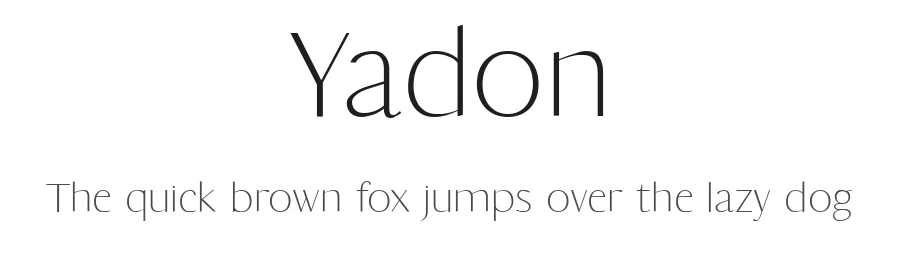
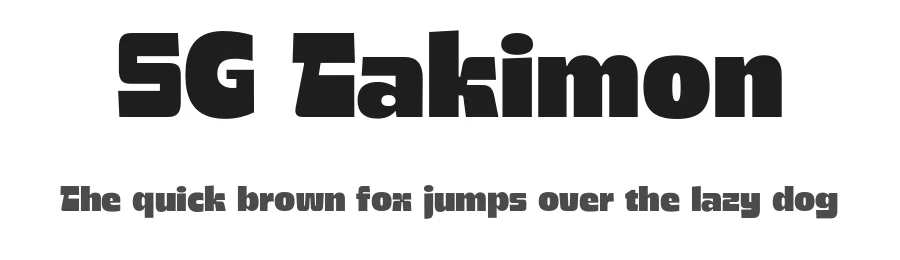

What pairs well with Santor Font?
Santor Font is a versatile sans-serif font that works for both headings and body text. Pair it with a contrasting serif or slab serif font to add visual interest and a clear distinction between titles and body copy.
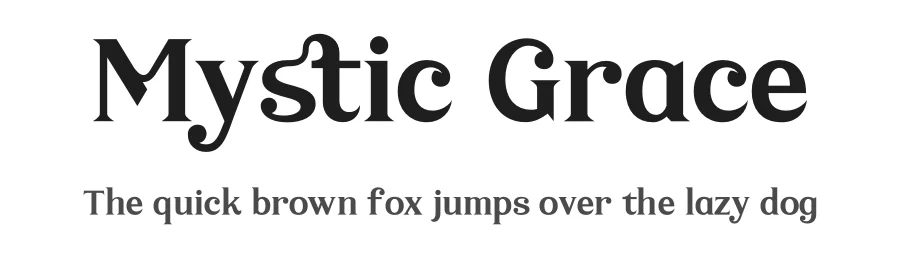
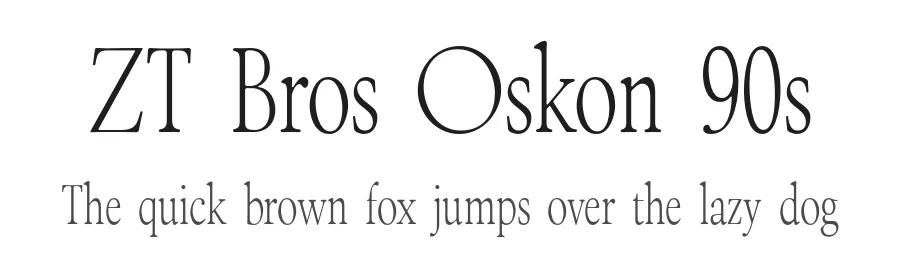
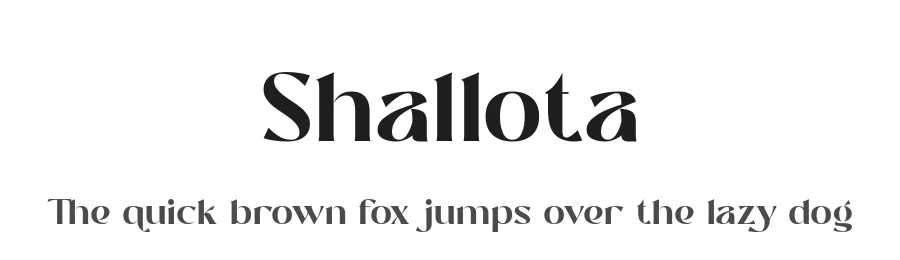
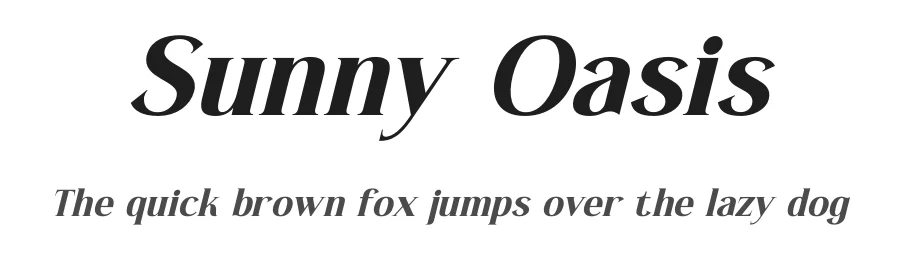
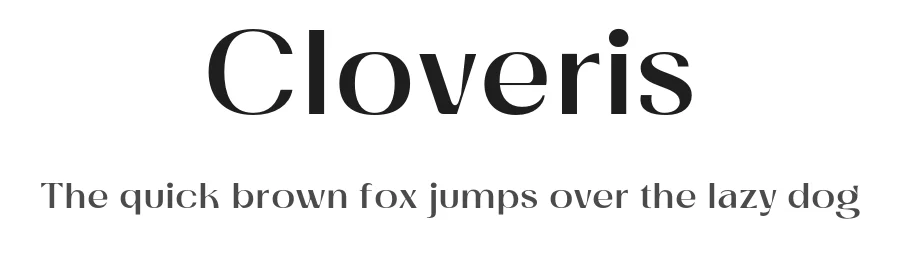
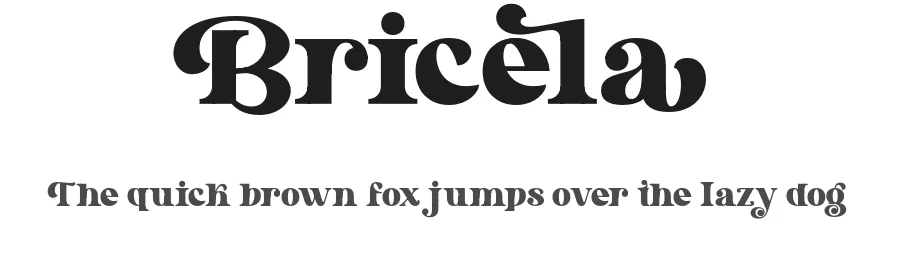
Premium Sans Serif Fonts
★ PremiumWant something with more weights, glyphs, and commercial polish? These premium sans serif fonts are worth a look.
Santor Font
by Tra Nguyen
Reviewed by the FontBoxDL team · Updated October 2026