Firefox
 1 / 3
1 / 3Loading font…
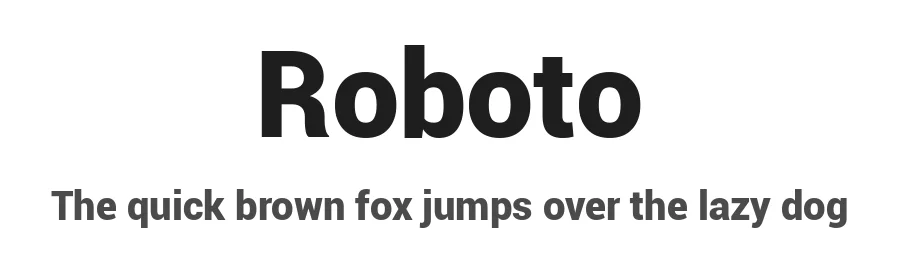
About Roboto Font
Roboto Bold is a sans-serif typeface from Google Android Design, engineered to work across both digital interfaces and printed materials with clean, practical efficiency. The weight contains 1,037 glyphs and supports 381+ languages using Latin-based scripts, making it a reliable choice for projects that need to reach audiences across different regions while maintaining consistent visual presentation. This is typography stripped to its essentials, prioritizing legibility and solid visual presence over decorative stylization or unnecessary flourishes.
You'll deploy Roboto Bold in interface labels where screen clarity is non-negotiable, navigation menus in web and mobile applications, button text requiring visual weight and proper hierarchy, and presentation slides where a direct voice serves the content better than decoration or embellishment. Social media graphics, printed marketing materials, and multilingual branding projects all benefit from its calm, dependable character and neutral stance. The extensive language support ensures international teams receive reliable rendering and consistent appearance across different writing systems, alphabets, and geographic regions without unexpected font fallbacks or rendering surprises.
Roboto Bold is available as a free download from this page, with licence terms shown on the page. Choose this font when you want a sans-serif that builds trust through widespread system familiarity and delivers confident presence without feeling trendy or dated.
Style & Use Cases
- Overall Style
- Clean, Modern, Basic
- Use Case
- Body Text, UI
- Ideal For
- branding, interfaces, and modern layouts
- Pairs With
- a contrasting serif for headings
Similar Fonts
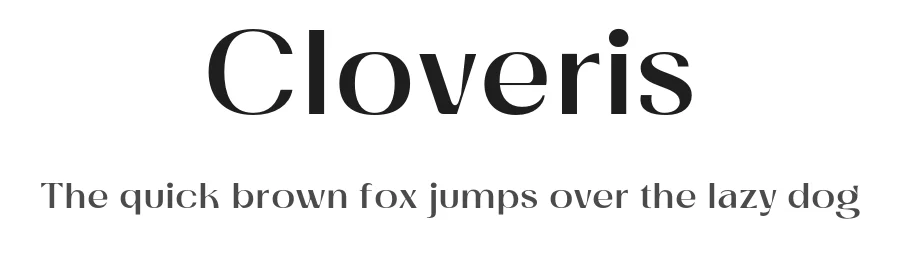
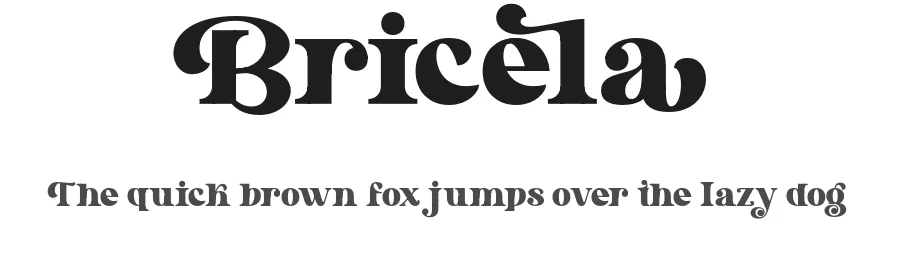
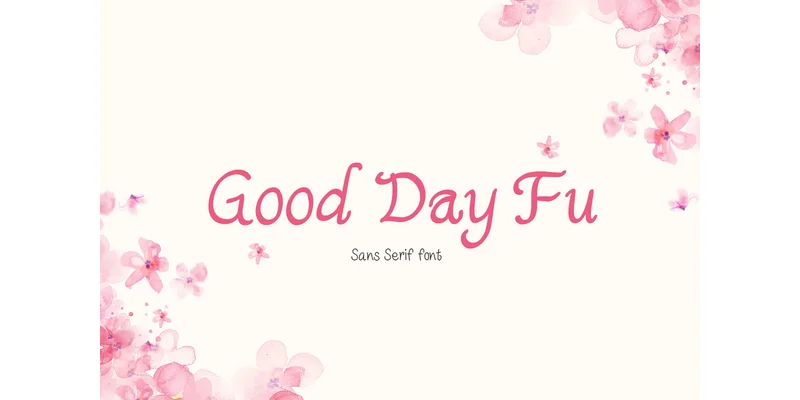
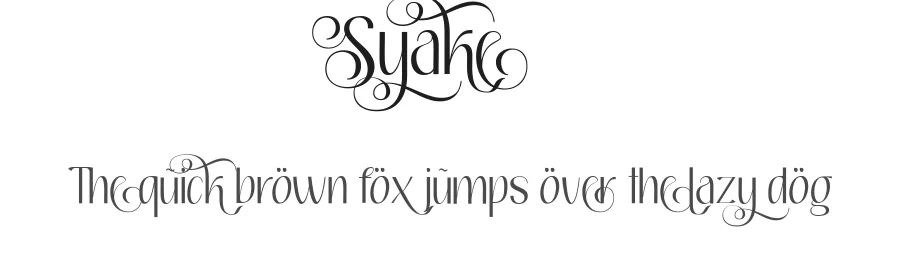
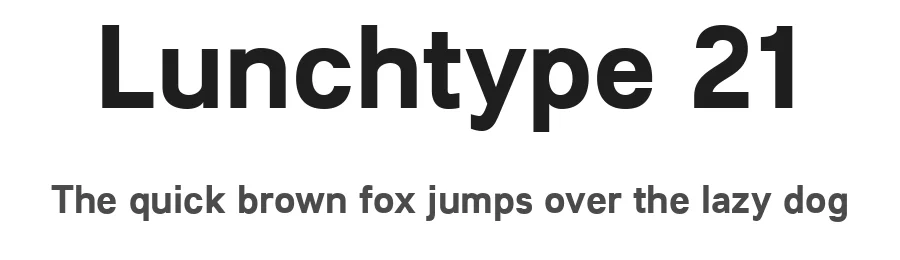
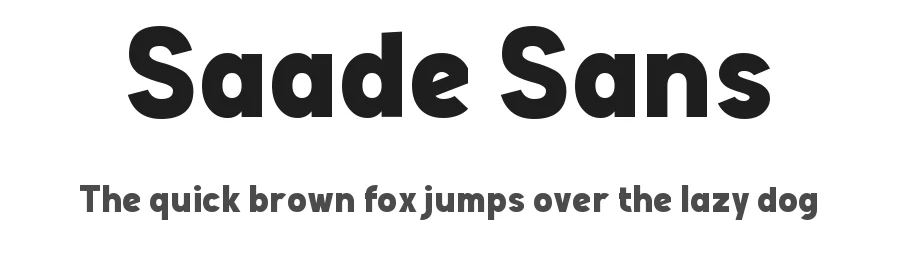
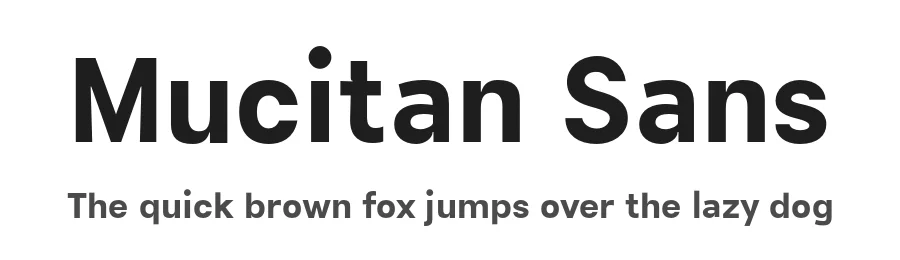
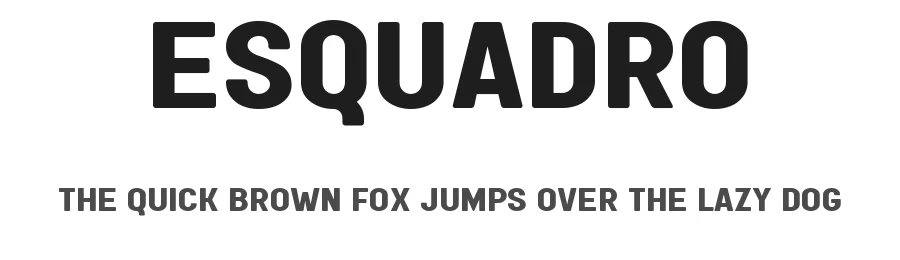
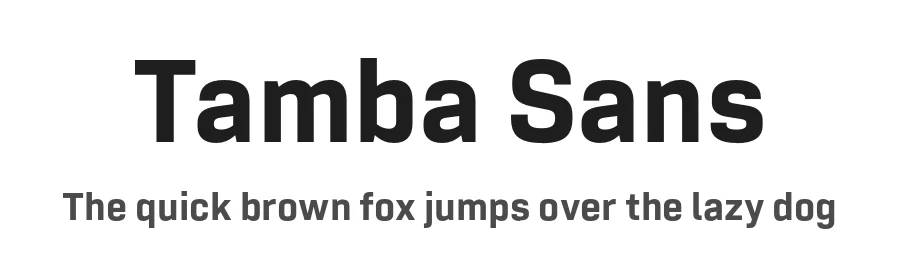
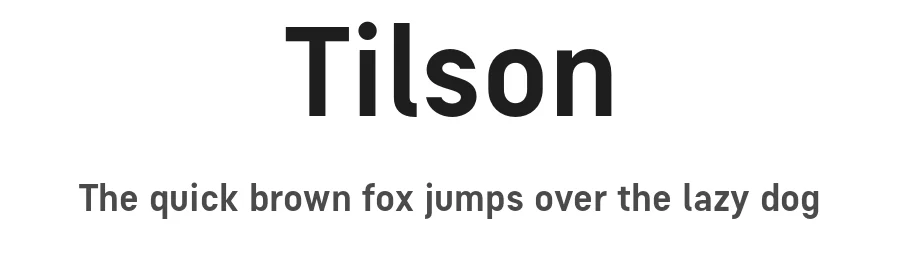
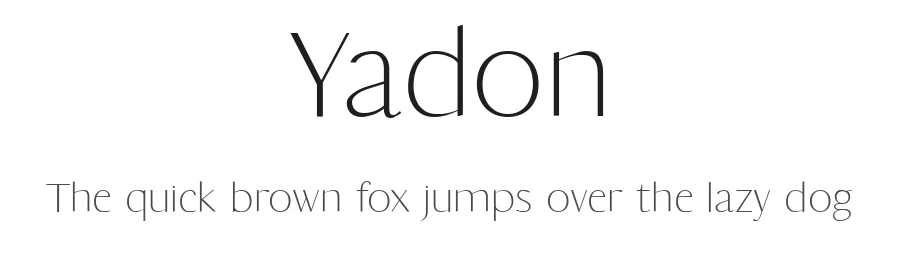
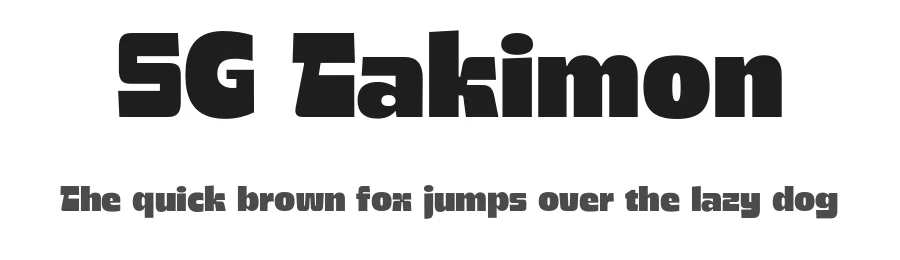
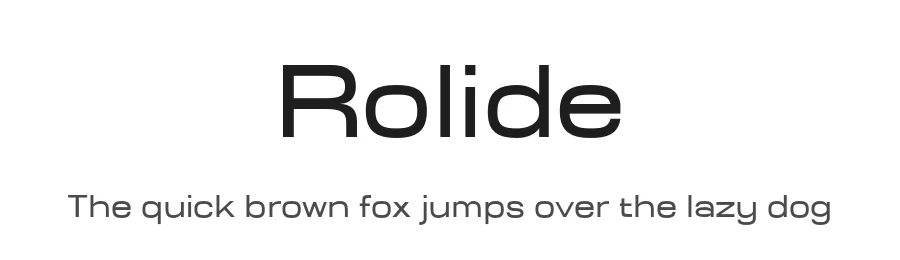
Fonts that look visually alike — matched by our Font Finder model.
Roboto Specifications
| Font Family | Roboto Bk |
| Style | Bold |
| Full Name | Roboto Black |
| Version | 1.00000 |
| Weight | 400 (Regular) |
| Glyph Count | 1037 glyphs |
| PostScript Name | Roboto-Black |
| Designer | |
| Format | TTF (TrueType) |
| File Size | 161.1 KB |
OpenType Features
Roboto ships with 2 OpenType features you can switch on in apps that support them (Illustrator, InDesign, Affinity, Figma, CSS font-feature-settings).
- Standard ligatures
- Small capitals
Languages Supported
Roboto supports 381 languages.
How to Install Roboto Font
Step-by-step instructions for every platform
- 1Download the Roboto font file (.ttf or .otf).
- 2Locate the downloaded file in your Downloads folder.
- 3Right-click the font file.
- 4Select "Install" to install for the current user, or "Install for all users" to make it available system-wide.
- 5Roboto is now available in Word, Photoshop, Illustrator, and all other apps.
Browse fonts by theme
Curated collections →Saw a font in a picture? Identify any font from an image with our free Font Finder.
More Sans Serif Fonts
Browse all →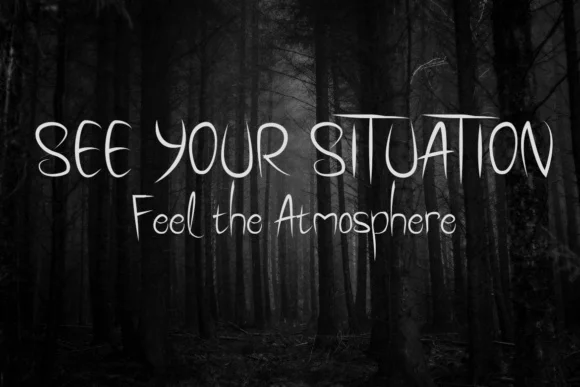
What pairs well with Roboto Font?
Roboto Font is a versatile sans-serif font that works for both headings and body text. Pair it with a contrasting serif or slab serif font to add visual interest and a clear distinction between titles and body copy.
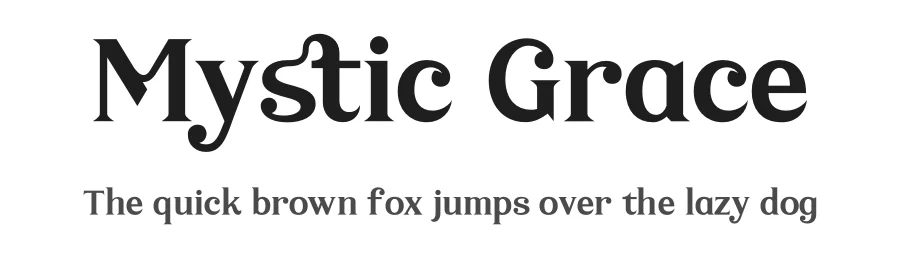
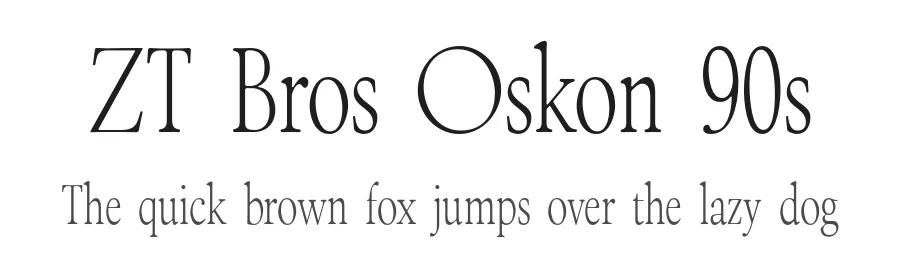
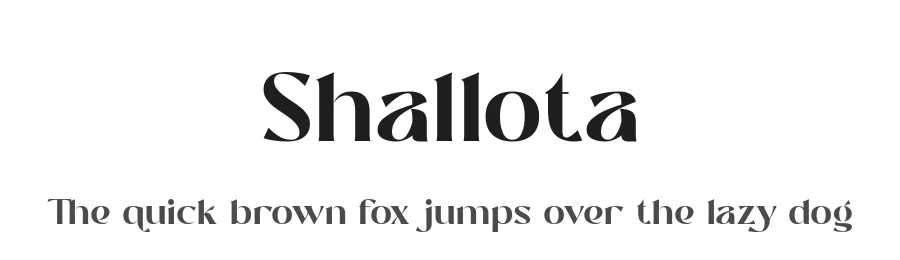
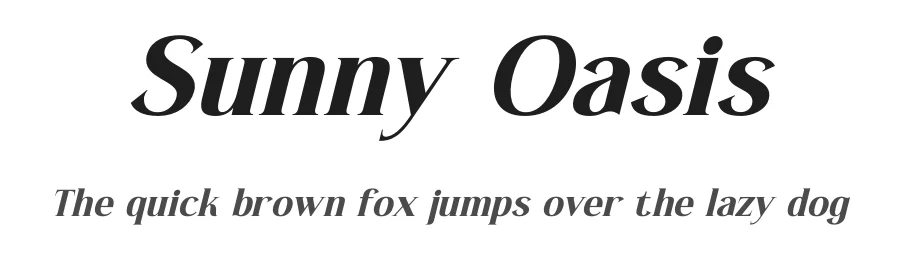
Premium Sans Serif Fonts
★ PremiumWant something with more weights, glyphs, and commercial polish? These premium sans serif fonts are worth a look.