 Firefox
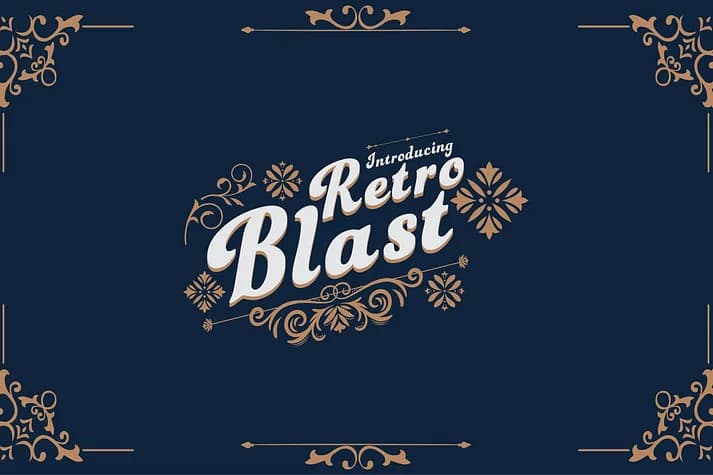 1 / 4
1 / 4About Retro Blast Font
This font channels the funk and unbridled energy of 1970s disco culture in one flowing script. Retro Blast, designed by Dipto Design, captures that era's playful boldness through its dynamic letterforms and the rhythmic visual pulse that runs through every character.
The font works beautifully for throwback social media graphics, vintage record label designs, retro wedding invitation suites, and disco-themed event posters. Its curves and expressive shapes bring real personality to any project needing that time-capsule feel. Each character moves with rhythm, making headlines dance across the layout instead of sitting static on the page. Retro storefronts, funky product packaging for handmade goods, and groovy concert flyer designs all benefit from the authentic period flavor this script delivers without tipping into forced nostalgia. The letterforms have genuine presence and movement throughout, delivering the authentic visual energy every disco-inspired project demands. Available in TTF, OTF, EOT, WOFF, and WOFF2 formats, it's ready to work in any design environment.
Pair Retro Blast with a clean, minimal sans-serif for supporting text to let this script shine as your headline star and establish strong visual contrast in your layouts. Grab it from Creative Fabrica when you're ready to bring some genuine 70s energy to your work.
Style & Use Cases
- Overall Style
- Elegant, Flowing
- Use Case
- Invitations, Branding
- Ideal For
- wedding stationery, greeting cards, and signatures
- Pairs With
- a simple uppercase sans
How to Install Retro Blast Font
Step-by-step instructions for every platform
- 1Download the Retro Blast font file (.ttf or .otf).
- 2Locate the downloaded file in your Downloads folder.
- 3Right-click the font file.
- 4Select "Install" to install for the current user, or "Install for all users" to make it available system-wide.
- 5Retro Blast is now available in Word, Photoshop, Illustrator, and all other apps.
More by Dipto Design
View all →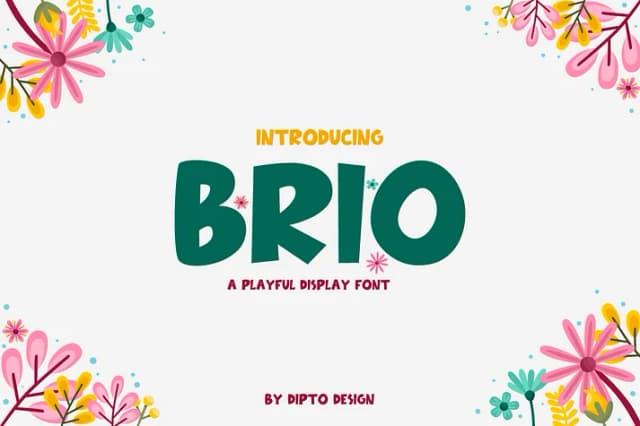
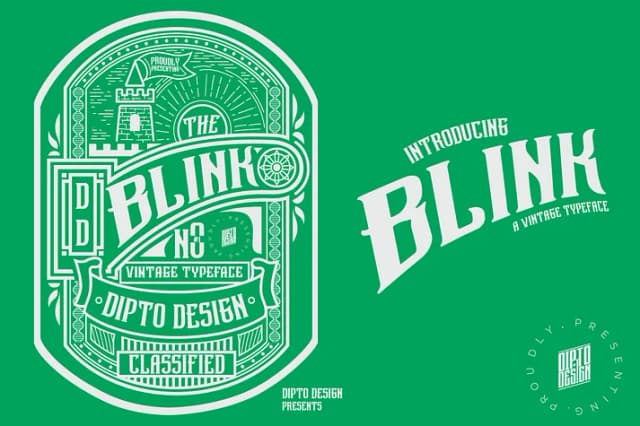
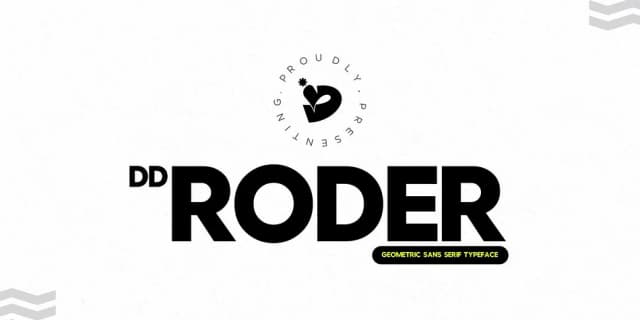

Browse fonts by theme
Curated collections →Saw a font in a picture? Identify any font from an image with our free Font Finder.
More Script Handwritten Fonts
Browse all →







What pairs well with Retro Blast Font?
Retro Blast Font is a script font that shines as a display or heading face. Pair it with a clean sans-serif or serif font for body text — the contrast creates a clear hierarchy while the two styles stay balanced and easy to read.



Retro Blast Font
by Dipto Design
Reviewed by the FontBoxDL team · Updated July 2026