 Firefox
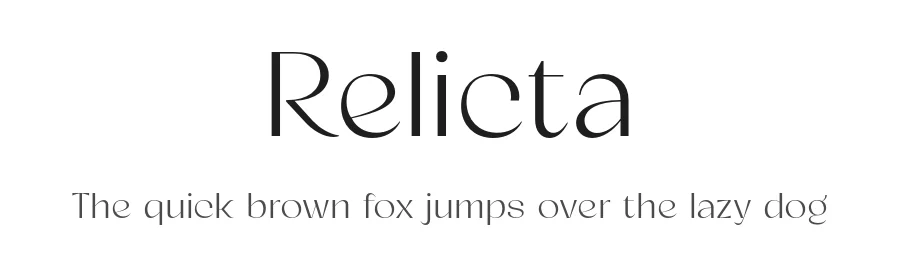 1 / 3
1 / 3Loading font…
About Relicta Font
This license allows you to explore your creativity with our font for personal, non-commercial projects.
1. License Grant
- Youre granted a non-exclusive, worldwide, royalty-free license to use this Font solely for
personal projects. Enjoy making beautiful work just for you!
2. Permitted Uses
- Personal Projects: Create non-commercial projects, such as personal artworks, school
assignments, and hobby projects.
- Install on Personal Devices: You may install the Font on devices you personally own for
your own use.
- Embed in Digital Media for Personal Use: Embed the Font in personal, non-commercial
digital media, like presentations, PDFs, and social media posts, as long as they are not
monetized.
3. Restrictions
- No Commercial Use: You may not use this Font for any project intended to generate
revenue or promote a business or product.
- No Redistribution or Resale: You may not sell, distribute, or share the Font as a
standalone file or package.
- No Modifications: Do not modify, rename, or create derivative works of the Font
without written permission from the Designer.
- No Obscene or Illegal Use: The Font cannot be used in any way that is defamatory,
obscene, or illegal.
4. Upgrade for Commercial Use!
- If youd like to use this Font for commercial purposes, including monetized projects or
branding, please check out the commercial license options! Visit:
www.myfonts.com/collections/jehoo-creative-foundry
By using under this license, you agree to these terms. Enjoy creating your personal projects!
Style & Use Cases
- Overall Style
- Clean, Modern, Basic
- Use Case
- Body Text, UI
- Ideal For
- branding, interfaces, and modern layouts
- Pairs With
- a contrasting serif for headings
OpenType Features
Relicta ships with 6 OpenType features you can switch on in apps that support them (Illustrator, InDesign, Affinity, Figma, CSS font-feature-settings).
- Discretionary ligatures
- Historical forms
- Standard ligatures
- Ordinals
- Stylistic alternates
- Stylistic sets (1)
How to Install Relicta Font
Step-by-step instructions for every platform
- 1Download the Relicta font file (.ttf or .otf).
- 2Locate the downloaded file in your Downloads folder.
- 3Right-click the font file.
- 4Select "Install" to install for the current user, or "Install for all users" to make it available system-wide.
- 5Relicta is now available in Word, Photoshop, Illustrator, and all other apps.
More by Jehoo Creative
View all →
Browse fonts by theme
Curated collections →Saw a font in a picture? Identify any font from an image with our free Font Finder.
More Sans Serif Fonts
Browse all →
What pairs well with Relicta Font?
Relicta Font is a versatile sans-serif font that works for both headings and body text. Pair it with a contrasting serif or slab serif font to add visual interest and a clear distinction between titles and body copy.
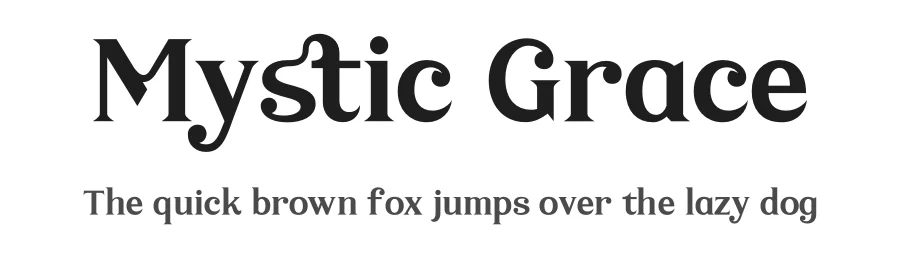
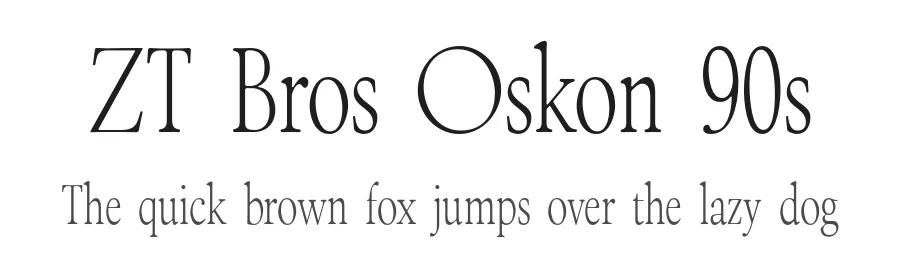
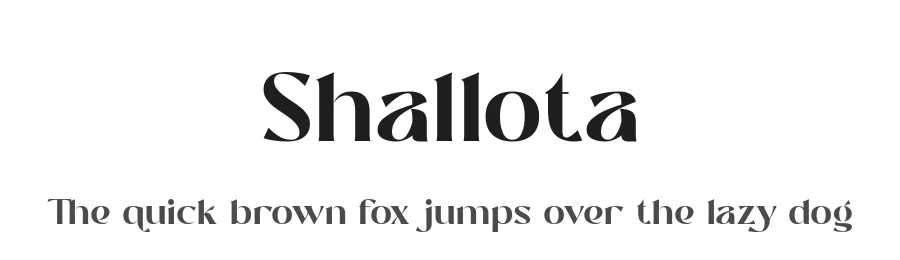
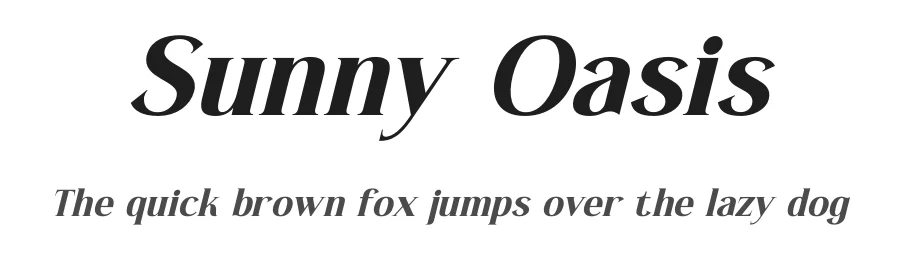
Premium Sans Serif Fonts
★ PremiumWant something with more weights, glyphs, and commercial polish? These premium sans serif fonts are worth a look.
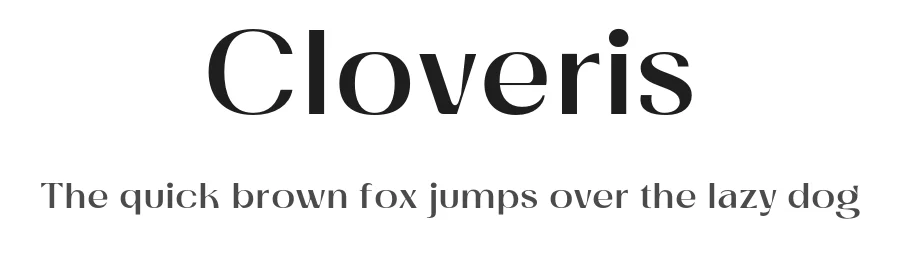
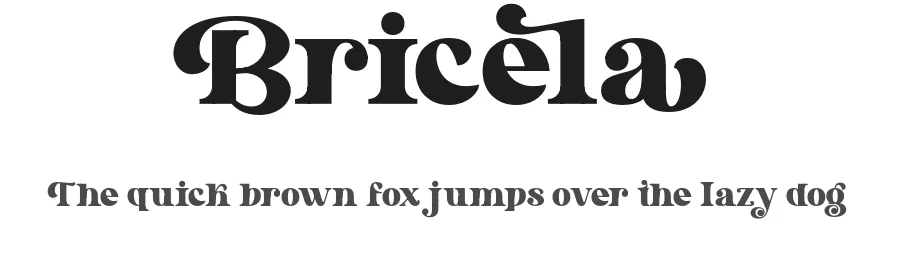

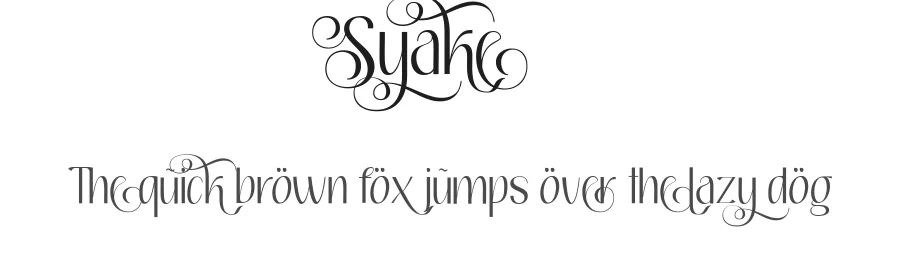
Relicta Font
Reviewed by the FontBoxDL team · Updated October 2026
License: Free for personal use