 Firefox
 1 / 3
1 / 3Loading font…
About Regionaire Font
Picture a restaurant menu where the evening's special announces itself with understated elegance: that's where Regionaire shines. Designed by Display Studio, this serif typeface carries the measured confidence of classic typography while remaining grounded in contemporary design thinking. With support for 248+ languages built on Latin foundations, Regionaire handles international text without requiring separate font files for different regions.
The regular weight sits comfortably at both headline and body sizes, though it truly commands attention when set large. Wedding invitation suites, luxury perfume packaging, editorial magazine spreads, and boutique coffee shop menus showcase Regionaire's refined character and sense of proportion. Its serif structure provides genuine credibility in formal contexts: restaurant wine lists, financial institutions, heritage brand identities, and classic book interiors all deserve this kind of typographic restraint. Sophistication, in this typeface's vocabulary, means knowing when to hold back.
At display sizes, avoid cramped line spacing that would obscure the delicate serif details and diminish their visual impact. Let the letterforms breathe with generous white space around them, and the font rewards you with genuine presence on the page. Try the free demo for personal work, and get the full commercial version on Creative Fabrica when you need to license it for client projects.
Style & Use Cases
- Overall Style
- Classic, Refined, Serif
- Use Case
- Editorial, Print
- Ideal For
- book covers, long-form text, and traditional branding
- Pairs With
- a clean sans-serif for captions
Regionaire Specifications
| Font Family | Regionaire |
| Style | Regular |
| Full Name | Regionaire |
| Version | 1.00 |
| Weight | 400 (Regular) |
| Glyph Count | 372 glyphs |
| PostScript Name | Regionaire |
| Designer | Display Studio |
| Format | TTF (TrueType) |
| File Size | 71.8 KB |
OpenType Features
Regionaire ships with 1 OpenType feature you can switch on in apps that support them (Illustrator, InDesign, Affinity, Figma, CSS font-feature-settings).
- Standard ligatures
Languages Supported
Regionaire supports 248 languages.
How to Install Regionaire Font
Step-by-step instructions for every platform
- 1Download the Regionaire font file (.ttf or .otf).
- 2Locate the downloaded file in your Downloads folder.
- 3Right-click the font file.
- 4Select "Install" to install for the current user, or "Install for all users" to make it available system-wide.
- 5Regionaire is now available in Word, Photoshop, Illustrator, and all other apps.
More by Display Studio
View all →

Browse fonts by theme
Curated collections →Saw a font in a picture? Identify any font from an image with our free Font Finder.
More Serif Fonts
Browse all →
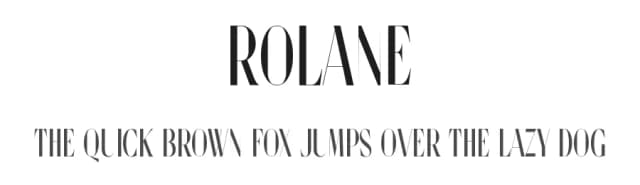
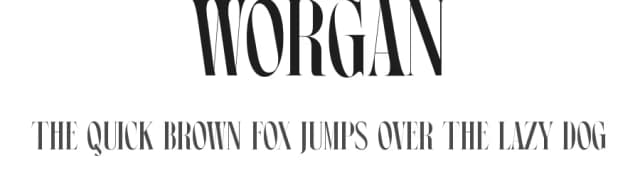
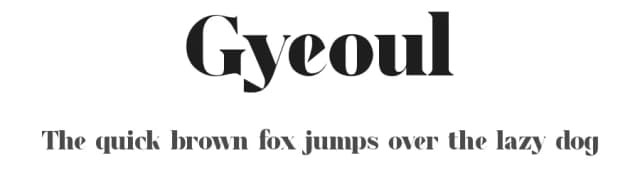
What pairs well with Regionaire Font?
Regionaire Font is a versatile serif font that works for both headings and body text. Pair it with a contrasting sans-serif or slab serif font to add visual interest and a clear distinction between titles and body copy.



Regionaire Font
Reviewed by the FontBoxDL team · Updated August 2026