 Firefox
 1 / 3
1 / 3Loading font…
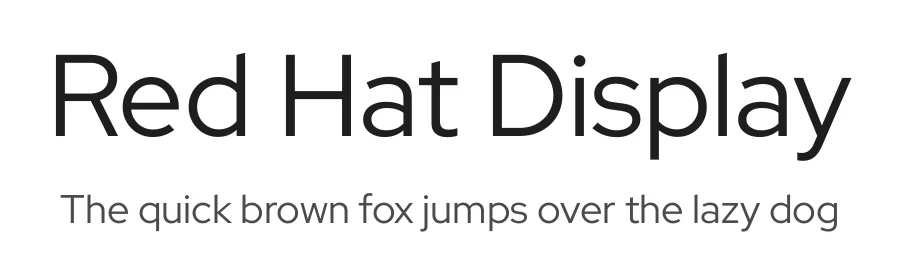
About Red Hat Display Font
Red Hat is a family of typefaces produced in 2 optical sizes and a monospace style, in a range of weights with italics. The fonts were originally commissioned by Paula Scher, Pentagram and designed by Jeremy Mickel, MCKL for the new Red Hat identity. Red Hat is a fresh take on the geometric sans genre, taking inspiration from a range of American sans serifs including Tempo and Highway Gothic. The Display styles are low contrast and spaced tightly, with a large x-height and open counters. The Text styles have a slightly smaller x-height and narrower width for better legibility, are spaced more generously, and have thinned joins for better performance at small sizes. The two families can be used together seamlessly at a range of sizes. The family has been upgraded to variable fonts with a weight axis (Light to Bold) in June 2021. The November 2024 update addresses a frequently reported weight issue. The Medium and SemiBold weights now have slightly different weight compared to the previous version, ensuring better weight distribution within the design space and improved fluidity in the variable font. To contribute, see github.com/RedHatOfficial/RedHatFont
Style & Use Cases
- Overall Style
- Clean, Modern, Sans Serif
- Use Case
- Body Text, UI
- Ideal For
- branding, interfaces, and modern layouts
- Pairs With
- a contrasting serif for headings
Red Hat Display Specifications
| Font Family | Red Hat Display |
| Style | Regular |
| Full Name | Red Hat Display Regular |
| Version | 1.030 |
| Weight | 400 (Regular) |
| Glyph Count | 451 glyphs |
| PostScript Name | RedHatDisplay-Regular |
| Designer | Pentagram, MCKL |
| Format | TTF (TrueType) |
| File Size | 96.1 KB |
OpenType Features
Red Hat Display ships with 12 OpenType features you can switch on in apps that support them (Illustrator, InDesign, Affinity, Figma, CSS font-feature-settings).
- Contextual alternates
- Case-sensitive forms
- Fractions
- Standard ligatures
- Ordinals
- Proportional figures
- Scientific inferiors
- Subscripts
- Superscripts
- Tabular figures
- Slashed zero
- Stylistic sets (2)
- Variable font · axes: wght
Languages Supported
Red Hat Display supports 304 languages.
How to Install Red Hat Display Font
Step-by-step instructions for every platform
- 1Download the Red Hat Display font file (.ttf or .otf).
- 2Locate the downloaded file in your Downloads folder.
- 3Right-click the font file.
- 4Select "Install" to install for the current user, or "Install for all users" to make it available system-wide.
- 5Red Hat Display is now available in Word, Photoshop, Illustrator, and all other apps.
More by MCKL
View all →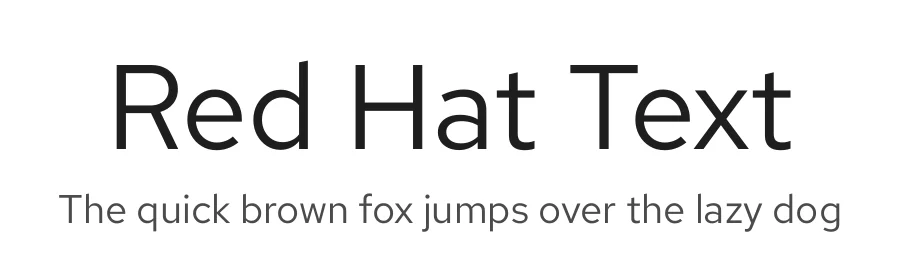
Browse fonts by theme
Curated collections →Saw a font in a picture? Identify any font from an image with our free Font Finder.
More Sans Serif Fonts
Browse all →
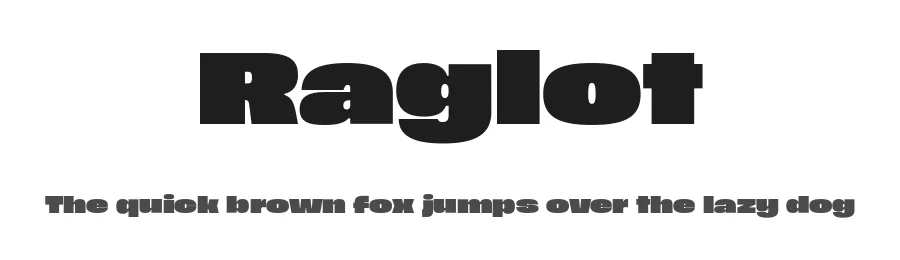
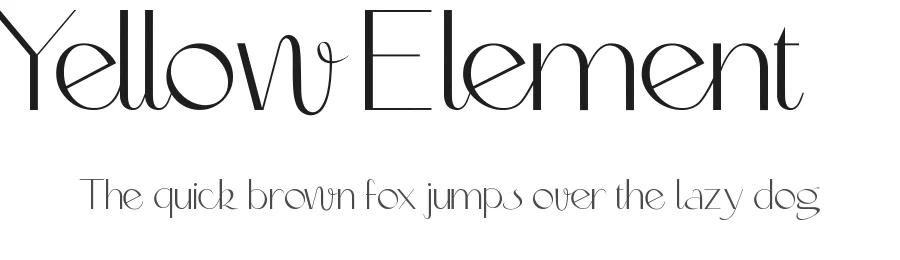
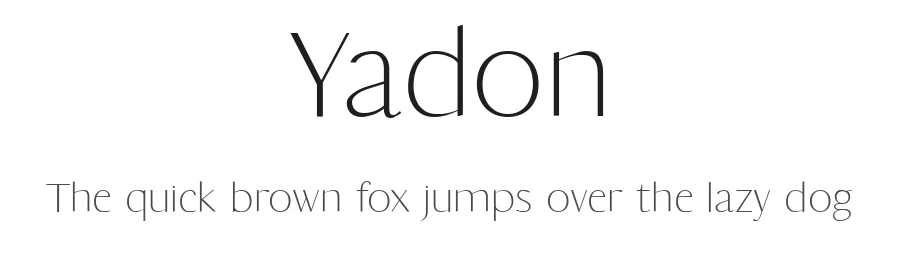
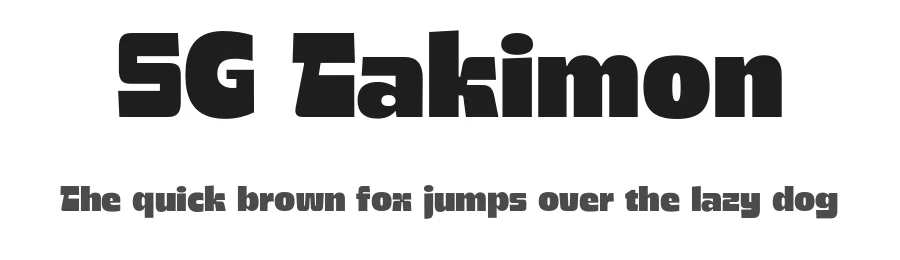
What pairs well with Red Hat Display Font?
Red Hat Display Font is a versatile sans-serif font that works for both headings and body text. Pair it with a contrasting serif or slab serif font to add visual interest and a clear distinction between titles and body copy.
Premium Sans Serif Fonts
★ PremiumWant something with more weights, glyphs, and commercial polish? These premium sans serif fonts are worth a look.
Red Hat Display Font
by MCKL
Reviewed by the FontBoxDL team · Updated July 2026