 Firefox
 1 / 3
1 / 3Loading font…
About Realme Font
Realme is a handwritten script font designed by Daniel Hjort, featuring a medium-weight letterform that brings genuine, organic character to digital and print designs. With 143 glyphs supporting 133+ Latin-based languages, this typeface balances broad international reach with the personal, hand-drawn quality that makes handwritten scripts so compelling for contemporary creative work and personal branding.
This font excels on wedding invitations and formal event stationery, where its moderate weight maintains strong readability while conveying warmth and thoughtfulness. Social media graphics and Pinterest templates gain instant authenticity from its hand-drawn strokes, which cut through algorithmic feeds with human character. Etsy shop banners and product labels pair beautifully with this style, giving handcrafted businesses and independent creators the visual language they need. Packaging design, greeting cards, and custom merchandise mockups all benefit from Realme's approachable, human-made aesthetic and broad language support.
Realme is available as a free download from this page, with licence terms specified on the page. Pair it with a clean, modern sans-serif for body text and product descriptions to ensure maximum readability while preserving the distinctive character Realme brings to headlines and focal points.
Style & Use Cases
- Overall Style
- Elegant, Flowing, Script
- Use Case
- Invitations, Branding
- Ideal For
- wedding stationery, greeting cards, and signatures
- Pairs With
- a simple uppercase sans
Similar Fonts
Fonts that look visually alike — matched by our Font Finder model.

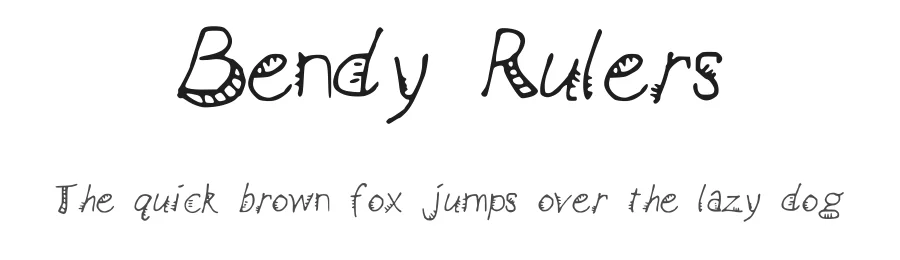
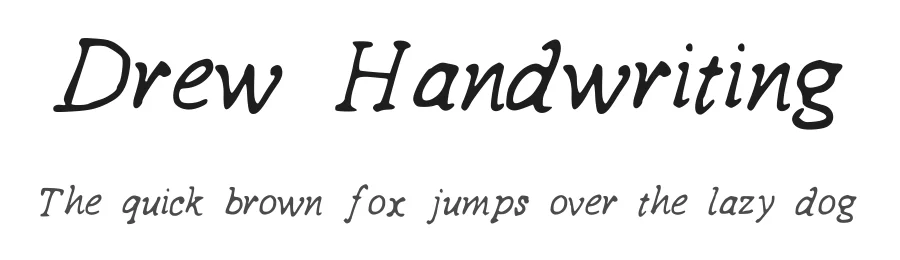
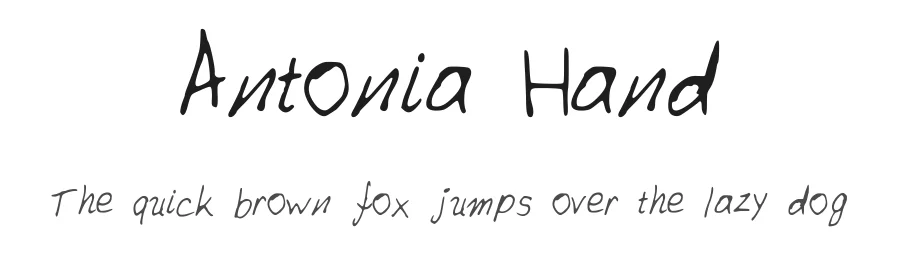

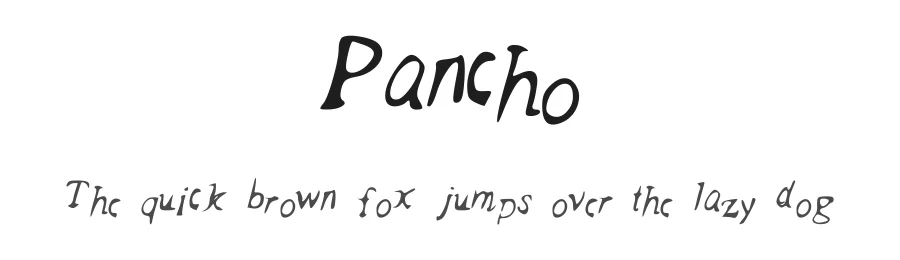
Realme Specifications
| Font Family | realme |
| Style | Medium |
| Full Name | realme |
| Version | 001.000 |
| Weight | 500 (Medium) |
| Glyph Count | 143 glyphs |
| PostScript Name | realme |
| Format | TTF (TrueType) |
| File Size | 24.7 KB |
Languages Supported
Realme supports 133 languages.
How to Install Realme Font
Step-by-step instructions for every platform
- 1Download the Realme font file (.ttf or .otf).
- 2Locate the downloaded file in your Downloads folder.
- 3Right-click the font file.
- 4Select "Install" to install for the current user, or "Install for all users" to make it available system-wide.
- 5Realme is now available in Word, Photoshop, Illustrator, and all other apps.
Browse fonts by theme
Curated collections →Saw a font in a picture? Identify any font from an image with our free Font Finder.
More Script Handwritten Fonts
Browse all →







What pairs well with Realme Font?
Realme Font is a script font that shines as a display or heading face. Pair it with a clean sans-serif or serif font for body text — the contrast creates a clear hierarchy while the two styles stay balanced and easy to read.




Premium Script Handwritten Fonts
★ PremiumWant something with more weights, glyphs, and commercial polish? These premium script handwritten fonts are worth a look.
Realme Font
by Daniel Hjort
Reviewed by the FontBoxDL team · Updated October 2026
License: 100% Free